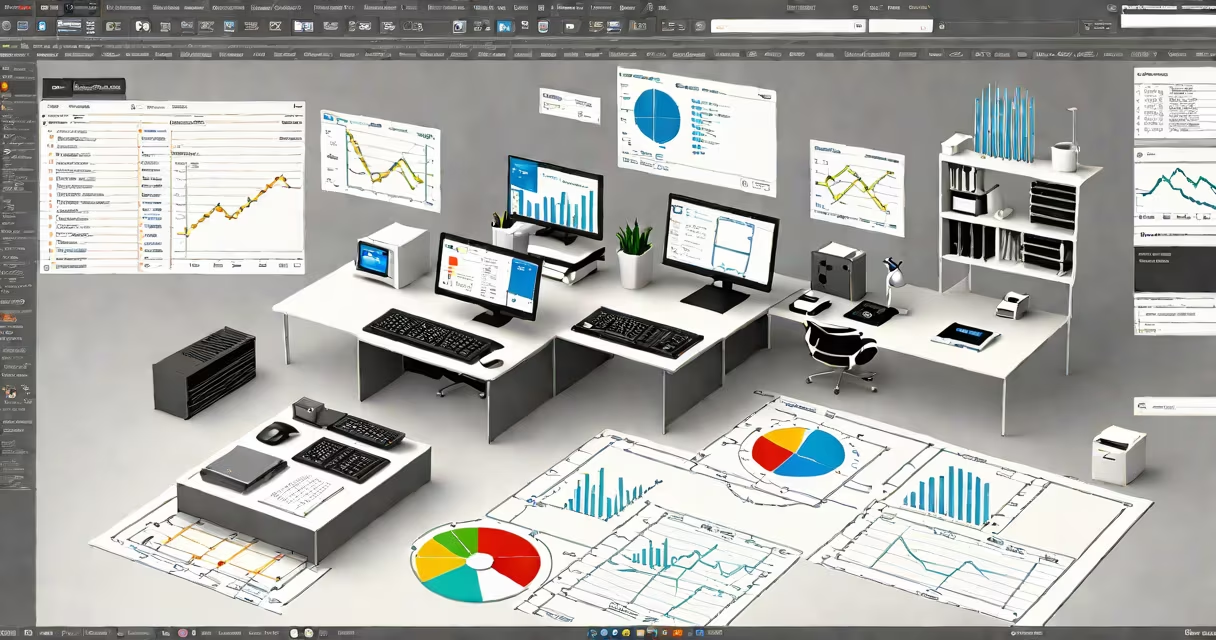
Navision accounting software is a financial management system developed by Microsoft for mid-sized businesses. It integrates accounting, inventory, sales, purchasing, and human resources into a single database-driven platform. The software runs on-premise or via cloud-hosted deployments and supports multi-currency, multi-language, and compliance with international accounting standards.
Originally released in 1992 by Navision A/S, the product was acquired by Microsoft in 2002. Since then, it has evolved into Microsoft Dynamics NAV, now part of the broader Microsoft Dynamics 365 set. Despite rebranding, many users still refer to it as "Navision" due to long-standing familiarity in European and North American markets.
Navision operates on a client-server architecture. Users access the system through a Windows-based interface, though web and mobile clients are available. Data is stored in SQL Server databases, enabling centralized control and secure backups. The system processes transactions in real time, meaning entries appear instantly across departments.
At its core, Navision accounting software uses a central ledger model. All financial activity-sales, purchases, payroll, asset tracking-is recorded against general ledger accounts. Transactions flow through predefined workflows, such as creating a sales order, generating an invoice, and posting payment.
Each transaction triggers automated journal entries. For example, when a customer places an order for $1,200 worth of goods, the system creates a sales invoice, updates inventory levels, and posts a receivable entry to the general ledger. When the customer pays, the system adjusts the cash account and clears the receivable. This ensures accurate, real-time financial reporting.
Users can customize fields, create custom reports using SQL queries, and set up approval chains for purchase orders or expense claims. Integration with external systems happens via APIs, file exports (CSV, XML), or middleware tools like Microsoft Power Automate.
Navision has undergone several major releases since its inception. The most widely used version today is Microsoft Dynamics 365 Business Central, which succeeded Dynamics NAV in 2020. However, legacy implementations of Dynamics NAV still operate in hundreds of organizations worldwide.
| Version | Release Year | Deployment Type | Key Features |
|---|---|---|---|
| Dynamics NAV 2018 | 2017 | On-premise, cloud | Multi-company support, advanced reporting, integration with Office 365 |
| Dynamics NAV 2022 | 2021 | Cloud-only (via Azure) | Modern UI, AI-powered forecasting, enhanced security |
| Business Central (successor) | 2020 | Cloud-first, SaaS | Real-time collaboration, mobile apps, embedded analytics |
Legacy Navision installations often run on older Windows Server versions and SQL Server 2012 or earlier. These systems require ongoing maintenance and face increasing risks from unsupported software. Microsoft ended mainstream support for Dynamics NAV in 2023, urging migration to Business Central.
Navision accounting software is used primarily by manufacturers, distributors, construction firms, and professional services providers. Its strength lies in handling complex supply chains, project costing, and batch tracking.
A distribution company with 15 warehouses might use Navision to track stock levels across locations, generate delivery notes automatically, and reconcile returns. When a shipment arrives, the system checks against purchase orders, logs receipt, and updates inventory. If stock falls below reorder thresholds, it generates a purchase requisition.
For example, a mid-sized HVAC contractor in Ontario uses Navision to manage job costing. Each project has a budget, labor hours tracked by employee ID, and material usage logged per work order. At month-end, the system generates a P&L report by project, showing profit margins. This helped the firm identify underperforming jobs and adjust pricing strategies.
Navision is not a basic spreadsheet tool like Excel. While Excel can handle simple accounting tasks, Navision automates reconciliation, enforces audit trails, and prevents duplicate entries. It's also not a CRM or HRIS system-though it includes modules for customer management and employee payrolls, those functions are secondary to financial processing.
Many confuse Navision with QuickBooks or Xero. Those are designed for small businesses with fewer than 50 employees. Navision supports larger operations with multiple legal entities, subsidiaries, and complex chart of accounts. It also offers role-based permissions, audit logging, and compliance features required by auditors.
A key distinction: Navision is not a cloud-native application. Early versions were installed locally and required IT staff to manage servers. Modern versions are cloud-enabled, but the architecture still assumes a dedicated administrator. This makes it less suitable for freelancers or sole proprietors who lack technical staff.
I once observed a Navision implementation at a manufacturing plant in Michigan. The finance team had spent six months migrating from an outdated system. During training, they struggled with setting up new GL codes and assigning cost centers. After deployment, they reported a 40% reduction in month-end close time-from 10 days to 6-and fewer errors in tax filings.
This aligns with findings from a 2021 study by Nucleus Research, which found that companies using integrated ERP systems like Navision saw a 22% average improvement in financial close efficiency compared to those using standalone tools.
Successful Navision implementations require clear data governance. One firm lost $120,000 in revenue because they failed to update exchange rates during a currency fluctuation. The system used historical rates, leading to incorrect invoicing in foreign currencies.
Another issue arises from poor master data hygiene. Duplicate customer records, inconsistent item numbering, or missing tax codes cause reporting failures. A retail chain in Germany discovered that 17% of their invoices were rejected by tax authorities due to invalid VAT codes-corrected only after auditing the master data.
Always validate your chart of accounts before go-live. Use templates from industry-specific partners. Test workflows with sample data before rolling out to production.
Navision accounting software remains a useful solution for mid-market enterprises requiring integrated financial control. Its strengths lie in scalability, customization, and regulatory compliance-but success demands proper planning, clean data, and trained users.