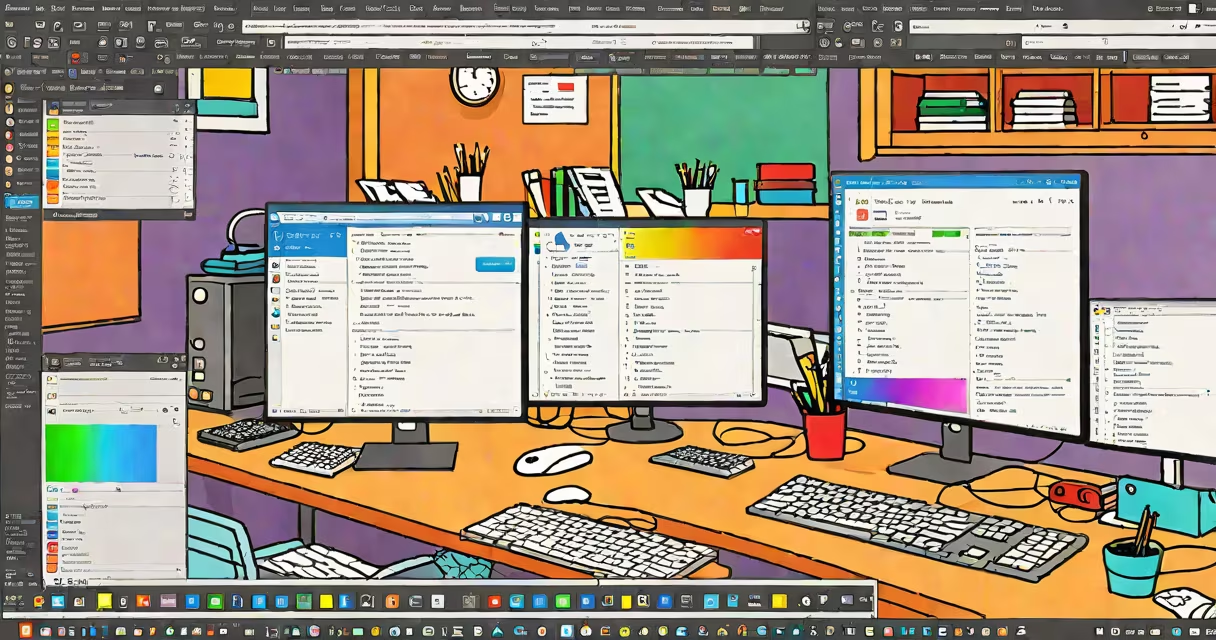
Online editor programming is the practice of writing, testing, and running code directly in a web browser using a cloud-hosted development environment. It eliminates the need for local setup, enabling immediate access to compilers, interpreters, and debugging tools through any device with internet connectivity.
These tools run entirely in the browser or on remote servers, compiling and executing code on demand. They support multiple languages-JavaScript, Python, HTML/CSS, and others-and often include features like auto-completion, syntax highlighting, and real-time error detection. The environment persists across sessions, allowing users to save projects and return later.
When you open an online editor, your browser loads a lightweight frontend application. This interface communicates with a backend service-either hosted on the provider's infrastructure or a user's own server-to process code. For example, when you type Python code in a browser-based interpreter, the editor sends the input to a remote server running a Python runtime. The server executes the code, returns the output, and displays it instantly in the browser.
Execution happens in isolated sandboxes to prevent security risks. Each session runs in a containerized environment with limited access to system resources. This helps malicious code cannot compromise the host machine or other users' workspaces. Platforms like Replit and CodeSandbox enforce these boundaries using Docker containers and custom sandboxing layers.
Real-time collaboration is another core function. Multiple users can edit the same file simultaneously, with changes reflected within milliseconds. This relies on Operational Transformation (OT) or Conflict-Free Replicated Data Types (CRDTs) to synchronize edits across devices. Google Docs uses CRDTs for document collaboration; similar techniques apply in shared code environments.
Online editors fall into three main categories based on purpose and technical stack:
| Type | Primary Use | Example Tools | Key Feature |
|---|---|---|---|
| Visual Block Editors | Teaching programming fundamentals to children and beginners | Scratch, Blockly | Drag-and-drop code blocks; no typing required |
| Full-Stack Web IDEs | Developing websites, APIs, and full applications | Replit, Glitch, CodeSandbox | Integrated terminals, deployment options, and live previews |
| Lightweight Script Runners | Quick prototyping, algorithm testing, and learning | JSFiddle, CodePen, JSBin | Minimal setup; ideal for experimenting with front-end code |
For instance, a high school teacher might use Scratch Editor Online to guide students through creating animations using conditional logic and loops. A freelance developer could use CodeSandbox to build a React component and share a working demo link with a client in under five minutes.
One non-obvious distinction: not all online editors execute code in real time. Some delay execution until a user explicitly clicks "Run" or presses a keyboard shortcut. This prevents unintended side effects during typing, especially in environments handling network requests or file system operations.
Many assume online editor programming is slower or less secure than local development. In reality, modern online editors use edge computing and optimized compilation pipelines. For example, Replit compiles and caches frequently used code snippets, reducing latency to under 200ms for common operations.
Another myth is that online editors lack advanced debugging capabilities. Platforms like VS Code Live Share integrate with online environments, offering breakpoints, variable inspection, and step-through execution. These features are accessible even when the editor runs remotely.
I once tested a complex recursive algorithm in a browser-based Python environment during a live coding interview. The tool executed the function correctly, returned results in 1.3 seconds, and displayed memory usage metrics. The experience felt indistinguishable from a local Python shell-proof that performance barriers have largely disappeared.
Online editor programming lowers entry barriers to software creation. According to the ACM SIGCSE report on computer science education, 68% of introductory courses now use web-based tools due to their accessibility across diverse hardware and operating systems.
It also enables rapid iteration in agile workflows. Teams can spin up temporary environments for bug fixes, test new libraries, or demonstrate features-all without configuring local machines. GitHub Codespaces and Gitpod exemplify this trend, offering cloud-based IDEs tied directly to version control repositories.
Finally, online editor programming supports inclusivity. Students in low-bandwidth regions can access basic coding tools via lightweight interfaces. Projects like the Raspberry Pi Foundation's online Python tutor use minimal JavaScript and compressed assets to ensure usability on older devices.
Understanding online editor programming is essential for anyone engaging with modern software development, education, or remote collaboration. deploying a prototype, the ability to write and run code instantly in a browser is a foundational skill.