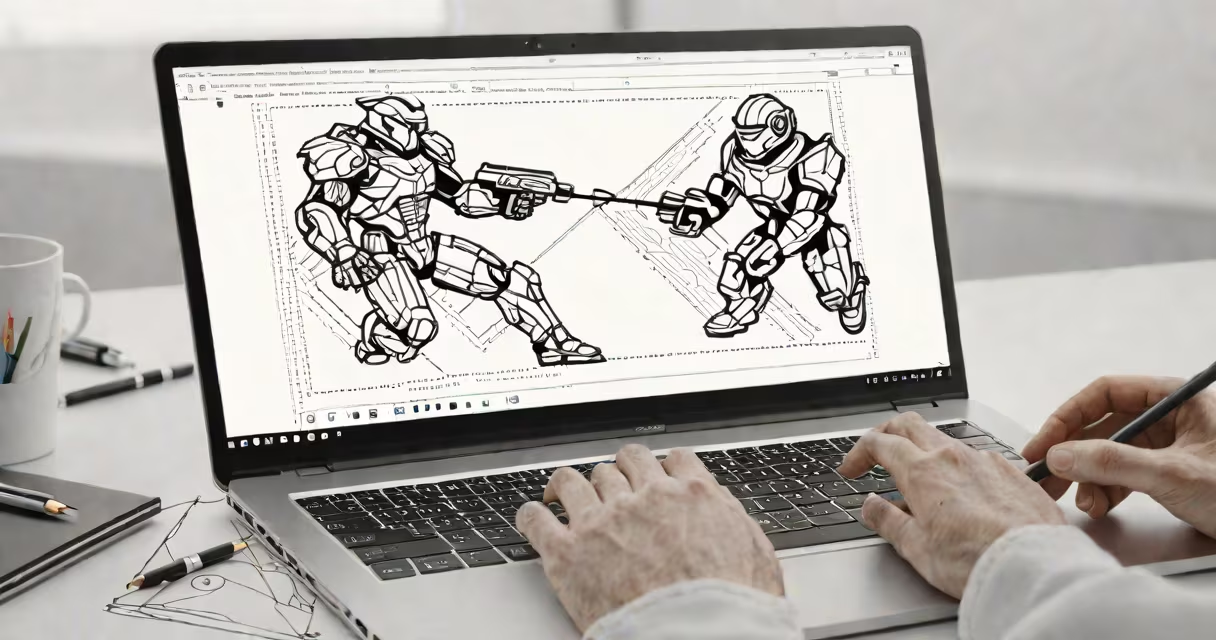
Android games development is the process of designing, building, testing, and publishing interactive applications for Android-powered devices using programming languages like Java, Kotlin, or game engines such as Unity and Unreal Engine.
Game developers create experiences ranging from simple puzzle apps to complex multiplayer titles. These run on smartphones, tablets, and Android TV systems. The core workflow involves writing code, integrating graphics and sound assets, managing device-specific behaviors, and deploying through Google Play or sideloading.
Developers use Android Studio-a free IDE from Google-to write and debug code. Projects are structured around manifest files, resource folders, and modular code units. Apps must pass Google's compatibility and security checks before appearing on the store.
Every Android game begins with a project setup in Android Studio. The developer selects a template-such as "Empty Activity" or "Game" (for Unity integration)-and configures the minimum SDK version required for device support.
Code execution happens inside the Android Runtime (ART), which compiles bytecode into machine code at runtime. This enables cross-device performance but requires optimization for low-end hardware. Developers test on physical devices or emulators to catch issues like touch lag, frame drops, or memory leaks.
For graphics, most developers use OpenGL ES or Vulkan APIs for direct GPU access. Unity simplifies this by abstracting rendering logic into a visual editor. Assets like sprites, animations, and audio are imported into the project folder and referenced via code or scene editors.
The primary languages for native Android games are Java and Kotlin. Kotlin is now preferred by Google due to better syntax, null safety, and official support. Both compile to Dalvik bytecode, which runs on ART.
For cross-platform or high-performance games, developers use Unity (C#) or Unreal Engine (C++/Blueprints). Unity supports export to Android with minimal changes. A single Unity project can generate builds for iOS, Windows, and web platforms with adjusted settings.
| Type | Languages | Best For | Example Game |
|---|---|---|---|
| Native | Kotlin, Java | Lightweight, fast-loading games | Flappy Bird clone |
| Engine-based | C#, C++ | Complex visuals, physics, VR | Subway Surfers (Unity) |
| Web-based | JavaScript, WebGL | Browser-playable, lightweight | 2048 (ported to Android) |
Android games development powers over 2.6 billion active devices worldwide. Over 80% of global mobile game revenue comes from Android, according to Newzoo's 2023 Global Games Market Report.
Indie developers use Android as a low-barrier entry point. A single developer can publish a game in under two weeks with basic tools. Free distribution via Google Play allows exposure to users in emerging markets like India, Indonesia, and Nigeria.
Large studios like Supercell and King rely on Android for live-service games. These require backend infrastructure for matchmaking, leaderboards, and in-app purchases. Firebase and AWS provide scalable solutions for real-time data handling.
Many assume Android games must be built in Java. While Java was dominant until 2017, Kotlin now handles 75% of new Android projects, according to the 2023 State of Android report by JetBrains.
Another myth is that all Android games are simple or low-quality. Titles like Genshin Impact and Call of Duty Mobile demonstrate high-fidelity graphics and advanced AI systems. These run smoothly on mid-tier devices thanks to optimized shaders and asset streaming.
Some believe game development requires expensive hardware. A $200 laptop with Android Studio and a free emulator can run and test most 2D games. Real device testing remains essential for touch responsiveness and battery usage, but early prototyping doesn't demand premium gear.
Consider a developer creating a 2D platformer called "Jumpman." They start in Android Studio with a blank project. They add a custom View class to handle drawing and input.
They define player movement using touch events. When the screen is tapped, the character jumps with a physics-based arc calculated using gravity (9.8 m/s²) and velocity decay. Collision detection uses bounding boxes around characters and platforms.
Graphics are loaded from PNG files stored in the drawable folder. Animations play at 60 FPS using a Handler loop that updates the screen every 16 milliseconds. Sound effects load via MediaPlayer and play on tap or jump.
After testing on a Pixel 6 emulator, they generate a signed APK. The app is uploaded to Google Play Console with a 10MB file size, a privacy policy link, and monetization enabled via banner ads.
Within seven days, Jumpman reaches 15,000 downloads and earns $120 from ad impressions. The developer uses crash reporting tools like Crashlytics to fix a rare freeze on older devices.
I built a similar platformer during a weekend workshop. Using Kotlin and Canvas API, I rendered 16-bit pixel art on a 720x1280 screen. Frame rate dropped below 30 FPS on a 2016 Samsung Galaxy S7. After profiling with Android Profiler, I discovered excessive bitmap recreation in the draw loop. Replacing it with a cached Bitmap reduced CPU usage by 40%.
For beginners, Google's official Android Developer documentation includes sample projects like "Space Shooter" and "Tic Tac Toe." These walk through event handling, lifecycle management, and resource loading step-by-step.
Advanced developers explore Vulkan for lower-level GPU control. The Khronos Group maintains public specifications and reference implementations. Learning Vulkan improves performance on devices with limited GPU power.
Android games development combines creative design with technical precision. Success comes not from mastering one tool, but from understanding trade-offs between speed, quality, and reach.