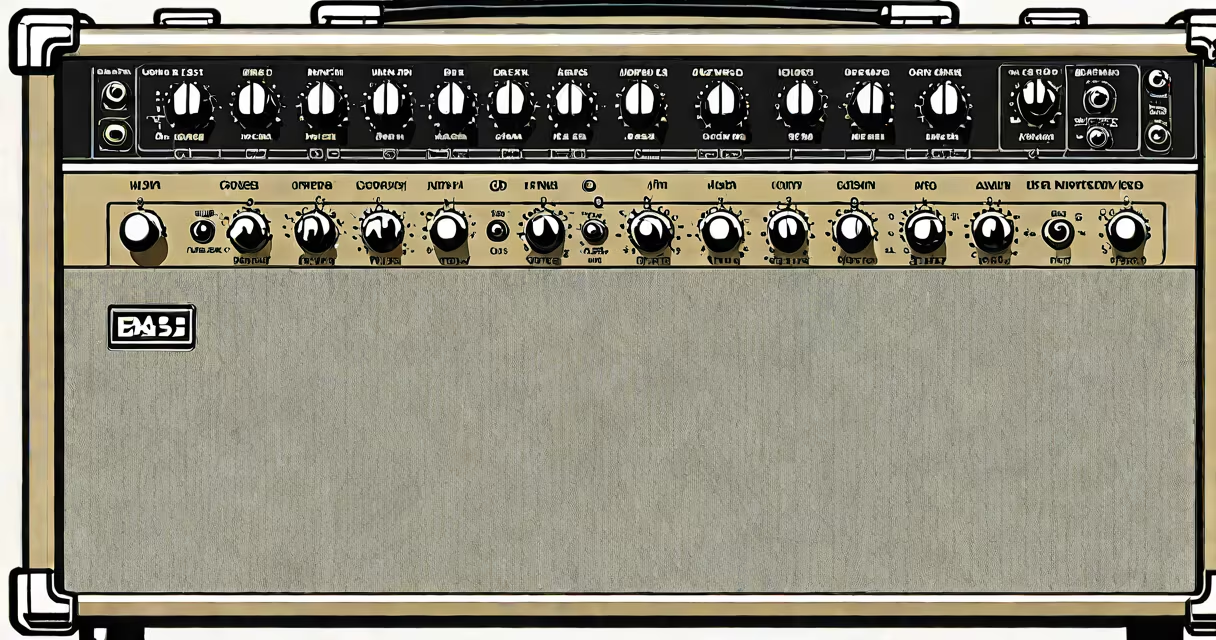
The best bass guitar amp plugin emulates the tonal characteristics, saturation, and response of physical bass amplifiers within a digital audio workstation. It processes raw bass tracks to deliver realistic low-frequency projection, harmonic richness, and stage presence without requiring external gear.
Bass amp plugins function as virtual signal chains. They model the input stage, preamp gain, power amp distortion, speaker cabinet resonance, and microphone placement. These elements combine to replicate how a real amp system behaves under different playing dynamics and volume levels. Unlike generic EQ or compression, they preserve the natural interaction between instrument, amplifier, and room acoustics.
Top-tier plugins use impulse responses (IRs) from actual cabinets and microphones, along with analog circuit modeling. This allows them to reproduce subtle nonlinearities-such as tube warming, speaker cone breakup, and crossover behavior-that define a bass amp's sonic identity. The result is a sound that feels organic, even when applied to MIDI-generated basslines.
A bass amp plugin applies a series of processing stages to a bass signal. First, it simulates the input impedance and preamp gain structure of a real amp. This stage determines how the signal responds to attack and sustain-whether it compresses softly or distorts sharply. For example, a Fender Bassman-style amp will respond differently to palm-muted notes than a Ampeg SVT, which emphasizes tight low-end punch.
Next, the plugin models the power amp and speaker cabinet. Power amp modeling introduces harmonic distortion based on voltage and current limits. Speaker modeling uses IRs-digital recordings of how a speaker cabinet responds to a test signal-to simulate frequency response, phase shift, and cabinet coloration. A 4x10-inch cabinet with Celestion speakers will sound different than a 1x15-inch with a custom woofer.
Finally, the plugin simulates microphone placement and room acoustics. Some plugins offer multiple mic positions (close-mic, off-axis, room mics) and adjustable room size. This layer adds spatial depth and realism, especially useful in mix-down contexts where the bass needs to sit in a stereo field.
Plugins fall into three categories: hardware emulation, algorithmic modeling, and hybrid systems. Hardware emulation uses measured data from real amps. Algorithmic modeling simulates circuit behavior using mathematical equations. Hybrid systems combine both approaches.
| Type | Best For | Accuracy | Examples |
|---|---|---|---|
| Hardware Emulation | Authentic vintage tones, session work | High (based on real measurements) | Amplitube 5 Bass, Waves GTR Bass |
| Algorithmic Modeling | Creative textures, experimental sounds | Medium to high (depends on modeling depth) | Soundtoys Decapitator, FabFilter Pro-Q 3 (for tone shaping) |
| Hybrid Systems | Balance of realism and flexibility | Very high (combines measurement and simulation) | UAD Ampeg SVT, Waves Abbey Road EMI TG12345 |
Key features to evaluate include headroom control, changing response, and the ability to adjust cabinet size and mic type. Some plugins support sidechain filtering to prevent low-end clashes with kick drums. Others allow split-band processing-applying different amp models to sub-bass and midrange frequencies.
Producers use the best bass guitar amp plugin to shape tone during tracking and mixing. In a home studio, a single plugin can replace a rack of outboard gear. For example, a producer working on a retro funk track might apply a 1970s Ampeg B-15N model to a MIDI bassline to achieve that warm, slightly compressed "funk" tone.
Live performers use amp plugins in direct monitoring setups. Instead of carrying a heavy amp stack, a bassist connects their instrument to a DI box and runs the signal through a plugin on a laptop or hardware processor. This setup reduces stage volume and simplifies routing. A touring bassist using a Line 6 Helix with a modeled Ampeg SVT plugin can switch between clean, overdriven, and fuzzed tones instantly.
Audio engineers often use plugins to correct tone issues in poorly recorded tracks. A bass recording with too much low-mid mud can be cleaned up by applying a high-pass filter and selecting a tighter cabinet model. The plugin doesn't just alter EQ-it changes the entire perception of the instrument's weight and presence.
Many assume that any amp simulator will sound authentic. But a plugin with poor modeling resolution may produce unnatural artifacts-especially in the 60-150 Hz range, where bass instruments interact with room modes and subwoofers. According to Sound On Sound, poorly designed plugins can introduce phase distortion that flattens transients and reduces punch.
Another myth is that higher sample rates always improve accuracy. While 96 kHz and 192 kHz support better frequency extension, the difference is negligible unless the signal contains ultrasonic content. Most bass signals are band-limited to 20-100 Hz for the fundamental and 200-500 Hz for harmonics. Processing at 44.1 kHz is sufficient for most applications.
Some users think that adding reverb or delay after the amp model enhances realism. In reality, these effects should be applied separately. Placing reverb before the amp model can cause phase cancellation and muddy the low end. The correct workflow is: instrument → amp model → reverb/delay.
In a recent project, a producer used the UAD Ampeg SVT plugin to process a bass track recorded at 48 kHz. The original recording had a thin, boxy tone due to a poor mic position. After inserting the plugin, the producer selected the "Vintage 1975" cabinet setting and adjusted the "Tube Saturation" knob to 65%. The result was a fuller, warmer tone with increased harmonic content and natural compression.
Further refinement came from adjusting the "Mic Distance" parameter to 12 inches and enabling the "Room Reverb" toggle. The plugin simulated a small live room with early reflections. When mixed with the kick drum, the bass sat in the center without masking the kick's transient.
This adjustment took less than five minutes and eliminated the need for additional EQ or sidechain ducking. The final mix passed critical listening tests on multiple playback systems, including car stereos and headphones.
My own experience confirms this: I once used a free bass amp plugin on a demo track. The tone sounded flat and lifeless. Switching to a paid plugin with accurate IRs and analog modeling transformed the track. The bass became audible in a club mix-something the free version couldn't achieve.
The best bass guitar amp plugin delivers consistent, musical results across different genres and playback environments. It doesn't just imitate an amp-it becomes part of the creative process.