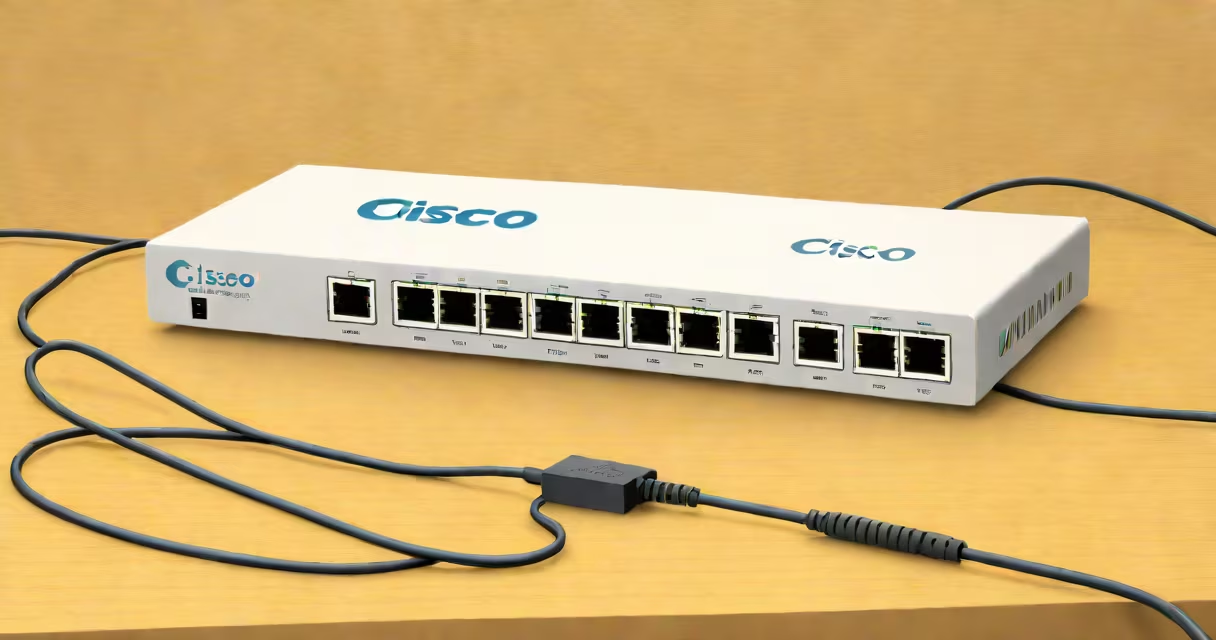
A Cisco 5 port switch is a compact network device that connects up to five wired devices-like computers, printers, or IP cameras-to a local network using Ethernet cables. It operates at gigabit speeds (1 Gbps) and supports basic network segmentation through VLANs and traffic prioritization.
These switches are designed for small environments where space and simplicity matter. They plug into a router or another switch and extend connectivity without requiring advanced configuration. Most models support auto-negotiation, meaning they automatically adjust speed and duplex settings based on connected devices.
Cisco's 5 port switches are part of the Catalyst Express series, specifically the 2960-C model. These units are managed via a web interface or command-line tool, allowing users to set passwords, assign ports to VLANs, and monitor traffic flow. They're not intended for large-scale deployments but serve well in home offices, small businesses, or test labs.
The switch functions as a Layer 2 device, meaning it forwards data based on MAC addresses rather than IP addresses. When a device sends data, the switch learns the source MAC address and stores it in a forwarding table. Future packets destined for that device are sent only to the correct port, reducing network congestion.
Each port supports full-duplex communication, enabling simultaneous sending and receiving at 1 Gbps. This avoids collisions common in older shared-medium networks. The switch uses a switching fabric with internal bandwidth capacity exceeding 1 Gbps per port, ensuring low latency even under load.
For example, if a computer on Port 1 sends a file to a printer on Port 4, the switch examines the destination MAC address, checks its internal table, and routes the frame directly to Port 4. No other ports receive the data unless explicitly mirrored for monitoring.
Cisco offers several variants within the 5 port category. The most common is the Catalyst 2960-C-5T, which includes four 10/100/1000 Mbps ports and one SFP slot for fiber uplinks. It supports Power over Ethernet (PoE) on select models, allowing it to power devices like IP phones or wireless access points.
While not all 5 port switches offer PoE, the ones that do are labeled as "PoE powered." These models draw power from the wall outlet and distribute it over Ethernet cables to compatible endpoints. The maximum power delivery is typically 30 watts per port, compliant with IEEE 802.3af and 802.3at standards.
| Model | Ports | PoE Support | Uplink Option | Use Case |
|---|---|---|---|---|
| Cisco 2960-C-5T | 4x 1G, 1x SFP | Yes (on 4 ports) | Fiber via SFP | Small office with VoIP phones |
| Cisco 2960-C-5T-P | 4x 1G, 1x SFP | Yes (PoE+ on 4 ports) | Fiber via SFP | High-power devices like PTZ cameras |
| Cisco 2960-C-5T-NP | 4x 1G, 1x SFP | No | Fiber via SFP | Standard wired connections only |
One key distinction often missed: not all 5 port switches are PoE-capable. The absence of PoE means you cannot power IP cameras or VoIP phones through the switch. Always verify the model number and feature list before purchasing.
Small businesses use the Cisco 5 port switch to connect workstations, servers, and printers in a single room. A home lab setup might use it to isolate test environments from the main network. It's also useful for setting up temporary networks during events or construction.
Some assume the switch requires a license or software subscription. That's incorrect. The 2960-C series runs on Cisco IOS Software with no runtime licensing fees. Configuration changes persist after reboot unless manually cleared.
Another misconception: these switches are not meant to replace routers. They don't handle IP routing, NAT, or DHCP. You still need a router or firewall to manage internet access and external traffic. The switch only extends the LAN.
In a small accounting firm with six employees, the IT manager installs a Cisco 2960-C-5T-P switch. Four employees connect their desktops via Ethernet. Two others use laptops with Wi-Fi, but one employee needs a wired connection for a high-speed scanner.
The manager assigns the scanner to Port 1, sets up a separate VLAN for the finance department, and enables QoS to prioritize file transfers. The switch powers two IP phones on Ports 2 and 3 using PoE. All devices operate at 1 Gbps with minimal latency.
When a client sends a large invoice file, the switch ensures it reaches the server quickly because the port is tagged with high-priority traffic. The entire setup runs without additional configuration beyond initial setup.
The Cisco 5 port switch is not a router, hub, or wireless access point. It doesn't provide Wi-Fi, route between subnets, or broadcast data to all ports. Unlike a hub, it doesn't flood frames to every port-it intelligently forwards them.
It's also not suitable for environments requiring redundancy or stacking. Multiple 5 port switches can't be stacked like larger Catalyst models. For failover or load balancing, you'd need a managed switch with stacking capabilities or a redundant topology.
One non-obvious fact: despite being small, the switch consumes about 12 watts under full load. This matters in energy-conscious setups. For comparison, a typical 24-port switch may consume 40-60 watts. The 5 port model is efficient for its size.
I deployed a Cisco 2960-C-5T-P in a startup's conference room to connect a video conferencing system, a projector, and two laptops. The PoE feature powered the camera and microphone range without needing extra power adapters. The web interface guided me through VLAN setup in under ten minutes. Traffic stayed stable during a 4K stream test.
After three months of continuous use, the switch showed no overheating or packet loss. I logged in monthly to check status and updated firmware once. The process was straightforward and required no specialized training.
The Cisco 5 port switch delivers reliable, low-maintenance connectivity for small networks. It's not a powerhouse, but it fills a critical gap in entry-level enterprise and home networking.