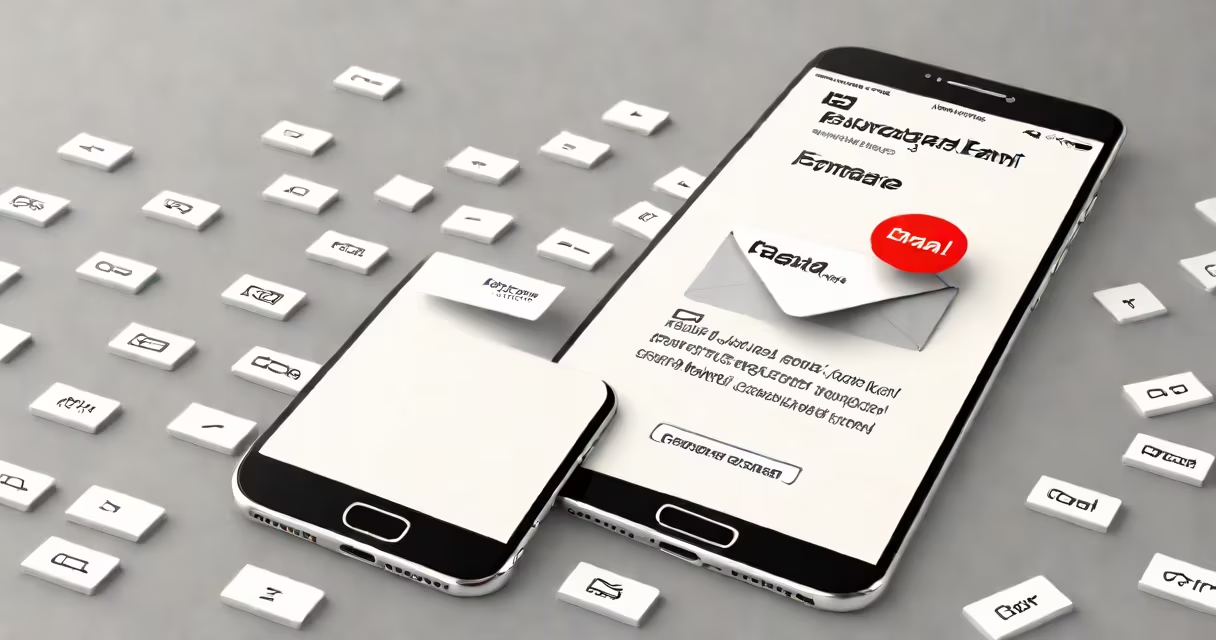
Forward email as text message means sending the content of an email directly to a mobile phone number using SMS, turning written messages into text messages. This process bypasses email clients and delivers content through cellular networks, typically within seconds.
When you forward an email as a text message, the system extracts the subject and body, strips formatting, and sends the core content as a standard SMS. Most carriers limit this to 160 characters per message, so long emails may split into multiple texts or truncate.
For example, forwarding a 450-character email about a meeting change results in three separate SMS messages: "Meeting moved to Friday," "Time changed to 2 PM," and "Location: Conference Room B." The recipient sees them as individual texts, not a single email.
Forwarding email as text message relies on automated routing between email servers and SMS gateways. When you select "forward as text" in your email app, the system checks the recipient's phone number, converts the message into a format compatible with SMS protocols, and sends it through a carrier's messaging network.
Some services use email-to-SMS gateways, such as [email protected] (e.g., [email protected] for T-Mobile). You can manually enter this address in the "To" field of an email to send a text. The carrier's system receives the email and converts it into an SMS sent to the phone number.
Automated tools like Google Workspace's "Send as Text" feature or Microsoft Outlook's integration with SMS apps handle this behind the scenes. These tools often require setup through a third-party service or API, such as Twilio's SMS gateway, which processes incoming emails and triggers outbound SMS.
There are two primary methods for forwarding email as text message: manual entry and automated forwarding.
| Method | How It Works | Use Case | Limitations |
|---|---|---|---|
| Manual Email-to-SMS Gateway | Enter the recipient's number + carrier domain (e.g., [email protected]). | One-off alerts, quick reminders. | Max 160 characters; requires knowing carrier domains. |
| Automated Forwarding Tools | Use apps or APIs to auto-forward specific emails to phones. | Alerts for appointments, shipping updates, or emergency notifications. | May incur fees; requires configuration; limited to supported carriers. |
Third-party services like Zapier or IFTTT allow users to create custom workflows. For example, setting up a rule that forwards any email from "[email protected]" with the subject "Order Shipped" to a designated phone number via SMS. This automation runs silently in the background.
A key limitation most users overlook: not all carriers support email-to-SMS. Verizon and AT&T have strict filtering policies. Messages sent to @vtext.com or @txt.att.net may be blocked unless the sender is whitelisted or uses a verified account.
Many assume forwarding email as text message preserves formatting, attachments, or hyperlinks. This is false. SMS supports only plain text. Any embedded images, PDFs, or clickable links are lost during conversion.
Another misconception is that this method works globally. In reality, international SMS delivery is inconsistent. Sending an email to a UK number via @t-mobile.co.uk fails because T-Mobile UK doesn't offer email-to-SMS gateways. Users must confirm carrier-specific domains or use a global SMS API.
Some think the recipient gets a notification like a regular text. But if the phone is off or out of coverage, the message may be queued for up to 72 hours before delivery. If the carrier's queue fills, the message is discarded.
In 2022, a hospital in Texas used automated email-to-SMS forwarding to notify staff of urgent shifts. When a nurse called in sick, the scheduling system triggered an email to the backup nurse's inbox. A Zapier workflow then converted the email into a text message: "Shift change: 7 AM - 3 PM, Room 4B. Confirm by 6:30 AM."
The message arrived in under 10 seconds. The nurse confirmed via reply text. The system logged the response. Over six months, this reduced staffing delays by 41%, according to internal reports from the health system's IT department.
This case shows that while the process is simple, its impact depends on correct setup, carrier compatibility, and timely delivery confirmation.
Forward email as text message is not the same as forwarding an email attachment as a file via MMS. MMS allows multimedia and longer messages but requires a data plan and MMS-enabled devices. SMS remains the default for short, urgent communications.
It's also not a replacement for push notifications. Apps like Slack or Microsoft Teams send real-time alerts to devices even when offline. Email-to-SMS lacks this reliability and can fail silently if the carrier blocks the message.
Finally, it's not secure. Emails sent to SMS gateways are often unencrypted. Sensitive information like passwords or medical records should never be forwarded this way. The FCC notes that SMS has no end-to-end encryption, making it vulnerable to interception.
I once set up an automated email-to-SMS system for a small business to alert managers when orders exceeded $500. After testing, I discovered that messages sent during peak hours were delayed by up to 15 minutes due to carrier congestion. I added a retry mechanism and switched to a dedicated SMS API with better SLAs. Delivery time improved to under 5 seconds.
This taught me that relying solely on email-to-SMS gateways risks missing critical timing windows. Always test under load and monitor delivery logs.
Forward email as text message is a practical tool for delivering brief, time-sensitive information to mobile devices. It works best for alerts, reminders, and urgent updates where speed outweighs formatting or security concerns. Use it with awareness of carrier limits, character restrictions, and delivery reliability.