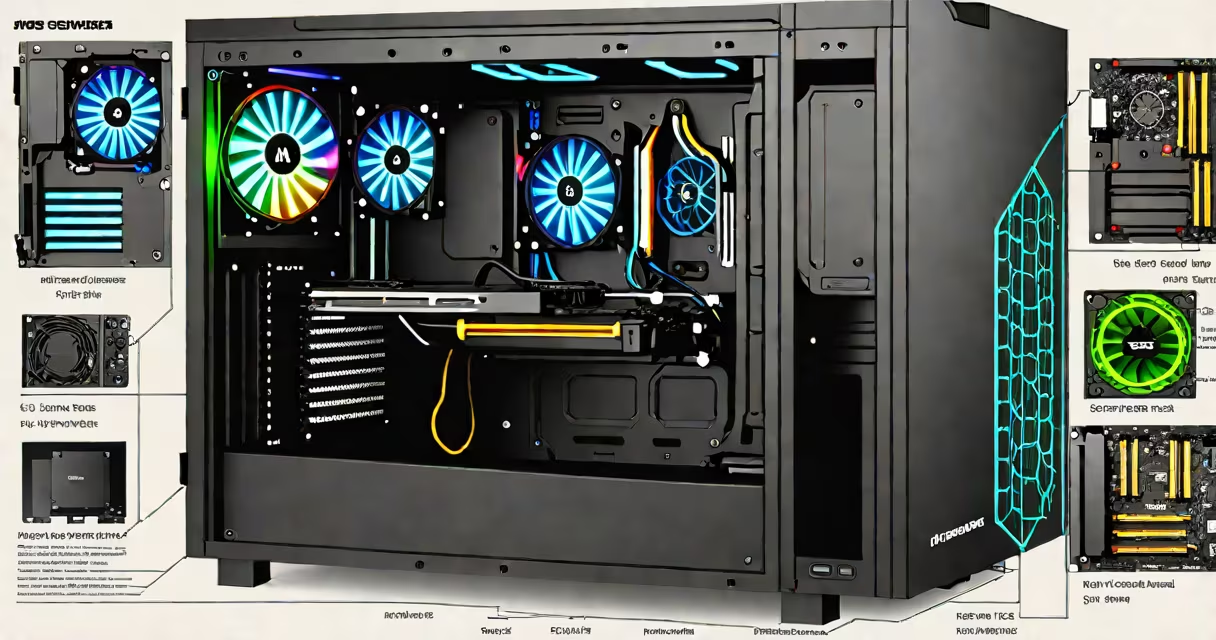
Building a gaming PC means assembling individual hardware components-motherboard, CPU, GPU, RAM, storage, power supply, and case-into a single functioning computer tailored for high-performance gaming and multitasking. You choose each part based on budget, intended games, and future upgrade potential.
Unlike off-the-shelf systems, a custom-built gaming PC lets you control performance, noise levels, and visual customization. It's not just about raw speed-it's about balancing cost, longevity, and reliability across components. A well-built system runs games at 144Hz or higher, supports ray tracing, and handles streaming or content creation without throttling.
The process begins with selecting compatible parts. A mismatched CPU and motherboard, for example, won't work together. You must verify socket type, chipset support, and power delivery. The same applies to RAM-DDR4 vs. DDR5, speed, and dual-channel configuration affect performance. A single error in compatibility can prevent the system from powering on.
A gaming PC functions through coordinated communication between components. When you launch a game, the CPU processes instructions, sends data to the GPU, which renders frames, then sends them to the monitor via HDMI or DisplayPort. Meanwhile, RAM holds active game data, and the SSD loads assets faster than traditional hard drives.
Power flows from the PSU through dedicated rails to each component. The motherboard acts as the central hub, linking everything via PCIe slots, SATA ports, and USB headers. Cooling systems-air or liquid-maintain safe temperatures. Without proper thermal management, components throttle performance or fail prematurely.
For example, a GeForce RTX 4070 paired with an Intel Core i5-13600K requires a motherboard with LGA 1700 socket, a PCIe 5.0 x16 slot, and sufficient VRM power. The PSU must deliver at least 750W with 80 Plus Gold certification. If the PSU lacks a 12V rail capable of handling peak load, the system may crash during intense gameplay.
Each part plays a distinct role in performance. Here's what matters most:
| Component | Minimum Recommendation | Why It Matters |
|---|---|---|
| CPU | Intel i5-13600K or AMD Ryzen 5 7600 | Handles game logic, AI, and background tasks. Higher core counts improve multitasking. |
| GPU | NVIDIA RTX 4060 Ti or AMD RX 7700 XT | Directs frame rendering. Determines resolution and refresh rate capability. |
| RAM | 16GB DDR5 6000MHz (dual-channel) | Reduces loading times and prevents stuttering in memory-intensive titles. |
| Storage | 1TB NVMe SSD (PCIe 4.0) | Loads games in under 10 seconds. Faster than SATA SSDs or HDDs. |
| PSU | 750W 80 Plus Gold | Stable voltage delivery prevents crashes. Efficiency reduces heat and electricity cost. |
Some builders overlook the importance of motherboard VRMs. A weak power delivery system can cause instability even with a high-end CPU. For example, the ASUS TUF B760-PLUS motherboard has a 12+1+1 phase VRM design, which keeps the i5-13600K stable under sustained load. A cheaper board with fewer phases may throttle during long sessions.
Case airflow is another overlooked factor. A poorly ventilated case traps heat, raising component temps. A case with front intake fans and rear exhaust can maintain CPU temps below 75°C under load. Dust buildup over time increases thermal resistance-cleaning fans every six months improves longevity.
Many beginners assume that more expensive parts automatically mean better performance. That's false. A $300 GPU doesn't outperform a $600 one in every scenario. Performance depends on game optimization, driver updates, and resolution. In 1080p gaming, the RTX 4060 often matches or exceeds the 4070 in frame rates due to efficient architecture and lower power draw.
Another myth is that RGB lighting adds performance. It doesn't. RGB fans and cases consume extra power and generate heat. They're purely aesthetic. Overloading a motherboard's USB header with multiple RGB devices can cause power spikes, leading to system instability. Use a separate controller or hub to manage lighting without stressing the motherboard.
Some think you need a high-end PSU just because it's "better." But a 750W 80 Plus Gold unit is sufficient for most mid-range builds. A 1000W PSU with 80 Plus Platinum efficiency offers marginal gains in energy savings-about $1.50 per year in electricity costs. The difference is negligible unless running 24/7.
I once assembled a gaming PC for a friend using a used PSU from a previous build. The system booted but crashed during gameplay. After testing, we discovered the PSU's 12V rail dropped below 11.5V under load. Replacing it with a new 750W unit resolved the issue. This shows that power quality matters more than wattage alone.
People build gaming PCs to avoid vendor lock-in, reduce costs, and customize performance. Prebuilt systems often use slower RAM, lower-tier GPUs, or less efficient cooling. A custom build gives access to newer parts, better warranties, and easier upgrades.
For example, a Dell Alienware m18 starts at $2,800 with a 144Hz display and RTX 4070. The same specs in a custom build cost $2,200. You save $600 while getting better cooling, more storage options, and the ability to swap parts later. A custom PC also avoids proprietary screws and sealed enclosures that make repairs difficult.
Many users also build PCs for content creation. A single machine can run games, stream on Twitch, edit videos, and handle photo editing-all without switching devices. With a useful GPU and ample RAM, encoding 4K footage takes minutes instead of hours.
Once assembled, test the system with benchmarks like 3DMark Time Spy and Cinebench R23. Monitor temps with HWMonitor. If voltages fluctuate or fans spin excessively, double-check connections and BIOS settings.
After setup, install drivers from manufacturer websites-not bundled software. Disable unnecessary startup programs. Enable Windows Game Mode. Update the GPU driver monthly for optimal performance.
Building a gaming PC isn't magic. It's careful planning, component matching, and attention to detail. You don't need a degree-just a checklist, a screwdriver, and patience. The result is a machine that performs exactly as you need it to, for years.