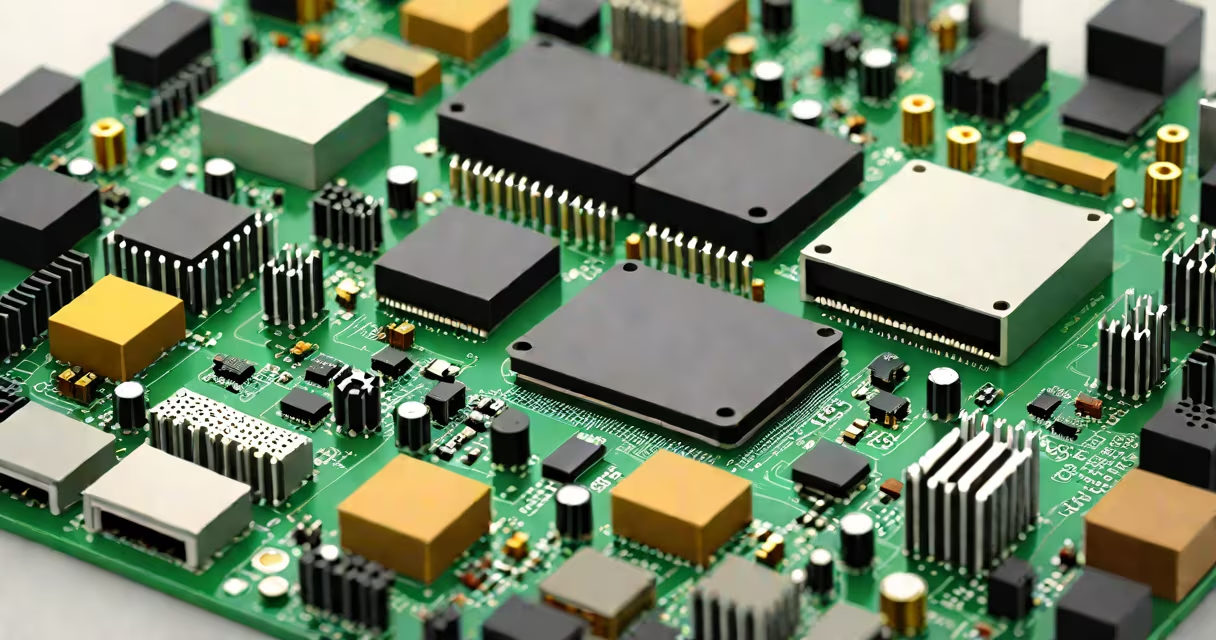
Mini PC parts are the discrete components-motherboard, processor, memory, storage, power supply, and cooling elements-that combine to create a compact desktop computer in a small form factor. These systems prioritize space efficiency while maintaining performance suitable for everyday computing, media playback, and light productivity tasks.
Unlike full-sized desktops, mini PCs rely on integrated or low-profile components designed to fit within enclosures measuring under 10 liters. The core architecture centers on miniaturized motherboards like Mini-ITX or Nano-ITX, which support compact CPUs such as Intel Core i3/i5/i7 U-series or AMD Ryzen Embedded models. These parts are engineered to balance thermal output, power draw, and computational capacity in limited physical space.
Each component in a mini PC serves a specific function, but their integration demands precision. The motherboard acts as the central hub, connecting the CPU, RAM, storage, and peripheral ports. Due to size constraints, these motherboards often lack full-size PCIe slots and may use M.2 or M.2 NVMe sockets for storage and Wi-Fi cards.
The CPU handles all processing tasks. In mini PCs, processors are typically low-power variants with integrated graphics-such as Intel's U-series or AMD's Ryzen Mobile chips-eliminating the need for a separate GPU in most cases. This reduces heat generation and allows passive cooling in many models.
Memory and storage are critical for responsiveness. Mini PCs usually use soldered or SODIMM-type RAM, limiting upgrade options. Storage is almost always NVMe SSDs due to their speed and small footprint. A 1TB NVMe drive can boot Windows 11 in under 10 seconds and sustain sequential read speeds above 3,000 MB/s.
Understanding the role of each part prevents mismatched builds and ensures long-term reliability. Below is a breakdown of essential components:
| Component | Function | Common Types | Size/Power Notes |
|---|---|---|---|
| Motherboard | Connects all internal components | Mini-ITX, Nano-ITX, mATX | Typically 170mm x 170mm; supports 1-2 RAM slots |
| Processor (CPU) | Executes instructions and manages system operations | Intel Core i3/i5/i7 U-series, AMD Ryzen 3/5/7 Embedded | 15-65W TDP; often integrated graphics |
| RAM | Temporary memory for running applications | LPDDR4x, DDR4 SODIMM | 8-32GB; soldered in many models |
| Storage | Permanent data storage | NVMe M.2 SSD (2280 size) | 256GB-2TB; 2,000-7,000 MB/s read speeds |
| Power Supply | Converts AC to DC for internal components | Internal 30-60W DC-DC adapter | Often built into the chassis; no external PSU needed |
| Cooling | Manages heat dissipation | Passive heatsinks, small fans | Many models run fanless under load |
A common mistake is assuming all mini PCs use the same CPU socket. For example, an AMD Ryzen 5 5600U requires a B550 chipset motherboard with AM4 socket, while Intel's 11th-gen Core i5 uses LGA1151 with a Z590 chip. Mixing incompatible parts leads to non-functional builds.
Mini PC parts are deployed in environments where space, noise, and energy efficiency matter. They power digital signage, kiosks, home automation hubs, and office workstations. A retail store might install a mini PC behind a monitor to run inventory software without cluttering the counter.
According to the Statista report on global mini PC shipments, demand grew 14% year-over-year in 2023, driven by remote work and edge computing needs. Enterprises favor mini PCs for their low power consumption-typically 15-40 watts versus 100+ watts in standard desktops.
One non-obvious fact: many mini PCs use USB-C for both power delivery and display output. A single cable can charge the device and send 4K video to a monitor. This simplifies cabling and enables plug-and-play setups in classrooms or conference rooms.
People often confuse mini PC parts with laptops. While both are compact, laptops integrate screens, batteries, and touchpads. Mini PCs require external peripherals and are designed for fixed locations. A mini PC cannot operate without a monitor, keyboard, and mouse unless connected via remote access.
Another misconception is that all mini PCs are silent. Many models use small fans for thermal regulation. A unit with a 40mm fan running at 2,000 RPM can produce 35 dB of noise-comparable to a quiet library. Passive-cooled models exist but require lower TDP CPUs and stable ambient temperatures.
I once assembled a mini PC using a Ryzen 3 3200G and 8GB of DDR4 RAM. It ran Ubuntu smoothly on a 256GB SSD. However, the motherboard lacked a dedicated HDMI port, requiring a USB-C to HDMI adapter. This caused intermittent display dropout until I replaced the cable. The lesson: verify port availability and test connectivity early.
Mini PC parts offer a practical alternative to bulky desktops and high-power laptops. Their compact design, low energy use, and modular construction make them ideal for specialized computing roles. With proper planning and component matching, a mini PC can deliver years of reliable service.