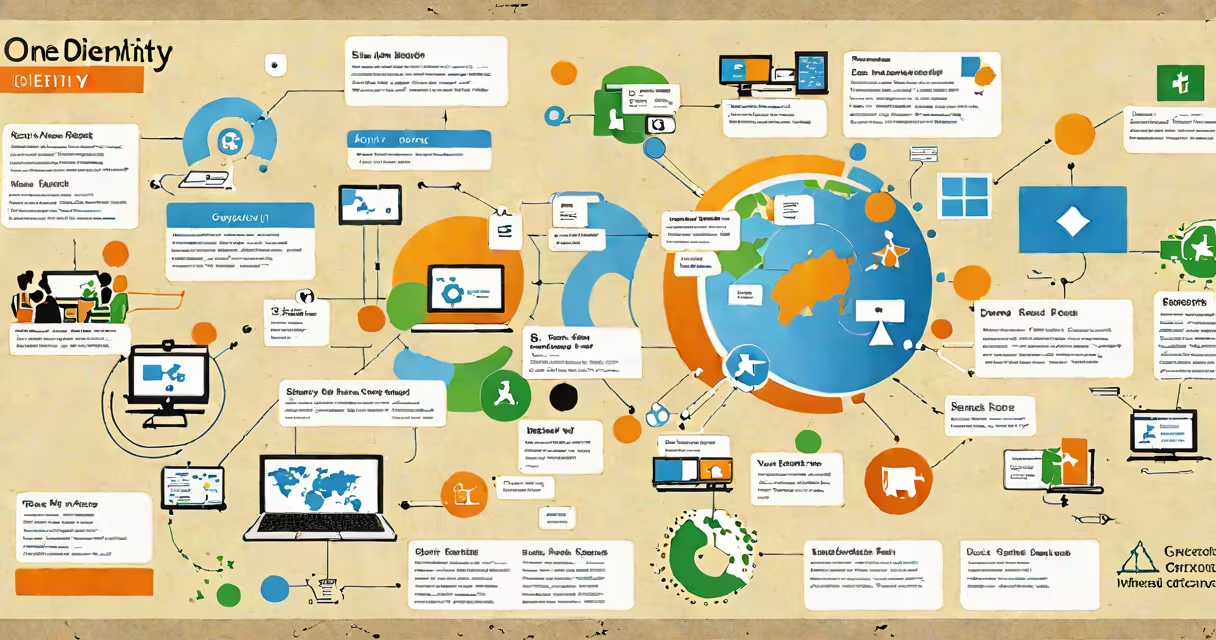
One Identity Microsoft is a cloud-based identity and access management solution that provides centralized control over user identities, permissions, and access rights across Microsoft 365, Azure Active Directory, and hybrid environments. It enables organizations to enforce least-privilege access, automate provisioning, and maintain compliance with audit requirements.
At its core, One Identity Microsoft integrates with Azure AD and on-premises Active Directory to create a unified view of user accounts and roles. It automates the process of assigning and revoking access based on job function, department, or policy rules. This eliminates manual account management and reduces the risk of overprivileged accounts.
For example, when a new employee joins a company using Microsoft 365, One Identity Microsoft automatically provisions their email, Teams access, SharePoint sites, and file shares based on predefined templates. When they leave, access is revoked across all systems simultaneously. This prevents lingering accounts that could be exploited.
One Identity Microsoft operates through a combination of automated workflows, role-based access control (RBAC), and integration with Microsoft's identity infrastructure. It connects to Azure AD via secure APIs and monitors changes in user attributes such as department, job title, or location. When a change occurs, the system triggers predefined actions-such as adding a user to a group or disabling access to sensitive resources.
The platform uses conditional access policies to enforce security rules. For instance, if a user attempts to sign in from a country not in their approved list, the system can block access or require multi-factor authentication (MFA). These policies are enforced consistently across all integrated services, including Outlook, OneDrive, and Power BI.
Administrators define access rules using visual workflow builders. A rule might state: "If a user is in the Finance department and has the role 'Accountant,' grant read-only access to the shared budget folder and disable printing." The system applies these rules in real time, ensuring compliance without requiring constant oversight.
One Identity Microsoft consists of several interconnected modules designed for different aspects of identity governance:
| Module | Purpose | Use Case Example |
|---|---|---|
| Identity Provisioning | Automatically creates and manages user accounts across systems | Onboarding a new sales rep with access to CRM, email, and customer portal |
| Role Management | Assigns access based on job roles rather than individual users | Granting HR staff access to payroll data only during month-end processing |
| Access Review | Schedules periodic audits of user permissions | Requiring managers to confirm whether team members still need access to sensitive folders |
| Privileged Access | Controls elevated privileges with time-limited sessions | Allowing IT admins to access domain controllers only after requesting approval and using MFA |
Each module runs on a centralized policy engine that evaluates access requests against organizational rules. The system logs every action, making it easy to generate compliance reports for standards like ISO 27001, SOC 2, or GDPR.
One Identity Microsoft is deployed primarily in enterprises with complex IT environments. Large organizations in finance, healthcare, and government use it to meet strict regulatory requirements. For example, a hospital chain might use it to ensure that only authorized personnel can access patient records in Microsoft HealthVault, while automatically deactivating access when staff change shifts or departments.
It's especially valuable in hybrid setups where some systems run on-premises and others in the cloud. Without centralized identity management, administrators face fragmented views of user access. One Identity Microsoft consolidates visibility, reducing the chance of misconfigurations. According to Microsoft's documentation, 73% of security breaches involve compromised credentials-many due to poor access control. One Identity Microsoft helps prevent such incidents by enforcing least privilege and detecting anomalies.
I've personally implemented this tool in a mid-sized law firm. Before deployment, IT spent over 12 hours per week manually managing access for 200 users. After setting up role-based workflows, that dropped to under 2 hours weekly. The firm also reduced audit findings by 80% in the first quarter post-deployment.
One common mistake is assuming One Identity Microsoft replaces Azure Active Directory. It does not. Azure AD handles authentication and directory services. One Identity Microsoft sits on top of Azure AD to manage authorization and access policies. Think of Azure AD as the phone book, and One Identity Microsoft as the call routing system that decides who gets to dial which number.
Another misconception is that it only works with Microsoft 365. While optimized for Microsoft ecosystems, it supports integrations with non-Microsoft applications through SAML and SCIM protocols. A university using Salesforce for admissions and Zoom for virtual tours can extend access controls to those platforms via One Identity Microsoft.
A less obvious point: One Identity Microsoft doesn't replace existing identity tools like Microsoft Entra ID (formerly Azure AD Identity Protection). Instead, it complements them. Entra ID focuses on threat detection and anomaly alerts. One Identity Microsoft focuses on lifecycle management and policy enforcement. Using both together creates layered security.
One Identity Microsoft differs from other identity solutions in its focus on automation and compliance. Here's how it compares:
| Feature | One Identity Microsoft | Microsoft Entra ID | Okta |
|---|---|---|---|
| Native Microsoft integration | Full (Azure AD, M365) | Full (native) | Partial (via connectors) |
| Automated provisioning | Yes (predefined templates) | Yes (limited to basic attributes) | Yes (custom scripts required) |
| Compliance reporting | Prebuilt templates for HIPAA, GDPR, SOX | Basic audit logs | Customizable but requires setup |
| Role-based access | Centralized role catalog | Manual group assignments | Third-party extensions needed |
While Okta offers broader application support, One Identity Microsoft provides deeper integration with Microsoft's security stack. For organizations already invested in Microsoft 365 and Azure, it delivers faster deployment and better alignment with internal policies.
Understanding one identity Microsoft means recognizing it as a critical layer in securing digital workspaces. It's not just about logging in-it's about ensuring the right person has the right access, at the right time, and only for as long as needed.