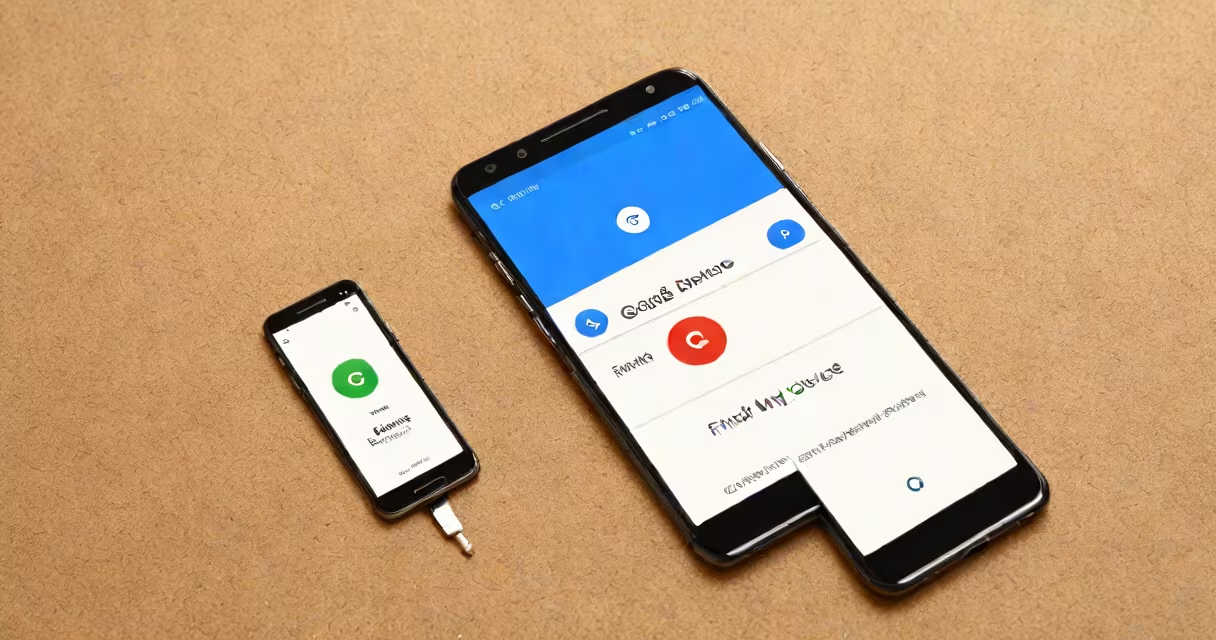
Recover phone Google refers to the set of tools and processes offered by Google that allow users to locate, secure, or erase a lost or stolen Android device using their Google Account credentials. These tools work across Android phones, tablets, and Chromebooks linked to the same account.
When you lose your phone, the fastest way to respond is through Google's "Find My Device" service. This feature uses GPS, Wi-Fi, and cellular signals to pinpoint your device's last known location. You can access it from any web browser by signing into your Google Account at findmydevice.google.com.
Once signed in, you'll see a map with a blue dot marking your device's current or most recent location. From there, you can ring the phone even if it's on silent, lock it remotely with a custom message and password, or erase all data to protect privacy. These actions require the device to have internet connectivity and location services enabled.
Find My Device relies on your Google Account being linked to the lost device. The system checks for location updates every few minutes when the phone is powered on and connected to the internet. If the device is offline, the last known location appears on the map.
Remote actions are sent via Google's cloud servers. When you trigger a ring, lock, or erase command, the request travels to the device through Google's infrastructure. The phone receives the command when it reconnects to the internet, which may take seconds or hours depending on power status and network availability.
For example, if you misplace your phone at a café and it's still on, you can sign in from another device, select "Ring," and hear a loud alarm sound from the lost phone-even if it's set to silent. This feature works even if the phone is in airplane mode, as long as it later reconnects to a network.
The core components of recover phone Google are:
These elements operate independently of carrier networks. Even if your SIM card is removed, the phone can still be located as long as it's connected to Wi-Fi or cellular data.
There are three primary remote actions available through recover phone Google:
| Action | Use Case | Effect |
|---|---|---|
| Ring | Locating a misplaced phone nearby | Emits a loud sound for 5 minutes, even on silent mode |
| Lock | Securing a lost phone from unauthorized access | Displays a custom message and locks the screen with a PIN |
| Wipe | Protecting sensitive data after theft | Permanently deletes all data and resets the device |
Each action requires the device to be online. If the phone is off or disconnected, the command waits until the next connection.
Recover phone Google is used globally by over 2.5 billion Android users. It's especially critical in urban areas where theft rates are higher. According to a 2023 report by the National Insurance Crime Bureau, 68% of smartphone thefts in U.S. cities involve Android devices, making recovery tools essential.
It's also used in family settings. Parents can monitor children's devices, set geofences, and receive alerts if a child leaves a designated area. Schools and employers use it to manage company-issued devices and ensure compliance with security policies.
A real-world example: In 2022, a user in Seattle reported their phone stolen during a commute. They accessed Find My Device from a friend's laptop, saw the phone was near a subway station, triggered a ring, and heard the alarm from inside a locker. The device was recovered within 20 minutes.
Many people assume that recover phone Google can track a device in real time even when it's turned off. This is false. The system only tracks devices that are powered on and connected to the internet. Once the battery dies, tracking stops.
Another misconception is that remote wipe deletes the device from Google's servers. It doesn't. Wiping removes data from the device but doesn't remove the device from your account. You can still manage it remotely, including reactivating it after setup.
Also, some users think they can recover deleted photos through the same process. That's not accurate. If photos were deleted from the device and not backed up to Google Photos, they're gone unless restored from a local backup or third-party tool.
Recover phone Google is not the same as Google Photos recovery. While both use your Google Account, they serve different purposes. Google Photos backs up media automatically if enabled. Recover phone Google focuses on device location and security.
It's not tied to a specific phone model. Whether you have a Pixel, Samsung Galaxy, or OnePlus, the recovery process is consistent across Android devices. The only requirement is that the device is running Android 4.4 or later and has Google Play Services installed.
One non-obvious fact: If you've factory reset your phone manually, Find My Device still works-provided the device was previously linked to your account. You can still ring, lock, or wipe it. But if you've erased the account from the device, the system can no longer authenticate your commands.
I once left my phone in a taxi during a business trip. I didn't realize it was missing until I tried to make a call and got a voicemail. I opened findmydevice.google.com from my laptop, signed in, and saw the phone's location was near the airport terminal. I rang it-it sounded from under a seat. I contacted the driver via the taxi app, and he returned it the next morning. The phone had been on all night, powered by a 40% charge.
Suppose you lose your phone in a shopping mall. Here's how to recover it using Google tools:
After erasing, the phone becomes unusable without a factory reset. This prevents thieves from accessing your bank apps, messages, or photos.
Recover phone Google is not a magic fix-but it's the most effective free tool available for securing lost Android devices. Act quickly, stay logged in, and enable location services in advance to maximize success.