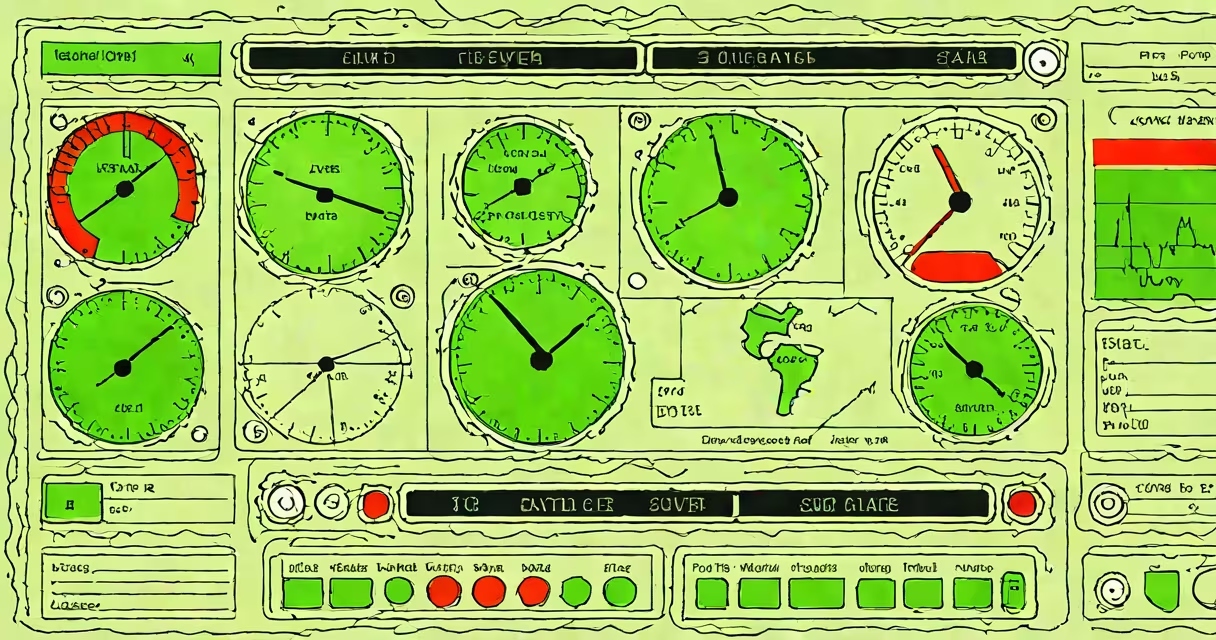
Uptime monitoring software continuously checks the availability and responsiveness of servers, websites, and network services, sending alerts when they fail or slow below set thresholds. It ensures systems remain operational and identifies issues before users are affected.
These tools work by periodically sending requests-like HTTP pings or ICMP echo packets-to a target system. If the system doesn't respond within a configured time window, the software logs a failure and triggers an alert. This process runs from multiple geographic locations to simulate real-world user conditions and avoid false positives due to local network issues.
For example, a business using uptime monitoring software detects that its e-commerce site fails to load from the West Coast during peak hours. The tool reports a 9-second response delay from a U.S.-based probe, triggering an alert. Engineers investigate and find a misconfigured load balancer. Fixing it restores performance before customers abandon carts.
Uptime monitoring software uses automated probes to test connectivity and response times. Probes can be simple ping tests (ICMP), HTTP/S requests, or deeper checks like database queries or API endpoint validation. Each probe runs at regular intervals-every 30 seconds, 1 minute, or longer-depending on the required sensitivity.
When a probe fails, the system records the event and initiates an alert through email, SMS, Slack, or integration with incident management platforms like PagerDuty. Some tools apply logic to reduce noise: a failure must occur across multiple probes or persist over several attempts before an alert fires.
Advanced tools include synthetic transaction monitoring, which simulates user actions-such as logging in or adding items to a cart-to verify end-to-end functionality. These tests go beyond basic availability and catch broken workflows even if the server responds.
Monitoring tools vary by deployment model, supported protocols, and alerting complexity. The following table outlines common categories:
| Type | Use Case | Example Tools | Key Feature |
|---|---|---|---|
| Basic Ping Monitoring | Simple server reachability | Pingdom, UptimeRobot | Low cost, minimal setup |
| HTTP/S Monitoring | Website and API health | Site24x7, StatusCake | Checks page load, status codes, SSL validity |
| Application Performance Monitoring (APM) | Code-level insight into errors and latency | New Relic, Datadog | Traces transactions across microservices |
| Infrastructure Monitoring | Server metrics like CPU, memory, disk | Netdata, Zabbix | Monitors resource utilization and system health |
Many tools offer customizable alerting rules. For instance, a team might configure a rule that sends a Slack message if a website fails to return a 200 status code for three consecutive checks. They can also set escalation policies-escalating from email to SMS if no response is acknowledged within 15 minutes.
A lesser-known feature is heartbeat monitoring. This requires the monitored system to send periodic signals indicating it's still running. If the signal stops, the system assumes failure. This method is useful for internal services that don't expose public endpoints.
Uptime monitoring software is often confused with general system monitoring or log analysis tools. While both track system behavior, uptime monitoring focuses exclusively on availability-not performance, error rates, or resource usage. A server may run at 100% CPU but still respond to HTTP requests, so uptime monitoring would show it as "up" even if it's under strain.
Another misunderstanding is that uptime monitoring replaces proactive maintenance. It doesn't prevent failures-it detects them. A 99.9% uptime SLA doesn't guarantee optimal performance. A site can be online but unresponsive due to high latency or database locks. That's why combining uptime monitoring with application performance monitoring gives a fuller picture.
Some organizations assume free tools are sufficient. But basic services like UptimeRobot limit checks to every 1-5 minutes and offer minimal customization. For mission-critical systems, delays in detection can lead to extended outages. Paid tools provide faster polling (every 30 seconds), advanced routing, and priority support.
In 2022, a regional bank experienced a sudden spike in customer complaints about login failures. Their uptime monitoring software showed the authentication service was returning 503 errors from all global probes. The alert triggered at 7:14 AM, and engineers traced the issue to a failed DNS resolution in their cloud provider's region. They switched to a backup DNS resolver within 12 minutes, restoring access.
The outage lasted 18 minutes. Without the tool, the bank would have learned via customer calls-potentially hours later. The software prevented a loss of trust and avoided regulatory scrutiny under financial sector compliance standards.
I've personally used uptime monitoring software to detect a misconfigured firewall rule on a Linux server. The tool reported intermittent timeouts from a remote location. After checking logs, I found the rule blocked outbound traffic on port 443. Correcting it restored connectivity. The tool caught the issue in under five minutes-before users reported problems.
Start by defining your critical services. Identify which systems impact revenue, compliance, or user experience. Then evaluate tools based on geography of probes, supported protocols, alert channels, and integration options.
For employee productivity tracking, computer screen monitoring software captures session activity and usage patterns. It's not designed for uptime checks but complements monitoring by revealing how system availability affects workflow. Use cases differ: uptime monitoring ensures systems are up; screen monitoring reveals how people interact with them.
Always validate uptime monitoring software against your actual failure scenarios. Test it with simulated outages-shutting down a service manually-and confirm alerts arrive within expected timeframes. Regular testing ensures readiness during real incidents.
Uptime monitoring software is essential for maintaining digital reliability. It detects failures quickly, reduces downtime, and supports faster recovery. When combined with other monitoring layers, it forms a complete observability strategy.