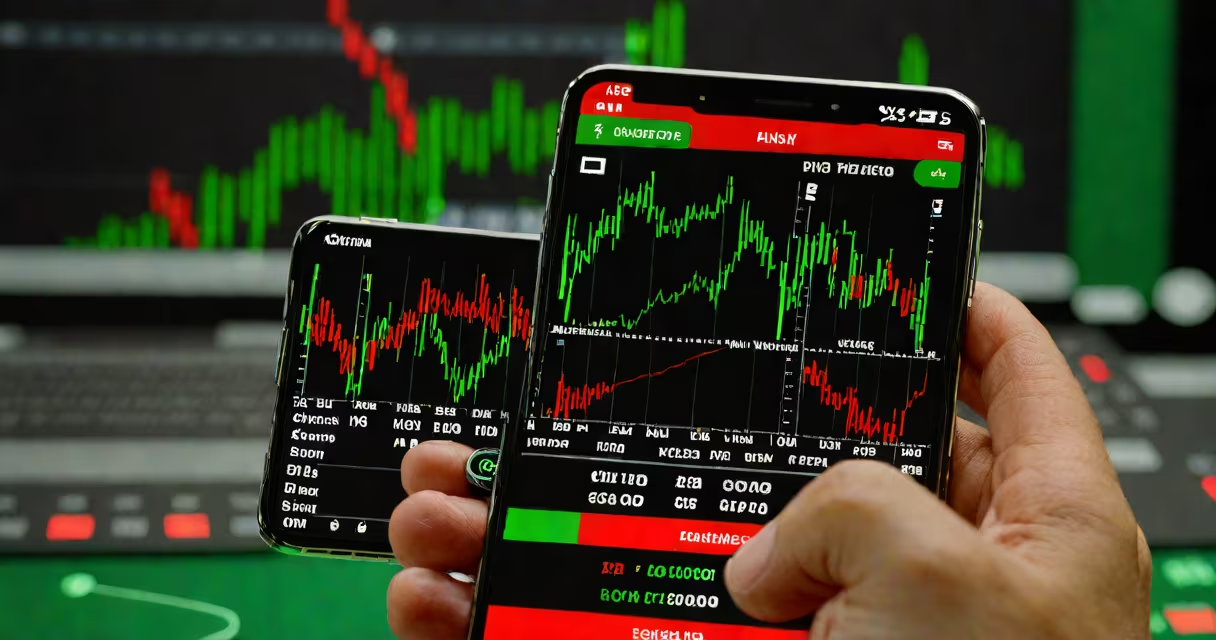
Day traders use specialized mobile and desktop applications that deliver real-time market data, fast order execution, and advanced technical analysis tools. These apps enable traders to enter and exit positions within seconds based on short-term price movements.
Trading success hinges on speed and precision. A delay of even half a second in data or order routing can result in missed opportunities or losses. Day traders depend on apps designed for high-frequency activity, not casual investing. The most effective tools provide direct access to exchanges, support multiple asset classes, and integrate with automated strategies.
Top platforms like Interactive Brokers, Thinkorswim, and TradeStation offer institutional-grade features tailored for active traders. These systems process thousands of data points per second and allow users to set conditional orders, monitor multiple screens simultaneously, and execute trades via keyboard shortcuts or hotkeys. They're not just apps-they're full trading environments optimized for performance under pressure.
Day trading apps function by connecting directly to market data feeds and exchange order books. When a trader places an order, the app sends it through a broker's API to the exchange. The system confirms execution almost instantly, often within 100 milliseconds or less.
Data is updated continuously. For example, a Level 2 quote feed shows the full order book-bids and asks at various price levels-so traders can see hidden liquidity and anticipate price moves. This level of detail is absent in standard retail platforms and is critical during volatile periods like earnings announcements or economic news releases.
Many apps also support algorithmic trading. A trader can write a script that triggers a buy when a moving average crosses above another, then automatically sells when a profit target is hit. These rules run in real time, allowing hundreds of trades per day without manual intervention. Not all apps support this-only those with APIs and scripting capabilities.
Day traders typically use a mix of platforms based on their specific needs: real-time data, execution speed, charting power, and automation. The following table outlines key categories and representative tools.
| Type | Function | Examples | Why It Matters |
|---|---|---|---|
| Execution Platforms | Place and manage trades | Interactive Brokers, TD Ameritrade Thinkorswim | Low-latency routing reduces slippage; essential for scalping |
| Charting & Analysis | Visualize price patterns and indicators | TradingView, NinjaTrader, MetaStock | Customizable charts detect breakouts and reversals early |
| News & Sentiment | Track market-moving events | Bloomberg Terminal, Reuters Eikon, MarketWatch | Real-time headlines trigger strategy adjustments |
| Automated Trading | Run algorithms without constant monitoring | QuantConnect, Pine Script (TradingView), AlgoTrader | Enables consistent execution of complex strategies |
Each category serves a distinct role. A trader might use Thinkorswim for executing trades, TradingView for identifying entry signals, and a custom script to automate exits. Using only one tool limits effectiveness. The best setups combine multiple apps, each handling a core task.
Many assume that any trading app with a "pro" label is suitable for day trading. That's false. Retail apps like Robinhood or Webull offer basic charting and delayed data-often 15 minutes behind. They're designed for long-term investors, not for traders who act on minute-by-minute shifts.
A critical error is relying on free apps with limited data. For example, the free version of TradingView shows only 100 historical bars. A day trader analyzing intraday momentum needs 500+ bars to spot reliable patterns. Without sufficient data history, strategies fail in live markets.
Another misconception: that mobile apps are less useful than desktop versions. In reality, many top-tier platforms now offer full functionality on iOS and Android. Thinkorswim's mobile app supports advanced charting, real-time alerts, and direct order entry. But it requires a premium subscription and a stable internet connection-both essential for consistent performance.
Consider a day trader targeting a 30-minute breakout in Apple (AAPL) stock. Here's how they'd use apps:
This entire sequence-from detection to exit-takes under five minutes. The trader didn't manually check prices every second. Instead, they used apps that filtered noise, highlighted signals, and executed orders reliably.
On one occasion, I watched a trader using this setup during a Federal Reserve announcement. The market dropped 1.2% in 90 seconds. His stop-loss triggered automatically, preserving capital. He later confirmed he'd lost only 0.3% of his position-far better than if he'd reacted emotionally or delayed his exit.
Day traders don't use apps that prioritize simplicity or ease of use. They prioritize accuracy, speed, and control. A retail investor might prefer an app with a clean interface and beginner tutorials. A day trader needs raw data, customizable alerts, and direct access to order routing.
For example, while both groups may use the same brokerage, the day trader uses a separate terminal with real-time data streams. The retail user sees delayed quotes and fewer order types. The difference isn't just feature count-it's timing. Delayed data can cause a trader to buy at a higher price than intended, leading to immediate loss.
According to the CFTC, 70% of day traders lose money in their first year. Many cite poor tool selection as a root cause. Using a slow platform or one with unreliable data leads to bad decisions. The right apps reduce emotional bias and improve consistency.
When choosing tools, focus on execution speed, data quality, and customization-not flashy design or promotional offers. The best apps work silently in the background, delivering what's needed without distraction.
Understanding what apps day traders use isn't about copying their choices. It's about recognizing that the tools shape outcomes. A fast, accurate platform enables disciplined trading. A slow, cluttered one encourages impulsive behavior. Choose your tools based on performance, not popularity.