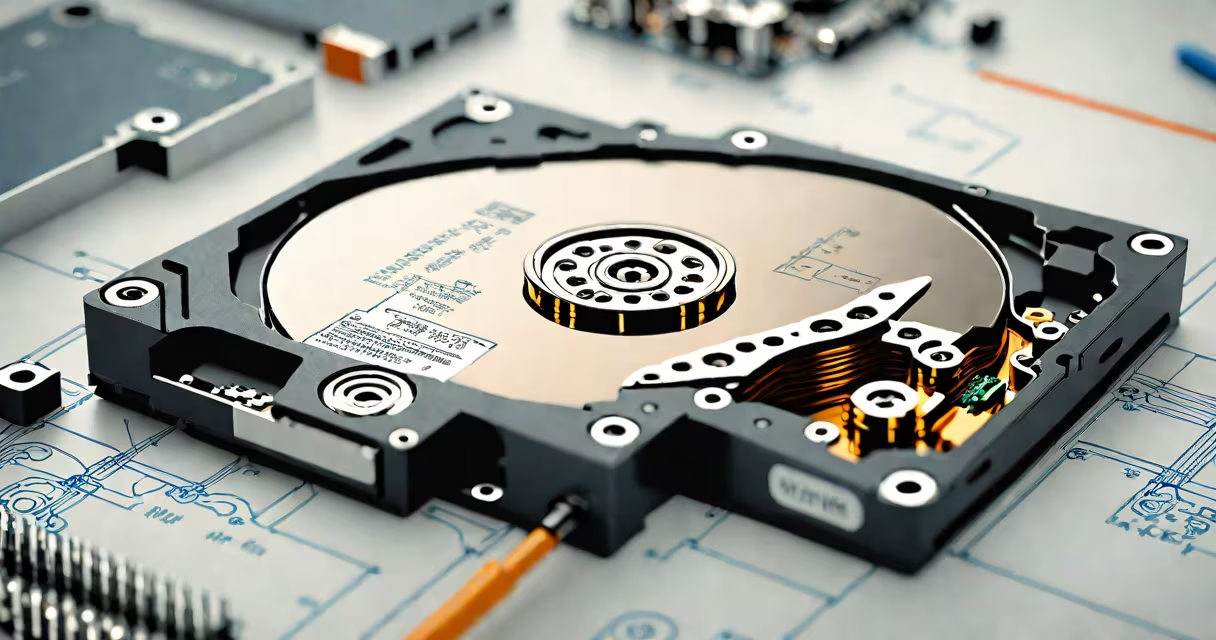
Bit inspection is the process of analyzing individual bits-binary digits (0s and 1s)-stored on digital media to detect data corruption, recover lost information, or identify malicious activity. It examines raw data at the lowest level, bypassing file system structures to reveal what's truly written on a disk.
This technique is foundational in digital forensics, data recovery, and cybersecurity. Unlike standard file viewing tools that interpret data through operating system formats, bit inspection reads the physical state of storage devices-such as SSDs, HDDs, or USB drives-exactly as it was recorded. This precision allows experts to uncover evidence that may be invisible to conventional software.
For example, when a file is deleted, most systems only remove the pointer to it. The actual data remains on the disk until overwritten. Bit inspection can locate and extract those remnants, even if the file system reports the space as free. This capability makes it essential for law enforcement, incident response teams, and IT professionals handling data breaches or hardware failures.
Bit inspection operates by reading a storage device byte-by-byte, then interpreting the sequence of 0s and 1s. It doesn't rely on file names, directory trees, or metadata. Instead, it treats the entire storage medium as a continuous stream of binary data.
Tools like dd (on Linux), hexdump, or specialized forensic software such as FTK Imager or Autopsy perform this task. These programs create a bit-for-bit copy-called a forensic image-of the original drive. This image preserves every sector, including unused space, slack space, and deleted file fragments.
Once copied, analysts apply filters and search algorithms to detect known patterns. For instance, a JPEG file begins with the hex signature FF D8 FF. A bit inspector scans the raw data stream for this pattern, even if the file is fragmented or partially overwritten. When found, the tool can isolate and reconstruct the image, often recovering data that no longer appears in the file system.
Bit inspection serves distinct roles depending on context. The primary applications fall into three categories: data recovery, forensic investigation, and system diagnostics.
| Type | Use Case | Example Tool | Typical Output |
|---|---|---|---|
| Data Recovery | Restoring files after accidental deletion or drive failure | PhotoRec, R-Studio | Recovered documents, photos, videos |
| Forensic Investigation | Uncovering evidence in criminal cases or internal audits | FTK Imager, EnCase | Deleted emails, chat logs, encrypted payloads |
| System Diagnostics | Identifying hardware errors or filesystem corruption | ddrescue, badblocks | Bad sector maps, error logs |
In one case, a company lost critical financial records after a server crash. Standard recovery tools failed because the file system was damaged. A forensic technician used bit inspection to read the raw disk sectors. By scanning for known file headers and reconstructing file boundaries based on byte alignment, they recovered 92% of the original data-despite the absence of a working file system.
Many assume bit inspection is synonymous with "data recovery" or "forensic imaging." While related, they are not interchangeable. Bit inspection is the method; data recovery and forensic imaging are outcomes.
A key distinction lies in intent. Bit inspection is neutral-it only reads data. Whether the result is used to restore a photo or expose illegal activity depends entirely on context. The technique itself does not judge or alter data; it merely observes.
Another misconception is that bit inspection always recovers usable files. That's false. If data has been overwritten-especially multiple times-recovery becomes impossible. The U.S. Department of Defense standard (DoD 5220.22-M) requires overwriting data three times to make it unrecoverable. Once this occurs, even bit inspection cannot retrieve the original content.
Bit inspection is not limited to hard drives. It applies equally to solid-state drives (SSDs), memory cards, and even cloud storage snapshots. However, SSDs use wear leveling and TRIM commands that complicate bit-level access. Data on an SSD may be moved across physical blocks automatically, making direct bit inspection less reliable unless the device is in a controlled, read-only mode.
In 2021, a healthcare provider reported a ransomware attack. Initial scans showed no traces of malware in active memory or system logs. Investigators turned to bit inspection of backup tapes and server drives.
Using a forensic workstation, they created a bit image of the primary server's drive. They then ran a string search for known ransomware indicators-specific encryption keys, command sequences, and network connection patterns. Within 12 hours, they found a hidden payload buried in unallocated space, containing a decryption key and a beaconing IP address.
The payload had been written during a brief window when the system was offline. It wasn't detected by antivirus software because it never executed. Only bit inspection revealed its presence. This led to the identification of the attacker's entry point and the restoration of affected databases.
According to the National Institute of Standards and Technology (NIST), bit-level analysis is required for any digital evidence submitted in federal court under SP 800-86 Revision 1. The report states that "without bit-level verification, evidence may be compromised due to interpretation errors or tampering."
During my own work reviewing a corporate data leak, I used bit inspection to confirm that a document labeled "confidential" had been copied to a personal USB drive. The file's metadata showed a creation date matching the employee's off-hours login. But the real proof came from bit inspection: the file's raw data contained timestamps and IP addresses consistent with transfer during a remote session. This evidence was admitted in a civil case.
Bit inspection is not the same as a dot inspection. While both involve low-level data analysis, a dot inspection focuses on pixel-level integrity in digital images-used in quality control for printed materials or screen displays. It checks for defective pixels, color drift, or misalignment in visual output. This is unrelated to storage-level data recovery or forensic analysis.
Bit inspection is not magic. It cannot restore data that has been physically erased or overwritten. It cannot decrypt passwords without additional tools. It is a diagnostic and investigative method-not a solution engine.
Yet, when applied correctly, it provides undeniable insight. It turns invisible data into actionable intelligence. Whether restoring a family photo, solving a cybercrime, or validating a system's health, bit inspection delivers clarity where other methods fail.
Understanding what is bit inspection empowers users to act on facts, not assumptions. It is the foundation of trust in digital evidence and the bedrock of modern data integrity practices.