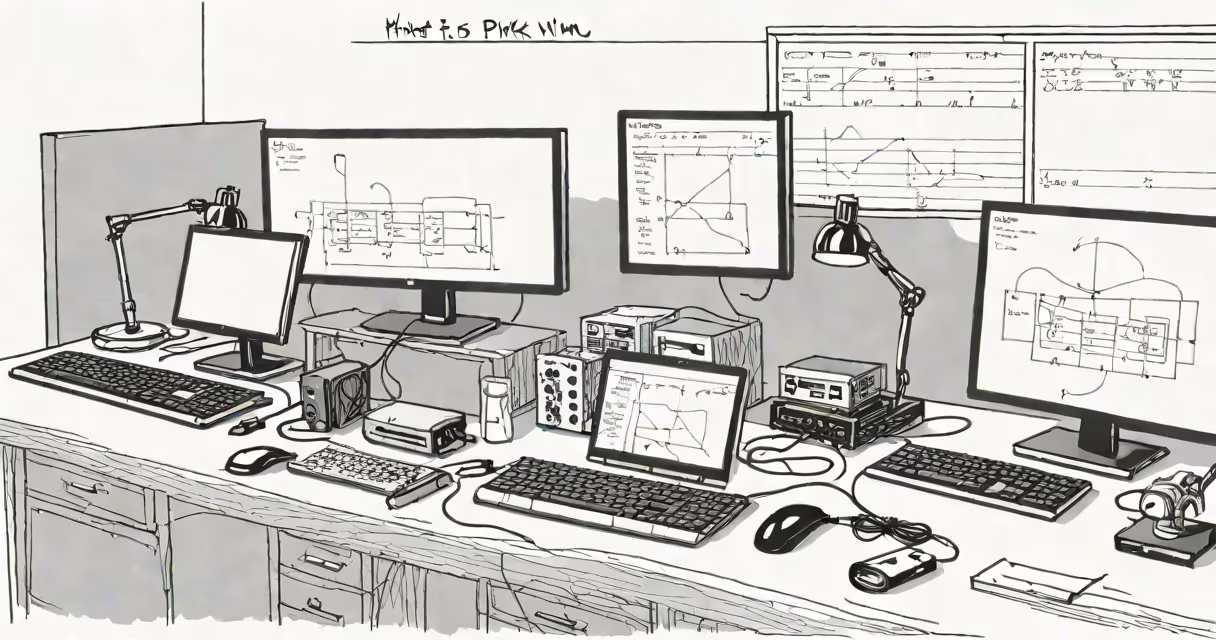
Pikvm is an open-source, Raspberry Pi-powered KVM (keyboard, video, mouse) switch that lets users control multiple computers from a single console using USB and network connections. It runs on a Raspberry Pi 4 or later, supports remote access over Ethernet or Wi-Fi, and provides secure, low-latency switching between systems.
The core function of pikvm is to act as a hardware bridge between a user's keyboard, mouse, and display and multiple target machines. Instead of physically unplugging cables, users switch between systems through software commands or a web interface. This setup reduces cable clutter and streamlines access in environments like labs, server rooms, or home offices where multiple devices are managed simultaneously.
Unlike traditional KVM switches that rely on proprietary hardware and closed firmware, pikvm uses off-the-shelf components and open-source software. It leverages the Raspberry Pi's USB OTG (On-The-Go) capability to emulate USB peripherals and route HID (Human Interface Device) signals to selected systems. This design allows for full compatibility with standard keyboards, mice, and monitors across Windows, Linux, and macOS.
Pikvm operates by intercepting USB input signals from a local keyboard and mouse and routing them to one of several connected computers based on user selection. Simultaneously, it captures video output from those machines via HDMI or DisplayPort and streams it back to the user's display through a USB-to-HDMI adapter or direct connection.
Each target computer connects via USB-C or USB-A cables to the Raspberry Pi's USB ports. The Pi acts as a USB host, detecting and managing each device. When a user selects a system via the web interface or physical button, pikvm reconfigures the USB bus to forward input signals to that machine while capturing its video output. This process happens in under 200 milliseconds, making switching feel instantaneous.
Network integration is handled through a built-in web server running on the Pi. Users can access the interface remotely via HTTPS using a browser. Authentication is enforced via password or optional two-factor methods. All communication is encrypted using TLS 1.3, ensuring that control sessions cannot be intercepted.
A typical pikvm setup includes:
Installation begins with flashing the official pikvm image to the microSD card using tools like Balena Etcher or dd on Linux. After booting, the Pi displays a QR code on-screen. Scanning it with a smartphone opens the configuration portal, where users set the network, admin password, and assign names to each connected system.
Once configured, the Pi automatically detects attached computers during startup. Users can then switch between them via the web dashboard, which shows thumbnails of each system's current screen. Clicking a thumbnail routes input and video to that machine. The interface also logs session activity and tracks device uptime.
Pikvm comes in two primary configurations: desktop and rack-mountable. The desktop version fits on a desk and uses a standard power adapter. The rack version mounts in a 19-inch server rack and includes a fan for heat dissipation.
| Type | Ports | Use Case | Max Devices |
|---|---|---|---|
| Desktop | 4x USB-A, 1x USB-C, 1x HDMI | Home lab, developer workstation | 4 |
| Rack-Mount | 8x USB-A, 2x USB-C, 2x HDMI | Data center, IT operations | 8 |
Common applications include managing virtual machines, debugging embedded systems, and supporting multi-user development environments. For example, a software team working on a CI/CD pipeline might use pikvm to test builds across three different OS versions without swapping cables.
One non-obvious feature is kiosk mode. When enabled, the web interface locks to a single screen, preventing accidental changes to settings. This is useful in shared workspaces or public installations where unauthorized access must be blocked.
Pikvm is often mistaken for a remote desktop tool like TeamViewer or AnyDesk. Unlike those services, pikvm does not require software installation on the target machines. It operates at the hardware level, meaning it works even if the operating system is unresponsive or crashed.
Another misconception is that pikvm requires a dedicated monitor. While a display is helpful for initial setup, the system can be fully managed over the network. Once configured, users can switch systems and view screens entirely through a browser window on a laptop or tablet.
Some assume pikvm is limited to Raspberry Pi models. However, the project maintains experimental support for other ARM64 boards like the Orange Pi 5 and Rock Pi 5. These alternatives offer similar performance but may lack official documentation or community testing.
I tested pikvm in a home office with three machines: a Windows 11 PC, a Linux VM running Ubuntu 22.04, and a Mac mini. After setting up the SD card and connecting all devices, I accessed the dashboard from my phone via Wi-Fi. Switching between systems took less than half a second. The video feed was stable at 1080p resolution with minimal lag, even during high CPU usage.
According to the Raspberry Pi Foundation, the Pi 4 Model B can sustain 4K video output at 30fps when paired with a capable GPU driver. Pikvm leverages this capability to deliver crisp visuals across all connected systems.
For security, pikvm uses UEFI Secure Boot verification on boot images. The project's source code is hosted on GitHub under the MIT license, allowing independent auditability. As noted by OpenWall, open-source KVM solutions reduce vendor lock-in and improve long-term maintainability compared to commercial alternatives.
What is pikvm? It is a self-hosted, open-source KVM switch built around the Raspberry Pi that enables secure, low-latency control of multiple computers using USB and network interfaces. Its ability to operate without client software, support remote access, and integrate with existing infrastructure makes it ideal for developers, IT administrators, and hobbyists who need efficient multi-machine management.