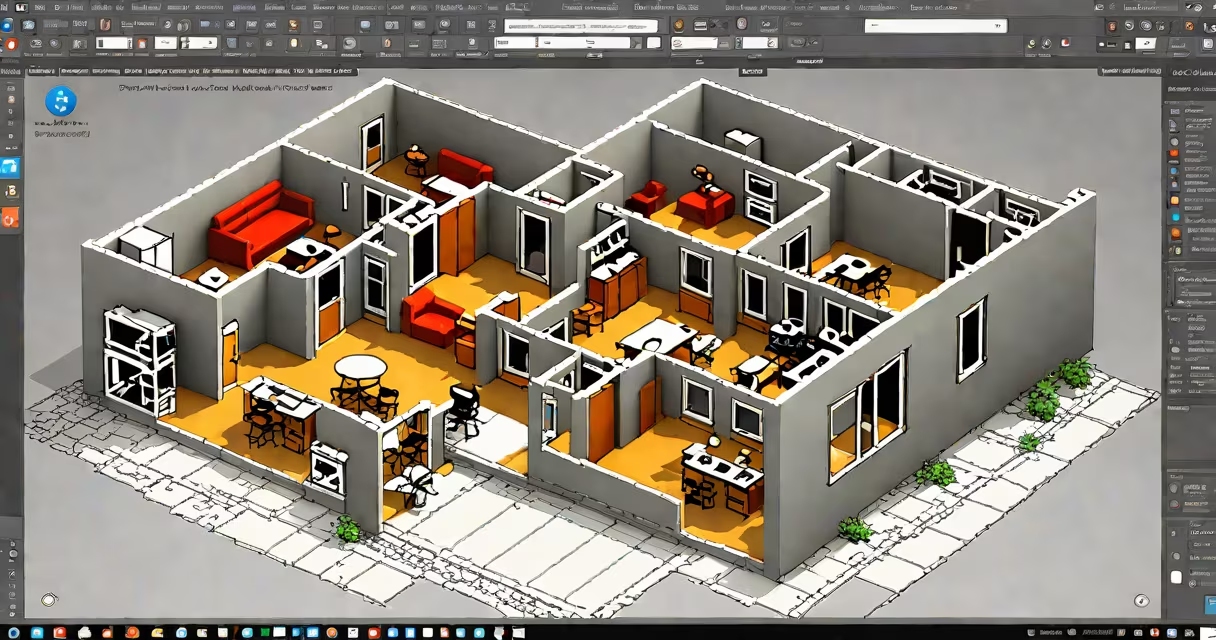
The autocad web viewer is a browser-based tool that allows users to open, view, and annotate DWG and DXF files without installing AutoCAD or any desktop software.
It runs entirely in a web browser, using cloud rendering to display CAD drawings. This enables access from any device with internet connectivity-laptops, tablets, smartphones-without requiring local processing power or software installation.
Developed by Autodesk, the autocad web viewer integrates with platforms like Autodesk Viewer, BIM 360, and Fusion 360. It supports standard AutoCAD file formats, including DWG (native format), DXF, and DWF. Users can zoom, pan, measure distances, toggle layers on/off, and add markup annotations such as text, arrows, and shapes.
The autocad web viewer uses WebGL and server-side rendering to convert CAD geometry into a visual format compatible with modern browsers. When a user uploads a DWG file, the system processes it on Autodesk's servers, then streams the rendered image to the client device.
Authentication is required for private or project-specific files. Users sign in via Autodesk ID or enterprise SSO. Access permissions are enforced through role-based controls, ensuring only authorized individuals can view or edit content.
For developers, the viewer exposes a JavaScript API that allows embedding within custom web applications. The API supports programmatically loading files, setting camera views, retrieving layer visibility states, and handling user interactions like clicks and selections.
There are two primary deployment models for the autocad web viewer:
| Model | Use Case | Access Method | Example Platform |
|---|---|---|---|
| Public Viewer | Sharing design files with clients or partners | Direct URL with public access token | Autodesk Viewer (viewer.autodesk.com) |
| Private/Enterprise Viewer | Internal teams working on sensitive projects | Authenticated session via API key or OAuth | BIM 360, Fusion 360, custom apps |
Public viewers allow anyone with the link to view a file, but they cannot download or edit it unless explicitly permitted. Private viewers require login and enforce strict access policies based on user roles and project membership.
When embedded in a website or application, the viewer appears as a canvas element. Developers configure it using a JSON configuration object specifying the file URN, authentication method, and initial view settings.
Another misconception is that the viewer works offline. It does not. A stable internet connection is required to stream the rendered model. Offline viewing is only possible if the application caches the file locally, which is not part of the core functionality.
A less obvious point: the viewer does not render all CAD features equally. Complex parametric models, nested blocks, or changing components may appear simplified or lose associative behavior. For example, a door block with motion parameters will show the static geometry but not respond to interactive manipulation.
A mechanical engineering team at a manufacturing firm needed to share a 3D assembly drawing with a supplier located in Germany. They uploaded the DWG file to Autodesk Viewer, generated a public link, and sent it via email.
The supplier opened the link on a tablet during a video call. They zoomed in on a bolt pattern, measured the distance between holes (12.7 mm), and added a red arrow pointing to a dimension discrepancy. All edits were visible in real time. The team resolved the issue within 15 minutes without exchanging large files or installing software.
This workflow reduced communication delays and eliminated version conflicts common in email-based collaboration.
I once used the autocad web viewer to review a site plan for a hospital expansion while traveling. My laptop had failed, but I accessed the file from a coffee shop using a smartphone. The interface was responsive, and I could toggle layers to check utility routing against structural beams. I flagged a conflict in the HVAC duct layout and annotated it with a comment. The project manager received the feedback instantly.
That experience confirmed the tool's reliability under real-world constraints-low bandwidth, limited hardware, urgent deadlines.
According to Autodesk's official documentation, the web viewer supports over 10 million files monthly across its global infrastructure. It handles complex architectural and engineering drawings with consistent performance, even when multiple users access the same file simultaneously.
As noted in the Autodesk Knowledge Network, the viewer is optimized for mobile devices, supporting touch gestures like pinch-to-zoom and swipe navigation. This makes it ideal for field inspections, where engineers use tablets on construction sites.
For organizations managing hundreds of CAD files, the autocad web viewer reduces dependency on licensed software. It lowers operational costs and improves accessibility across departments-from sales to procurement-who need to review designs but lack CAD training.
While it doesn't replace AutoCAD for detailed editing, the autocad web viewer fills a critical gap: fast, secure, and accessible visualization of technical drawings.