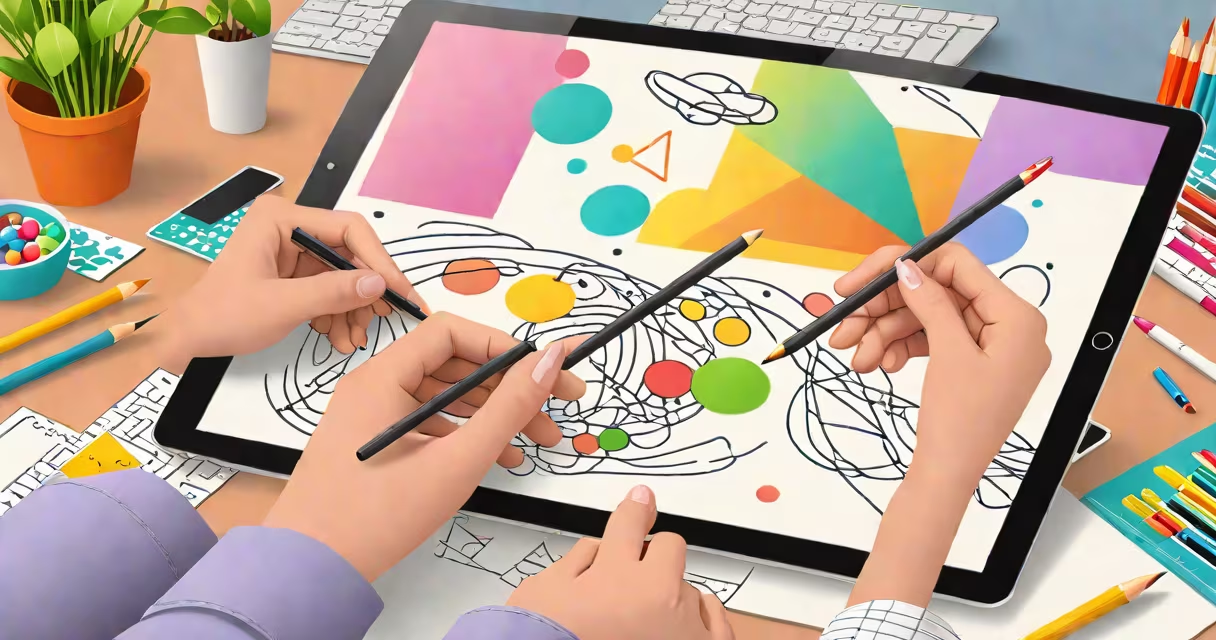
The best free digital art software offers professional-grade tools like layers, brush customization, and vector support without cost. These programs run on Windows, macOS, and Linux, enabling artists to create illustrations, concept art, and animations without licensing fees.
Free digital art software uses raster and vector engines to render images. Raster tools work pixel-by-pixel, ideal for painting and photo manipulation. Vector tools use mathematical paths, perfect for scalable logos and clean line art. The best free options combine both systems, giving users flexibility across projects.
Popular choices include Krita, FireAlpaca, and Medibang Paint. All three support pressure-sensitive tablets, have customizable brushes, and export to common formats like PNG, JPEG, and PSD. They're trusted by hobbyists and professionals alike, with Krita used in indie game studios and Medibang supporting manga-style workflows.
These programs simulate traditional art tools digitally. A stylus applies pressure to a tablet, and the software interprets that input to adjust brush opacity, size, and texture. Users draw on a canvas layer, then stack additional layers for different elements-backgrounds, characters, effects.
Each program includes a brush engine that mimics real media. Krita's brush system supports changing textures based on tilt, speed, and pressure. FireAlpaca uses a simplified version optimized for beginners. Medibang Paint adds anime-specific tools like facial expression presets and speech bubble templates.
Layers are essential. They allow isolation of artwork components. For example, a character's face can be drawn on one layer, hair on another, and lighting effects on a third. This enables editing without affecting other parts. Layers can be grouped, hidden, or adjusted with blending modes like Multiply or Overlay.
Not all free digital art software is equal. Differences emerge in interface design, feature depth, and supported devices. Below is a comparison of leading options:
| Software | Platform | Key Features | Best For |
|---|---|---|---|
| Krita | Windows, macOS, Linux | Advanced brush engine, animation tools, HDR support | Professional illustrators, animators |
| FireAlpaca | Windows, macOS | Simple interface, lightweight, cloud sync | Beginners, quick sketching |
| Medibang Paint | Windows, macOS, iOS, Android | Manga templates, speech bubbles, comic panel layout | Comic creators, anime artists |
Krita stands out with its animation capabilities. It includes onion skinning, keyframe interpolation, and timeline controls. Artists use it to produce short animations for games and web content. According to the Krita Foundation, over 2 million downloads occurred in 2023 alone.
FireAlpaca prioritizes ease of use. Its interface loads quickly and requires minimal setup. It lacks advanced features like vector shapes or multi-frame animation, but excels in simplicity. A user can start drawing within 30 seconds of launching the app.
Medibang Paint targets manga and comic creation. It includes a library of pre-made panels, character templates, and ink brushes designed for clean lines. The mobile version syncs with desktop via account login, allowing smooth workflow between devices.
Many assume free software lacks quality. This is false. Krita's brush engine rivals Adobe Photoshop's in realism and control. It supports custom brush packs, including hand-drawn textures and watercolor simulations. The software is developed by a global team of contributors under the GNU GPL license.
Another myth is that free tools don't support high-resolution output. All three major free programs export at 300 DPI or higher. Krita allows 16-bit color depth, suitable for print production. Medibang Paint exports to CMYK mode, useful for commercial publishing.
A lesser-known fact: Krita integrates with Blender for 3D texture painting. Artists model a character in Blender, then import the mesh into Krita to paint textures directly. This workflow is used in independent game development and is documented by the Blender Institute.
I created a fantasy map using Krita during a week-long game design sprint. I started with a base terrain layer using a custom brush that simulated stone erosion. I added rivers with a fluid simulation preset, then layered in trees and buildings using imported SVG icons. The final file was 8,000×6,000 pixels at 300 DPI. I exported it as a layered PSD file for use in Unity.
Exported files were shared with a team of four developers. No compatibility issues arose. The software ran smoothly on a 2017 MacBook Pro with 8GB RAM. No crashes occurred during the 12-hour session.
This project demonstrates that free tools meet professional standards. They handle complex compositions, large canvases, and collaborative workflows without performance degradation.
Some confuse free digital art software with online tools like Canva or Pixlr. These are design platforms, not art software. They offer templates and drag-and-drop elements, but lack layer management, brush dynamics, and vector editing. They're better suited for social media graphics, not original illustration.
Others mistake browser-based editors like Figma for digital art tools. Figma excels in UI/UX design and prototyping. It doesn't support pressure sensitivity or textured brushes. While it can host artwork, it's not built for painting or drawing.
True digital art software requires local installation for optimal performance. Online tools depend on internet speed and server load. Free desktop apps like Krita and Medibang run offline, ensuring consistent responsiveness.
Install from official sources only. Avoid third-party download sites. Malware has been found in pirated versions of Krita and FireAlpaca. Always verify checksums and sign keys when available.
Start with a basic project-draw a still life or sketch a character. Practice layer organization and brush settings. Use community tutorials to learn shortcuts and techniques. The learning curve is steeper than consumer apps, but the payoff is full creative control.
Free digital art software is not a compromise. It's a choice. With the right tool, artists create work indistinguishable from paid software. The best free digital art software empowers creativity without financial barrier.