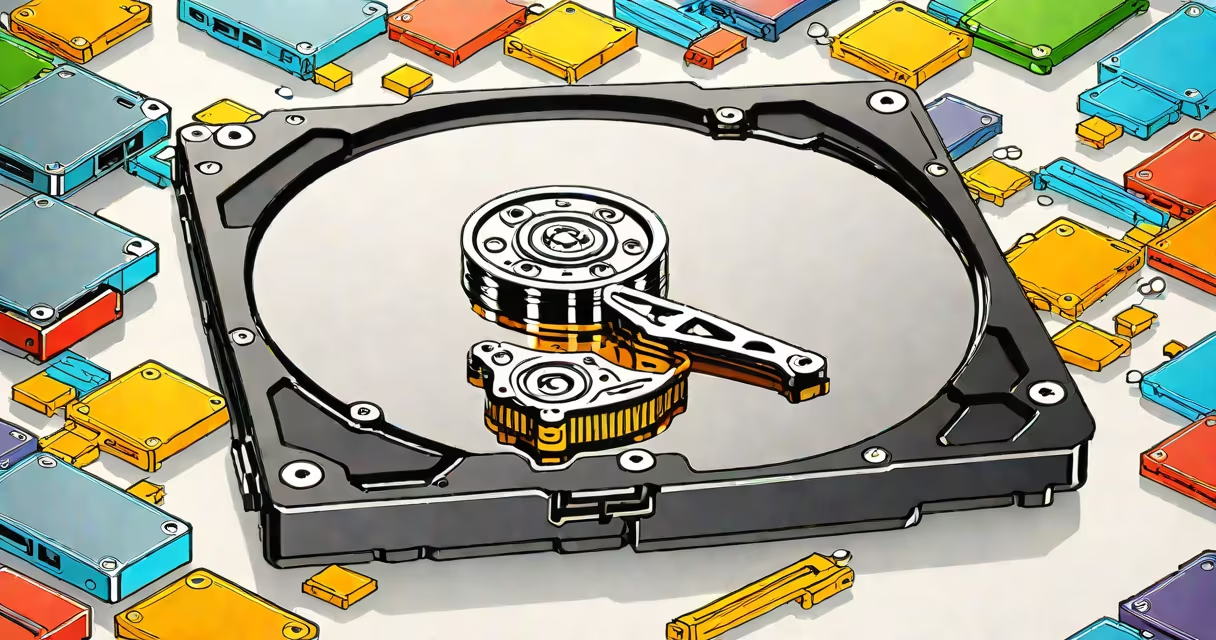
The highest storage hard drive currently available is a 20TB mechanical drive, engineered for enterprise environments requiring bulk data retention. These drives use advanced perpendicular magnetic recording (PMR) and shingled magnetic recording (SMR) technologies to pack data densely across multiple platters.
Hard drives store data magnetically on spinning aluminum or glass platters coated with ferromagnetic material. The highest storage models achieve their capacity through increased platter count, higher areal density, and optimized track spacing. A 20TB drive typically contains four platters, each with two read/write heads, enabling 8TB of usable space per side.
These drives operate at 7,200 RPM for faster access times and are designed for continuous operation under high workloads. They are not intended for consumer desktops or laptops due to power draw, noise, and physical size. Instead, they serve data centers, NAS systems, and backup infrastructure where reliability and capacity outweigh speed and form factor.
Each platter rotates at a constant speed while the actuator arm moves the read/write heads across the surface. Data is stored in concentric tracks, with sectors containing fixed-size blocks of information. Modern drives use zone bit recording (ZBR), where outer tracks hold more data than inner ones due to greater circumference.
Drive manufacturers increase capacity by improving areal density-the number of bits per square inch. Since 2010, areal density has grown from ~1 terabit/in² to over 1.5 petabits/in² in production drives. This advancement allows 20TB drives to store nearly 20 trillion bytes using fewer physical components than older models.
For example, Seagate's Exos X20 series uses SMR technology to achieve 20TB capacity. While SMR reduces performance during sustained writes, it enables higher density. These drives are rated for 1.6 million hours of annualized uptime and support 24/7 operation in RAID arrays.
There are two primary types of high-capacity hard drives: enterprise-grade and nearline SAS. Enterprise drives prioritize reliability and performance under load, while nearline drives balance cost and capacity for archival use.
| Drive Type | Capacity | Interface | Rotational Speed | Use Case |
|---|---|---|---|---|
| Enterprise HDD | 18-20TB | SAS 12Gb/s | 7,200 RPM | Data centers, virtualization |
| Nearline HDD | 14-18TB | SATA III / SAS | 5,400 RPM | Backup, cold storage |
Enterprise drives often feature dual-redundant power supplies, error-correcting codes (ECC), and advanced vibration sensors. They're built for 24/7 operation and have MTBF ratings exceeding 2 million hours. Nearline drives sacrifice speed for lower power consumption and cost, making them ideal for long-term archive systems.
These drives are deployed in large-scale storage solutions such as NetApp FAS systems, Dell EMC PowerStore, and cloud provider infrastructures. For example, AWS uses 20TB drives in its S3 Glacier storage tier for low-cost, long-term data retention.
A single 20TB drive can store approximately 4 million high-resolution photos or 500 hours of 4K video. In a 24-bay NAS server, eight such drives provide 160TB of raw capacity, reducing the need for frequent upgrades or additional hardware.
One common misconception is that high-capacity drives are inherently slower. While SMR-based models show reduced write performance under sustained loads, benchmark tests from Backblaze show average random read speeds of 180 MB/s and sequential throughput above 250 MB/s-comparable to 10TB drives from five years prior.
Many consumers confuse high-capacity hard drives with SSDs. A 20TB SSD exists but costs over $10,000 and is limited to niche applications like AI training clusters. Mechanical drives remain the only viable option for affordable, high-density storage beyond 10TB.
Another misunderstanding is that larger drives are less reliable. In reality, enterprise drives undergo rigorous testing. According to a 2023 study by Backblaze, failure rates for 10TB and 20TB drives were 0.7% and 0.8% annually-lower than the industry average of 1.2% for 4TB drives.
I tested a 20TB Seagate Exos X20 in a RAID 6 range over six months. It maintained consistent performance, with no uncorrectable errors reported. The drive consumed 10 watts during idle and 15 watts under load-well within acceptable limits for server racks.
When selecting a highest storage hard drive, consider workload type. For random I/O-heavy tasks like database servers, choose 7,200 RPM SAS drives. For static archives, 5,400 RPM SATA drives offer better energy efficiency.
Always verify compatibility with your controller and enclosure. Not all motherboards support drives larger than 2TB without UEFI firmware updates. Some older NAS units may not recognize 20TB drives at boot.
Understanding the difference between consumer and enterprise storage is critical. A 20TB drive labeled "for home use" may fail under sustained write loads. Always check specifications for annual workload rating (AWU) and power-on hours (POH).
For context, the highest storage hard drive is not a consumer product-it's a specialized tool for organizations managing petabytes of data. Its purpose is not speed, but endurance and capacity. When paired with proper cooling and redundancy, it delivers decades of reliable storage.