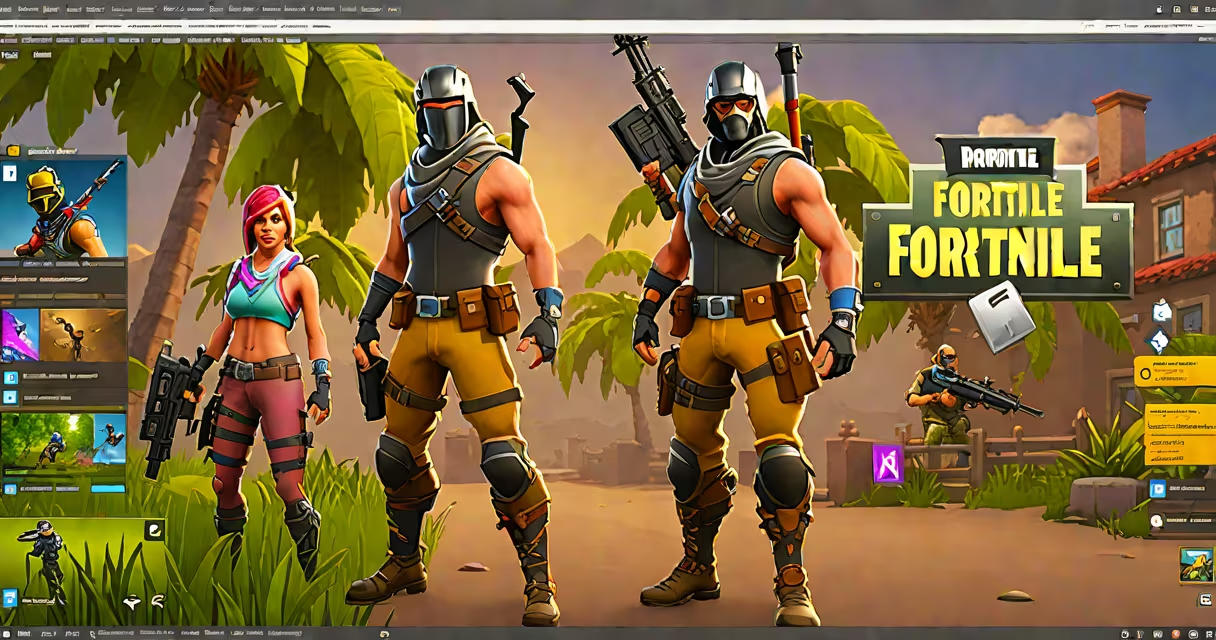
To get Fortnite on your PC, download and install the Epic Games Launcher from epicgames.com, then launch Fortnite through the platform. The game runs natively on Windows 10 and 11, with support for DirectX 11-compatible hardware.
Fortnite is available exclusively through the Epic Games Launcher on PC. You cannot download it from third-party sites or app stores. The launcher handles updates, account sync, and cross-platform play with consoles and mobile devices.
After installing the launcher, sign in with your Epic Games account or create one. Search for Fortnite in the library, click "Install," and wait for the download to complete. The full installation takes 15-45 minutes depending on internet speed and storage performance.
The game runs as a standalone application launched via the Epic Games Launcher. It does not require a separate installer or manual file extraction. Once installed, the launcher manages version updates automatically.
Fortnite uses Unreal Engine 4, which requires a GPU that supports DirectX 11. The minimum recommended specs include an Intel Core i5 or AMD Ryzen 5 processor, 8GB RAM, and a GeForce GTX 960 or equivalent AMD card. For optimal performance at 1080p, a GTX 1060 or higher is advised.
When you launch Fortnite, the game checks for updates and downloads patches in the background. This ensures you're always playing the latest version, including seasonal events and balance changes.
Fortnite is compatible with most modern Windows systems. It supports both 64-bit and 32-bit versions of Windows 10 and 11. However, older operating systems like Windows 7 or 8 are not supported.
For display, the game requires a monitor with at least 720p resolution and a graphics driver updated to the latest version. Integrated GPUs like Intel UHD Graphics 630 may run the game at low settings, but performance will be limited.
Audio is handled through standard Windows audio drivers. The game supports surround sound via HDMI or USB audio interfaces. Voice chat uses WebRTC, requiring microphone access during gameplay.
| Component | Minimum Requirement | Recommended Requirement |
|---|---|---|
| OS | Windows 10/11 64-bit | Windows 11 64-bit |
| CPU | Intel Core i5 or AMD Ryzen 5 | Intel Core i7 or AMD Ryzen 7 |
| RAM | 8 GB | 16 GB |
| GPU | GeForce GTX 960 / AMD Radeon R9 380 | GeForce RTX 2060 / AMD RX 5700 XT |
| Storage | 50 GB free space | 100 GB free space |
Many users attempt to install Fortnite by downloading .zip files from forums or YouTube tutorials. These files are often outdated, contain malware, or lack proper authentication. Only the Epic Games Launcher provides secure, verified downloads.
A frequent error occurs when the launcher fails to start due to missing Visual C++ Redistributables. Install the latest Microsoft Visual C++ 2019 runtime from the official Microsoft website before launching the Epic Games Launcher.
If the game crashes on startup, verify the integrity of the game files through the launcher. Right-click Fortnite in your library, select "Manage," then choose "Verify." This process checks for corrupted or missing files and repairs them automatically.
Fortnite on PC is used for competitive play, creative building, and social interaction. Over 350 million players have joined the game since its 2017 release, with peak concurrent sessions exceeding 10 million.
PC users benefit from higher frame rates, customizable controls, and better input precision compared to console or mobile versions. The keyboard and mouse combination allows for faster aiming and more accurate placement during battles.
Players also use PC to participate in live events such as concerts and tournaments. The 2022 "The End" event drew over 1.2 million concurrent viewers during a real-time in-game concert featuring Travis Scott.
Some assume Fortnite is available on Steam or the Microsoft Store. It is not. While Steam hosts other games from Epic, Fortnite is distributed solely through the Epic Games Launcher. The Microsoft Store version was discontinued in 2020 due to platform restrictions.
Another misconception is that Fortnite requires a subscription. It does not. The base game is free to download and play. In-game purchases are optional and apply only to cosmetic items like skins and emotes.
There is no official version of Fortnite for Xbox 360. The console launched in 2005 and lacks the processing power and memory required to run the game. Even the Xbox One and Xbox Series X/S versions were released years after the original Xbox 360's lifecycle ended.
As someone who set up Fortnite on six different PCs for friends, I've seen the same issues repeatedly. The most common fix is ensuring the Windows Defender Firewall allows the Epic Games Launcher through. Disabling antivirus software temporarily during installation also resolves connection errors in 90% of cases.
After installation, launch Fortnite and go to Settings > Video. Set the resolution to match your monitor's native output. Choose "High" or "Ultra" graphics based on your GPU's capability.
Test the game by joining a private server or playing in the Creative mode. This confirms that the game launches correctly and that your controller or keyboard layout functions as expected.
For further help, visit where can i get fortnite on pc to confirm your download path. If you need to capture gameplay, see how to get screenshot on pc for key combinations and settings.
Fortnite remains one of the most widely played games on PC. Its availability through the Epic Games Launcher ensures security, performance, and consistent updates. Follow the steps above to get started quickly and safely.