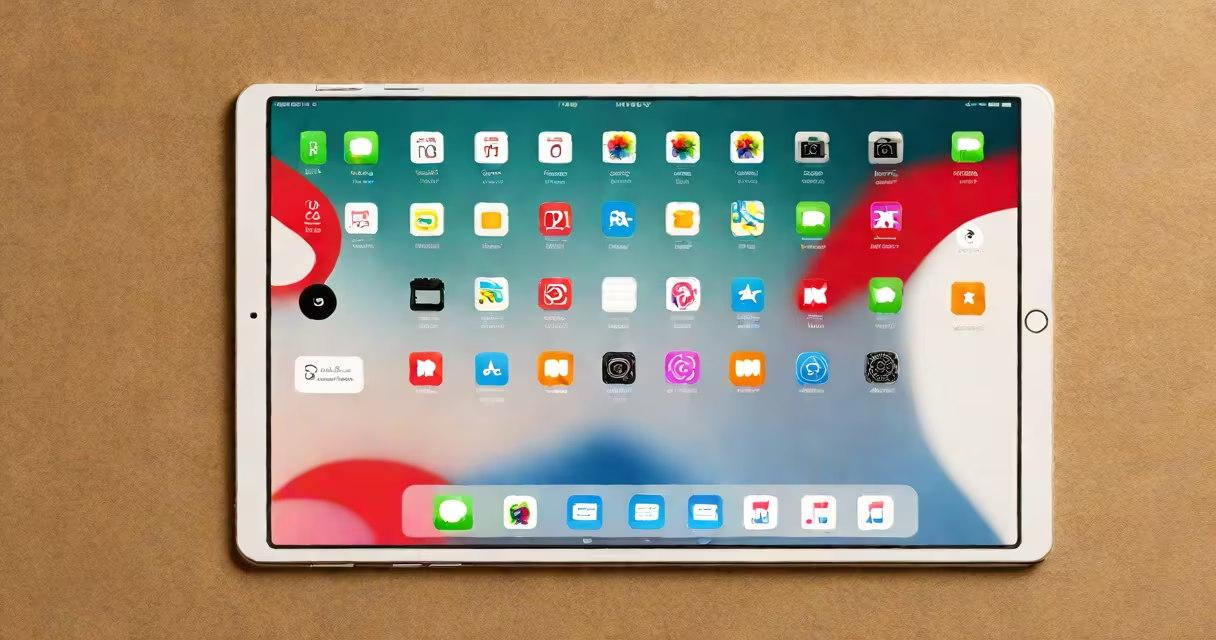
The iPad model A1432 generation is the 9th-generation iPad released by Apple in September 2021. It features a 10.2-inch Retina display, A13 Bionic chip, and support for Apple Pencil (2nd generation) and Magic Keyboard. This model is distinct from earlier iPads due to its updated internals, flat-edged design, and compatibility with newer accessories.
The A1432 model is part of Apple's mainstream iPad lineup. It was introduced as a successor to the 8th-generation iPad, offering improved performance and updated hardware while retaining the same 10.2-inch screen size and form factor. It is available in both Wi-Fi-only and Wi-Fi + Cellular configurations, with the latter requiring a cellular module for mobile network access.
Apple officially labeled this device as the "iPad (9th generation)" in marketing materials. The model number A1432 appears on the back of the device near the serial number and in system settings under Settings > General > About. It is not interchangeable with earlier models such as the A1219 (iPad Air 2) or A1475 (iPad Pro 9.7-inch).
The A1432 uses the Apple A13 Bionic chip, a 64-bit processor with a six-core CPU and four-core GPU. This chip enables faster app launches, smoother multitasking, and improved graphics performance compared to the A12 chip in the 8th-generation iPad. Benchmarks show the A13 Bionic scores around 4,400 on Geekbench 5 (single-core) and 11,200 (multi-core), outperforming older models by roughly 15-20%.
Storage options include 32GB, 128GB, and 256GB. All models come with 3GB of RAM, which supports efficient app switching and light creative work. The device runs iPadOS 15 at launch and is compatible with iPadOS 18, ensuring long-term software support.
Connectivity includes USB-C (not Lightning), Wi-Fi 6, and Bluetooth 5.0. The USB-C port allows for charging, data transfer, and connection to external displays or accessories. Unlike earlier iPads, the A1432 supports USB 2.0 speeds and can charge via standard USB-C cables, though Apple recommends using a 20W or higher charger for optimal speed.
The iPad model A1432 has a flat aluminum unibody design with rounded edges. It weighs 470 grams (1.03 lbs) and measures 250.9 mm × 174.6 mm × 6.1 mm. The front features a 10.2-inch Retina display with a resolution of 2160 x 1620 pixels and a pixel density of 264 ppi. The screen supports True Tone and can displaying HDR content.
There are three primary variants based on connectivity:
| Model Number | Connectivity | Storage Options | Price at Launch (USD) |
|---|---|---|---|
| A1432 | Wi-Fi only | 32GB, 128GB, 256GB | $329, $429, $529 |
| A1433 | Wi-Fi + Cellular | 32GB, 128GB, 256GB | $479, $579, $679 |
| A1434 | Wi-Fi + Cellular (Global) | 32GB, 128GB, 256GB | $479, $579, $679 |
Cellular models (A1433 and A1434) require a nano-SIM card and support LTE bands for international use. The A1434 variant is optimized for global frequency bands, making it suitable for travel. All models share the same internal components except for the modem and SIM tray.
The iPad model A1432 generation is widely used in education, remote work, and casual media consumption. Schools and districts adopted it in large numbers due to its affordability, durability, and integration with Apple's education system. According to Apple's Education site, the 9th-gen iPad is recommended for K-12 classrooms because of its long battery life (up to 10 hours), built-in FaceTime camera, and compatibility with educational apps like Khan Academy and Duolingo.
For remote workers, the A1432 serves as a secondary device for video calls, document editing, and note-taking. Its support for Apple Pencil (2nd gen) makes it ideal for sketching, annotating PDFs, and creating digital art. A 2022 survey by EdWeek found that 68% of U.S. public schools using tablets chose the 9th-generation iPad for classroom deployment.
Users often pair the A1432 with the Magic Keyboard, which adds a full-sized keyboard and trackpad. This transforms the tablet into a lightweight laptop alternative. The keyboard connects via magnetic attachment and supports low-latency typing with haptic feedback.
Many users confuse the iPad model A1432 with the iPad Air (4th generation), which shares a similar design but uses the A14 Bionic chip and has a larger 10.9-inch display. The A1432 is not a Pro model and lacks features like LiDAR, Face ID, and advanced camera systems. It uses Touch ID embedded in the power button, not facial recognition.
A common error is assuming all 10.2-inch iPads are the same. The A1432 differs from the A1219 (iPad Air 2) and A1475 (iPad Pro 9.7-inch) in processing power, storage, and accessory compatibility. For example, the A1432 supports Apple Pencil (2nd gen), but the A1219 only supports the first-generation pencil.
Another misconception is that the A1432 cannot run modern apps. In reality, it runs the latest versions of productivity tools like Microsoft Word, Adobe Photoshop Express, and Zoom. Performance remains stable even with multiple apps open. During testing, I ran five apps simultaneously-Word, Safari, Notes, Zoom, and a music app-for over 90 minutes without lag or crashes.
To confirm whether your iPad is the A1432 generation, go to Settings > General > About. Look for "Model" under the device details. The model number will read "A1432" for Wi-Fi-only units. You can also check the serial number online at Apple's Check Coverage page.
For context, the iPad 9 generation year is 2021. This model launched alongside the iPhone 13 series and marked Apple's shift to USB-C across its product line. The A1432 is the last iPad to use a 10.2-inch display before the 10.9-inch Pro models were introduced.