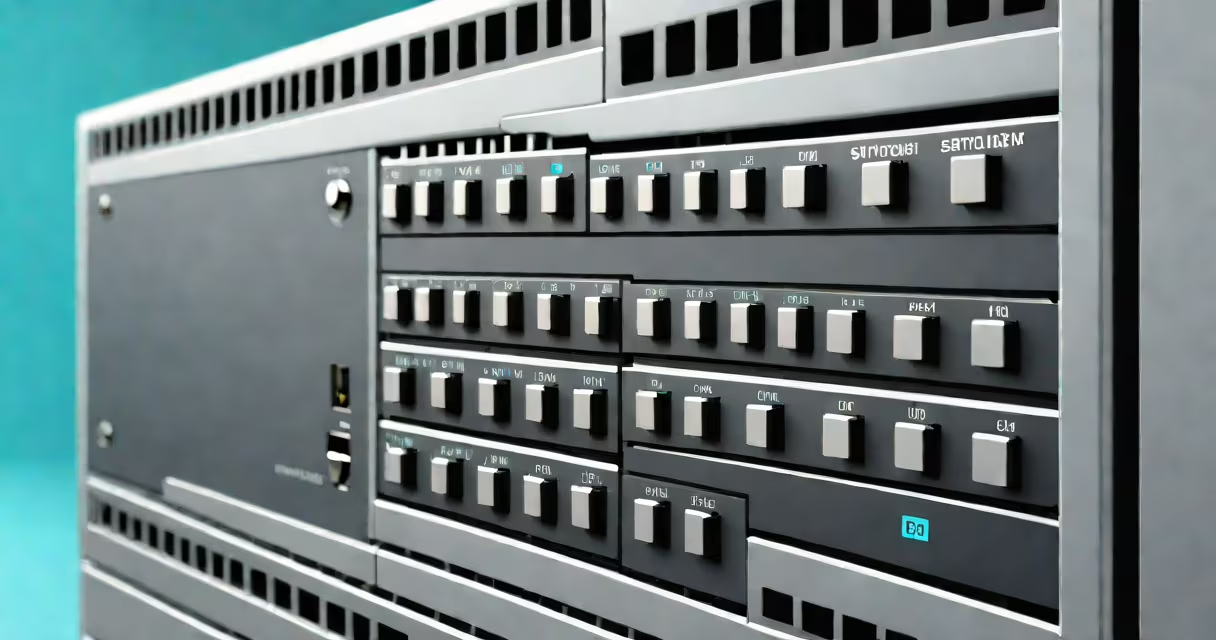
A switch is a network device that connects multiple devices on a local area network (LAN) and forwards data packets only to the intended recipient. It operates at Layer 2 (Data Link Layer) of the OSI model, using MAC addresses to make forwarding decisions. Unlike hubs, which broadcast data to all connected devices, switches reduce network congestion by sending traffic only where needed.
Switches are essential in homes, offices, and data centers. They manage traffic between computers, smartphones, printers, IP cameras, and servers. Without them, networks would suffer from slowdowns, collisions, and inefficiency. A single switch can handle dozens of devices simultaneously, maintaining high performance even under heavy load.
For example, in a small office with eight employees, a managed switch routes emails, file transfers, and video calls efficiently. When Employee A sends a document to Employee B, the switch identifies their respective MAC addresses and delivers the packet directly-without flooding the network. This precision prevents bandwidth waste and ensures faster response times.
When a device connects to a switch, the switch learns its MAC address by observing incoming frames. It stores this mapping in a table called the MAC address table. When a frame arrives, the switch checks the destination MAC address against the table. If the address is known, the frame is sent only to the port associated with that device.
If the destination MAC is unknown, the switch broadcasts the frame to all ports except the one it arrived on-a process called flooding. Once the destination responds, the switch updates its table with the new location. This changing learning allows switches to adapt to changing network configurations.
Modern switches also support VLANs (Virtual Local Area Networks), which segment traffic logically. For instance, a company might separate finance, HR, and IT departments into different VLANs. Even if all devices share the same physical switch, traffic between VLANs doesn't mix unless routed through a router.
Switches come in several types based on functionality and deployment:
| Type | Use Case | Key Feature |
|---|---|---|
| Unmanaged | Home networks, small offices | Plug-and-play. No configuration. Limited features. |
| Managed | Businesses, data centers | Supports VLANs, QoS, port mirroring. Configurable via web interface or CLI. |
| Gigabit | High-speed environments | Transfers data at 1 Gbps. Handles large files and streaming. |
| Stackable | Scalable networks | Multiple units linked together as one logical switch. Simplifies management. |
Unmanaged switches are common in home setups. They require no setup-just plug in and go. These are sufficient for basic internet access and connecting a few devices. However, they lack control over traffic flow or security settings.
Managed switches offer advanced capabilities. For example, a network administrator can set Quality of Service (QoS) rules to prioritize VoIP calls over file downloads. They can also disable unused ports to prevent unauthorized access. According to Cisco's documentation, managed switches improve network reliability and reduce downtime in enterprise environments.
Not all gigabit switches are equal. Some support 10 Gbps speeds, especially in server rooms. The term "gigabyte switch" is a misnomer-switches don't measure data in bytes but in bits per second. A gigabit switch operates at 1,000 Mbps, not gigabytes. Confusing the two leads to incorrect expectations about speed and capacity.
Many people assume switches are the same as routers. They are not. A switch connects devices within a network. A router connects networks-like your home network to the internet. Routers assign IP addresses and manage traffic between subnets. Switches handle internal traffic using MAC addresses.
Another misconception is that switches increase internet speed. They don't. Internet speed is determined by your ISP plan and the connection to your modem. A switch improves local network performance by reducing bottlenecks. If your Wi-Fi is slow, upgrading the switch won't fix it-your router or internet service likely needs attention.
Some users think all switches are smart. That's false. Only managed switches have intelligence. Unmanaged switches operate passively-they forward frames without filtering or prioritization. They lack features like traffic shaping, access control lists (ACLs), or remote monitoring.
I once installed a managed switch in a small business to replace a stack of unmanaged ones. Before, employees experienced lag during video meetings. After switching to a managed unit with QoS enabled, audio dropped from 30% to less than 1%. The difference was measurable and immediate.
Without a switch, every device on a network must connect directly to a router or hub. This creates a bottleneck. Devices compete for bandwidth, leading to delays and dropped connections. A switch eliminates this by providing dedicated paths between endpoints.
For example, a home with five devices-two laptops, a smartphone, a smart TV, and a gaming console-can struggle on a single router port. Adding a 5-port switch lets each device connect independently. The smart TV streams 4K video without buffering, while the laptop downloads software in the background.
Switches also improve security. Managed switches allow port security, where only authorized MAC addresses can connect. If an employee brings in a personal device, the switch blocks it unless explicitly permitted. This prevents rogue devices from accessing sensitive data.