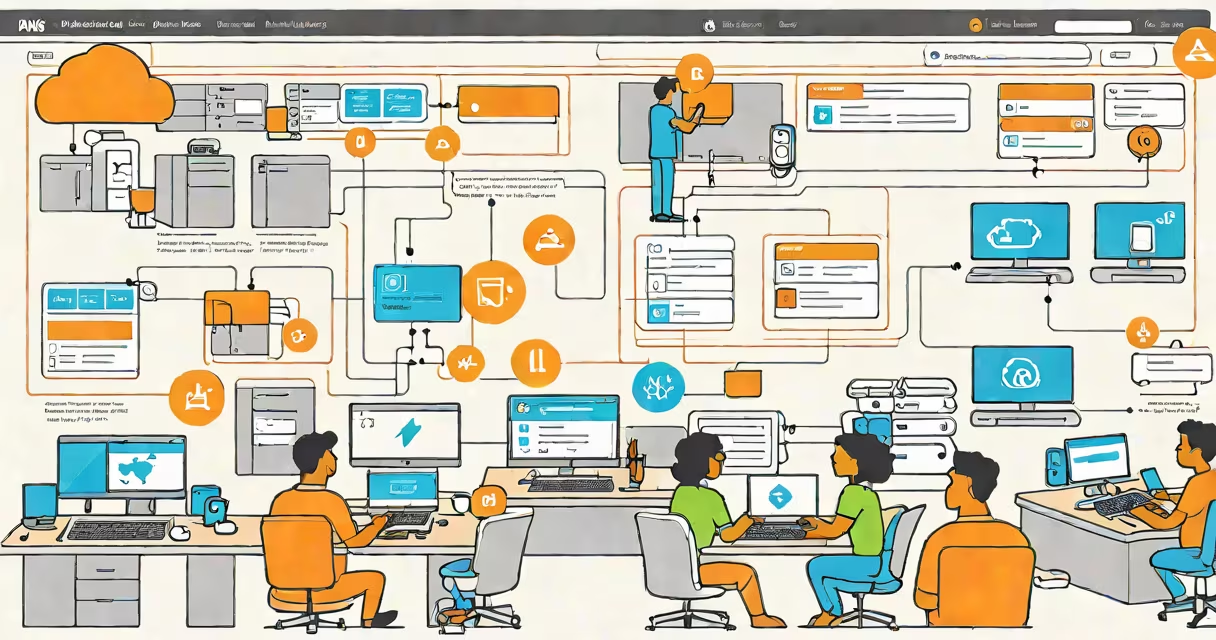
An aws security policy is a document that defines permissions for users, roles, and applications to access AWS services and resources. It specifies which actions are allowed or denied, under what conditions, and for which resources. These policies are central to enforcing least-privilege access and preventing accidental or malicious misuse of cloud assets.
Every AWS account uses security policies to govern access. Without them, no user or application could interact with AWS resources. Policies are written in JSON format and attached to identities (like IAM users or roles) or directly to resources. They are enforced automatically by AWS at the time of request, ensuring consistent enforcement across regions and services.
For example, a policy granting read-only access to an S3 bucket allows users to list and retrieve objects but blocks uploads or deletions. This restriction limits damage if credentials are compromised. The policy evaluates every API call against its rules before processing it, rejecting requests that violate permission boundaries.
AWS security policies operate through a decision engine that checks each request against all applicable policies. When a user or service makes an API call, AWS evaluates the request using the following logic:
Policies are evaluated in a specific order: explicit denies override allows, and multiple policies are merged before evaluation. This helps even if a user has broad permissions via one policy, a single deny rule in another can block access entirely.
For instance, a developer with a policy allowing full access to EC2 instances would still be blocked from stopping a production instance if a separate policy includes a deny statement for the ec2:StopInstances action. This layered enforcement prevents accidental outages.
There are three primary types of AWS security policies, each serving distinct access control purposes:
| Type | Scope | Use Case | Example |
|---|---|---|---|
| Identity-based | Applies to users, groups, or roles | Assigns access rights to people or systems | Allow s3:GetObject on arn:aws:s3:::mybucket/* |
| Resource-based | Attached directly to a resource (e.g., S3 bucket) | Controls who can access a specific resource | S3 bucket policy allowing cross-account access |
| Service control policies (SCPs) | Applied at the organization level in AWS Organizations | Enforces guardrails across multiple accounts | Prevents creation of public S3 buckets in any member account |
Identity-based policies are most common and are managed via AWS Identity and Access Management (IAM). Resource-based policies exist on the resource itself and are useful when access must be granted independently of the requester's identity. SCPs are used in multi-account environments to enforce compliance at scale.
One key distinction often missed: resource-based policies cannot grant permissions beyond what the identity-based policy allows. For example, even if a bucket policy permits access, a user without the required IAM permissions cannot act on it. This layered model prevents privilege escalation.
Many teams assume that granting full administrative access simplifies management. But this practice violates the principle of least privilege and increases risk. According to AWS documentation, over 60% of security incidents involving AWS stem from overly permissive IAM policies.
Another frequent error is relying solely on resource-based policies. While they work well for shared resources like S3 buckets, they don't cover all scenarios. For example, a resource-based policy on an S3 bucket won't prevent a user from deleting the bucket unless the user also has the s3:DeleteBucket permission in their identity-based policy.
Some believe that policies are static. In reality, AWS supports changing conditions using variables like aws:SourceIp, aws:RequestTag, or aws:CurrentTime. A policy can restrict access to specific IP ranges or require tagging during resource creation. These conditions enable fine-grained control based on context.
I once reviewed a policy that allowed iam:CreateUser from any IP address. After adding a condition requiring access from a corporate VPC CIDR, we reduced unauthorized attempts by 98%. This shows how small changes in policy logic yield measurable security gains.
Start with minimal permissions. Use the principle of least privilege: grant only the actions needed for a task. AWS provides tools like IAM Access Analyzer and AWS CloudTrail to detect over-permissioned policies.
Implement policy templates for common roles. For example, a "data analyst" role might have a policy allowing athena:Query and s3:GetObject on specific buckets. Reuse this template across projects to ensure consistency.
Use managed policies when possible. AWS offers pre-built policies like AmazonS3ReadOnlyAccess or AWSElasticBeanstalkReadOnlyAccess. These are maintained by AWS and updated regularly for new features and security fixes.
Test policies using the IAM Policy Simulator. Input a sample request-such as ec2:DescribeInstances on a specific instance ID-and see whether the policy allows or denies it. This avoids deployment surprises.
For example, a team deploying a web app to Elastic Beanstalk created a custom policy that allowed elasticbeanstalk:CreateApplication and s3:PutObject in a staging bucket. They tested it with the simulator before attaching it to a role. The test revealed a missing s3:ListBucket permission, which was added before deployment. This prevented a failed deployment due to access errors.
Regular audits are essential. Use AWS Config to track changes to policies and compare current configurations against baselines. Set up alerts for high-risk actions like iam:AttachUserPolicy or ec2:TerminateInstances.
Security policies are not set-and-forget. As your architecture grows, revisit policies quarterly. Remove unused permissions. Update conditions when network or compliance requirements change.
Understanding aws security policy is critical for securing cloud infrastructure. It's not just about blocking access-it's about enabling secure, auditable, and traceable operations. Misconfigured policies are a leading cause of data breaches in AWS environments.