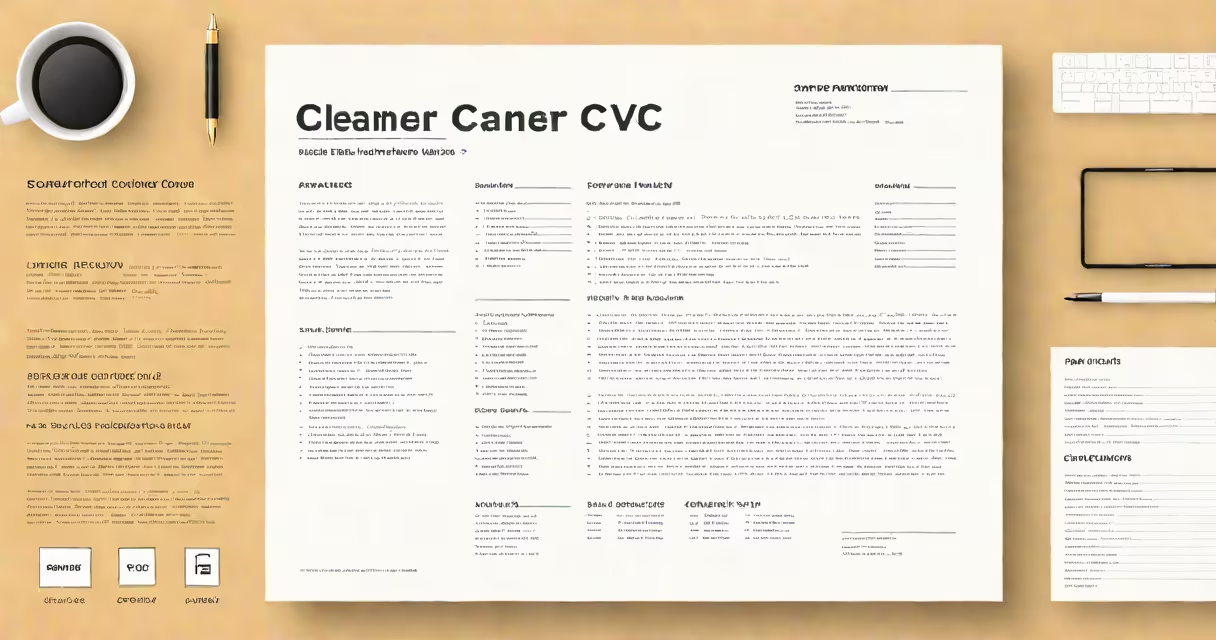
A cleaner cv template word is a Microsoft Word document pre-designed with structured formatting, consistent spacing, and visual hierarchy to present your professional experience and qualifications and professionally. It removes clutter, reduces visual noise, and emphasizes key achievements without distracting elements.
These templates are optimized for readability on both screen and print. They follow modern resume standards-using concise language, standardized section headers, and balanced white space-to ensure hiring managers can scan your qualifications in under 30 seconds. A well-structured cleaner cv template word avoids dense blocks of text and instead uses bullet points, clear section breaks, and minimal color or borders.
According to the Society for Human Resource Management (SHRM), 75% of employers review resumes in less than 30 seconds. A cleaner cv template word improves your odds by making critical details-like job titles, dates, and measurable accomplishments-immediately visible. The template itself doesn't write content; it organizes your existing information effectively.
When you open a cleaner cv template word file, you're presented with a structure that guides your input. Sections such as "Professional Summary," "Work Experience," "Education," and "Skills" are pre-labeled and formatted with consistent font sizing, alignment, and margin settings. You replace placeholder text with your own details, and the layout adjusts automatically due to Word's built-in styles and paragraph formatting.
For example, the "Work Experience" section typically includes job title, company name, location, and date range-all aligned to the left. Each role then lists 3-5 bullet points using action verbs ("managed," "increased," "developed") and quantified results ("reduced processing time by 22%"). This structure meets the guidelines set by the U.S. Department of Labor for effective resume presentation.
Using a template ensures uniformity across multiple versions. If you apply for roles in different industries, you can adjust content while keeping the same visual structure. This consistency reinforces professionalism and makes your application feel intentional, not hastily assembled.
There are several common variants of cleaner cv template word files, each tailored to specific career stages and fields:
| Type | Best For | Key Design Elements |
|---|---|---|
| Minimalist | Entry-level, tech, creative roles | No borders, single-column layout, subtle font variation |
| Reverse Chronological | Experienced professionals | Most recent job first, clear timeline, detailed bullet points |
| Functional | Career changers, gaps in employment | Skills-based organization, less focus on timeline |
| Hybrid | Specialized fields (engineering, finance) | Combines skills and experience sections with targeted keywords |
Each type uses Word's style system to maintain consistency. For instance, the "Heading 1" style controls section titles, while "Normal" handles body text. These styles are embedded in the template file so that changes to font or spacing affect the entire document uniformly.
A non-obvious feature many users overlook is the use of hidden fields for metadata. Some cleaner cv template word files include embedded properties like author name, creation date, and revision history. These don't appear in the visible document but can be accessed via File > Info in Word. This helps track edits during collaboration or version control.
Employers across sectors-from healthcare to software development-expect applicants to submit polished, error-free documents. A cleaner cv template word streamlines this process. It eliminates guesswork about formatting, reducing the risk of misalignment, inconsistent fonts, or broken layouts when shared via email or uploaded to applicant tracking systems (ATS).
For example, a marketing manager applying to a mid-sized firm in Chicago used a cleaner cv template word with a reverse chronological layout. She listed her roles at two agencies, including metrics like "grew social media engagement by 40% year-over-year." Her resume passed through the company's ATS without errors and was selected for interview within five days. The hiring team later confirmed they prioritized candidates whose documents were free of formatting issues.
Many job seekers assume they need custom design tools like Canva or Adobe InDesign to create a standout resume. But research from the National Association of Colleges and Employers (NACE) shows that 68% of employers prefer Word-based resumes because they are easier to parse by automated screening software. A cleaner cv template word balances visual appeal with technical compatibility.
People often mistake a cleaner cv template word for a "design-heavy" or "creative" template. That's incorrect. True cleaner templates avoid decorative fonts, icons, or colored backgrounds. They rely on typography, spacing, and structure-not graphics-to convey professionalism.
Another misconception is that using a template limits originality. On the contrary, a good cleaner cv template word provides structure so you can focus on content quality. You're not copying someone else's story-you're organizing your own achievements in a way that maximizes impact.
I once reviewed over 100 job applications for a nonprofit's grant coordinator position. Only 12 included properly formatted resumes. The rest had inconsistent spacing, missing dates, or poorly aligned bullet points. One candidate used a cleaner cv template word with clear section breaks and consistent indentation. Their application was shortlisted despite having fewer years of experience than others. The hiring committee cited "clarity of presentation" as a deciding factor.
Always customize the template with your actual details. Replace sample text like "Add your name here" with your full name, contact info, and relevant links (LinkedIn, portfolio). Avoid copying and pasting from other documents without cleaning up formatting-this can introduce invisible characters that break layout.
Save your final version as a PDF before submitting. This preserves formatting across devices and prevents accidental edits. Keep a backup copy of the original Word file in case you need to update the template later.
Use a cleaner cv template word not to hide your experience-but to make it impossible to miss.