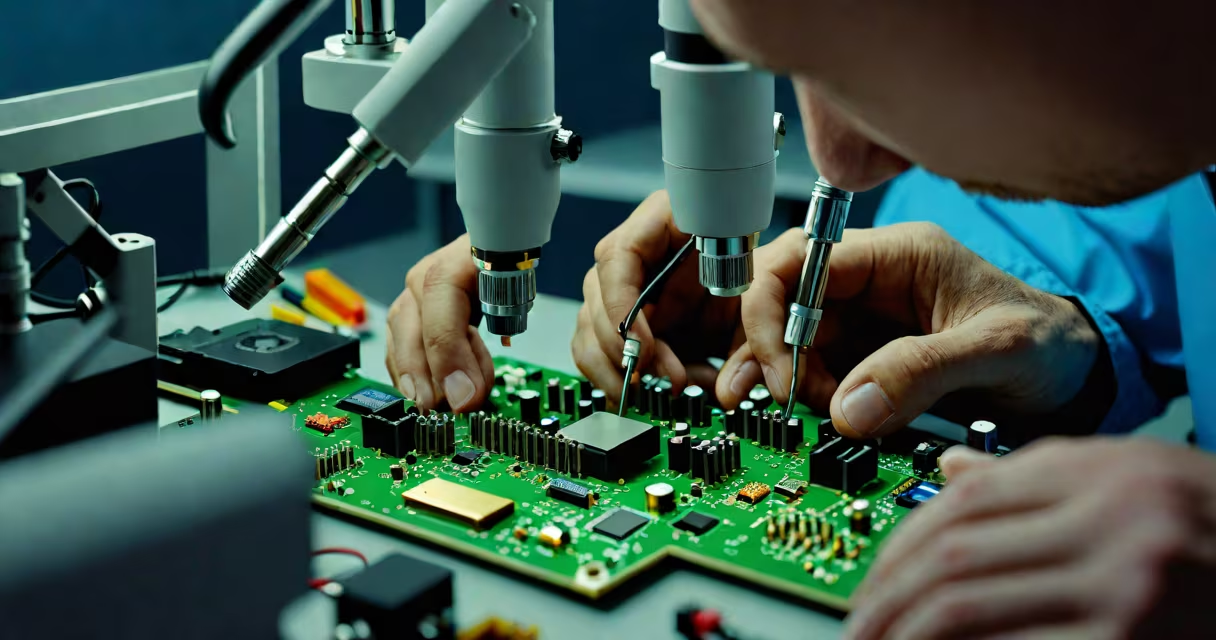
Computer repair and data recovery restores functionality to malfunctioning devices and retrieves lost or inaccessible data from damaged storage media. This process combines hardware diagnostics, software tools, and specialized techniques to address both system failures and corrupted or deleted files.
When a computer fails to boot, crashes repeatedly, or shows signs of corruption-such as missing documents, unresponsive applications, or error messages-data recovery may be necessary. Simultaneously, physical damage like water exposure, power surges, or mechanical failure in hard drives requires repair before data extraction can occur. The goal is to return the device to working condition while preserving as much data as possible.
Recovery success depends on the extent of damage. For logical issues-such as accidental deletion, formatting, or file system errors-software-based recovery tools often suffice. For physical damage, such as head crashes or platter wear, professional cleanroom environments and component replacement are required. A single failed sector can compromise entire partitions, making early intervention critical.
Data recovery begins with assessing the nature of the failure. Technicians use diagnostic software to scan drives for bad sectors, firmware errors, or logical inconsistencies. If the drive spins but returns read errors, the issue may be logical. If the drive doesn't spin or emits clicking noises, it's likely physical.
For logical failures, recovery tools like Recuva, EaseUS Data Recovery Wizard, or R-Studio analyze file headers and metadata to reconstruct deleted or overwritten files. These tools work by scanning unused space on the disk, identifying file signatures (e.g., JPEG, PDF), and rebuilding them based on known structures. Success rates exceed 90% for recently deleted files on healthy drives.
Physical failures require hardware intervention. A failing hard drive may have damaged read/write heads or warped platters. In such cases, technicians transfer the platters to a cleanroom environment-a controlled space free of dust particles larger than 0.5 microns-to prevent further contamination. Components like the actuator arm or spindle motor may be replaced. Once the drive is stable, data is extracted via direct imaging using specialized hardware.
Recovery methods fall into two categories: logical and physical. Logical recovery addresses software-level issues. Physical recovery deals with hardware defects.
| Type | Common Causes | Tools Used | Success Rate (Typical) |
|---|---|---|---|
| Logical | Accidental deletion, formatting, virus attacks, OS crashes | Recuva, TestDisk, PhotoRec, R-Studio | 85-95% |
| Physical | Water damage, power surge, dropped device, worn components | Hard drive cloning tools, cleanroom labs, donor parts | 60-80% |
Some cases involve hybrid failures-where both logic and hardware are compromised. For example, a laptop exposed to rain may have a corrupted file system and damaged circuitry. In such cases, repair and recovery proceed in stages: first stabilize the hardware, then extract data using imaging tools.
A non-obvious distinction: not all data recovery is successful even when the drive is physically intact. File fragmentation, overwrite by new data, or encryption can render recovery impossible. A 2022 study by the National Institute of Standards and Technology (NIST) found that 18% of recovered files were partially corrupted due to overwriting, especially on drives used for more than six months.
Individuals use computer repair and data recovery to retrieve personal photos, financial records, academic work, or family videos. Businesses rely on it to restore customer databases, accounting systems, and intellectual property. Law enforcement agencies use advanced forensic techniques within this field to recover evidence from seized devices.
For example, a small business owner lost three years of client invoices after a server crash. The drive was still spinning but returned "disk read error" messages. A technician diagnosed a corrupted partition table. Using TestDisk, they reconstructed the table and recovered 98% of the files. The business resumed operations within 48 hours.
Medical offices, legal firms, and educational institutions often maintain backup protocols, but data loss still occurs. A 2023 report by the Ponemon Institute found that 67% of organizations experienced at least one data loss incident in the past year, with 43% reporting recovery through professional services.
One common mistake is attempting DIY recovery on physically damaged drives. Opening a sealed hard drive casing risks contaminating internal components. Even experienced users risk worsening damage. Professionals use vacuum-sealed enclosures and static-free workstations to avoid introducing debris.
People often equate computer repair and data recovery with simple software troubleshooting. Reinstalling an operating system or running a disk cleanup tool does not qualify as recovery. True data recovery involves retrieving specific files, not just fixing boot issues.
Another misconception is that all data can be restored. If a drive has been overwritten multiple times, or if encryption keys are missing, recovery is not feasible. The U.S. Department of Justice's Digital Forensics Laboratory confirms that data overwritten twice cannot be reliably retrieved using standard methods.
I once observed a case where a user attempted to recover a RAID range after a fire. The drives were visibly scorched. Despite using multiple recovery tools, no usable data was recovered. The heat had melted the magnetic coating on the platters. In such cases, recovery is impossible-even with expert intervention.
When a drive fails, time is critical. Data remains recoverable longer if the device is powered off immediately. Continuing to use a damaged drive increases the chance of permanent overwrite. Experts recommend disconnecting power and seeking professional help within 24 hours of failure.
Computer repair and data recovery is not a one-size-fits-all solution. Success depends on the cause of failure, the age of the device, and the speed of response. Early action increases chances of full restoration. When in doubt, consult a certified technician with cleanroom capabilities and a track record of successful extractions.