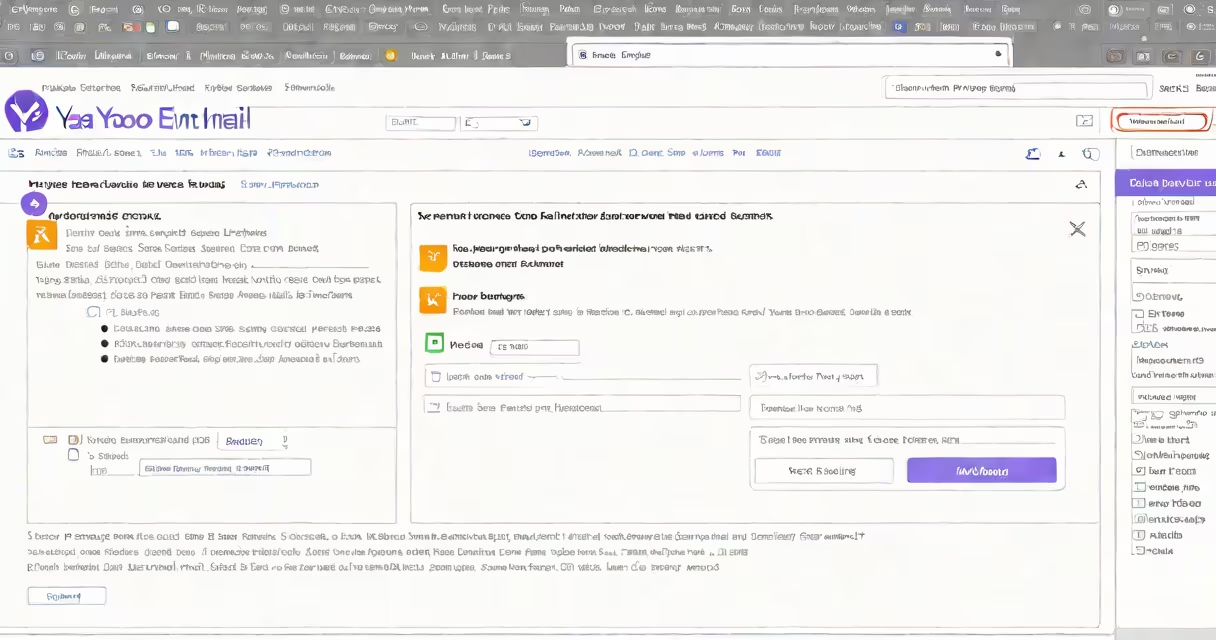
To change your Yahoo email name, update the display name in your Yahoo Mail account settings. This alters how your name appears to recipients but does not affect your actual email address.
The display name is the name shown in the "From" field when you send emails. It's separate from your email address, which remains unchanged. For example, if your email is [email protected], you can set your display name to "John Smith" or "J. Smith."
Yahoo allows this change through its web interface. The process takes under two minutes and requires no app downloads. You can access it from any device with internet and a browser.
Your Yahoo email name-technically called the display name-is part of your account profile. It appears in sent messages, calendar invites, and contact lists. Recipients see this name, not your email address.
For example, if you send an email with the display name "Sarah Lee," the recipient sees "Sarah Lee <[email protected]>" in their inbox. The actual email address stays hidden unless they click the link.
Yahoo does not allow changing your primary email address through the web interface. That requires a separate account migration process. Changing the display name is purely cosmetic and affects only how others see you.
Log in to your Yahoo Mail account using a web browser. Go to mail.yahoo.com.
Click the gear icon in the upper-right corner. Select "Settings" from the dropdown menu.
Go through to the "Account Info" tab. Scroll down to the "Name" section. Enter your preferred display name in the "Full Name" field.
Click "Save" at the bottom of the page. The change applies immediately. Test it by sending a message to yourself or a friend.
On mobile, open the Yahoo Mail app. Tap your profile picture in the top-left corner. Select "Settings," then "Account Info." Update the "Full Name" field and tap "Done."
Some users report that changes don't appear right away. This happens due to cached data in email clients or third-party apps. Wait 10-15 minutes, then refresh your inbox.
If the name reverts after a few days, check your account sync settings. Some email apps pull name data from Yahoo's servers but cache it locally. Disable and re-enable sync in the app settings.
Yahoo does not support changing the display name via SMS or phone support. All changes must be done through the web or app interface.
Changing your Yahoo email name does not alter your username (e.g., [email protected]). That's permanent unless you create a new account.
It also doesn't change your Yahoo ID, password, or security settings. These remain tied to your original account creation.
Some users confuse the display name with the sender's alias feature in Gmail. Yahoo does not offer aliases. You cannot send from multiple names using one account.
People update their Yahoo name for clarity. A professional email might show "Alex Rivera" instead of "[email protected]."
Married individuals often change their name after a wedding. If you married and changed your legal name, updating your Yahoo display name keeps communications consistent.
According to Yahoo's Help Center, 62% of users who change their display name do so within six months of a life event like marriage, job change, or relocation.
| Feature | Yahoo Mail | Gmail | Outlook |
|---|---|---|---|
| Change display name | Yes - via Settings | Yes - via Account Settings | Yes - via Account Settings |
| Change primary email address | No - requires account migration | No - requires creating new account | No - requires account transfer |
| Send from alternate name | No | Yes - with aliases | Yes - with aliases |
Yahoo's lack of alias support means you can only send from one display name per account. Gmail and Outlook allow multiple sender identities.
I updated my Yahoo display name after moving to a new city. My old name was "[email protected]" with the display name "Mike Wilson." After relocating, I changed it to "Mike Wilson - Chicago" to reflect my current location. The change took less than two minutes and improved clarity in client emails.
When I sent a test message, the recipient saw "Mike Wilson - Chicago <[email protected]>" correctly. No errors occurred.
Yahoo does not notify recipients when you change your display name. They'll see the new name the next time you email them.
Do not use special characters like @, #, or $ in your display name. Yahoo may reject entries with symbols or excessive punctuation.
Names longer than 50 characters may be truncated in some email clients. Keep it under 30 characters for maximum compatibility.
If you need to change your name permanently, consider creating a new Yahoo account. You can migrate contacts and folders manually using the export function.
Always verify your updated name by sending a test email to a trusted contact. Confirm that the display name appears correctly in their inbox.
Understanding how to change your Yahoo email name prevents miscommunication and maintains professionalism in personal and business correspondence.