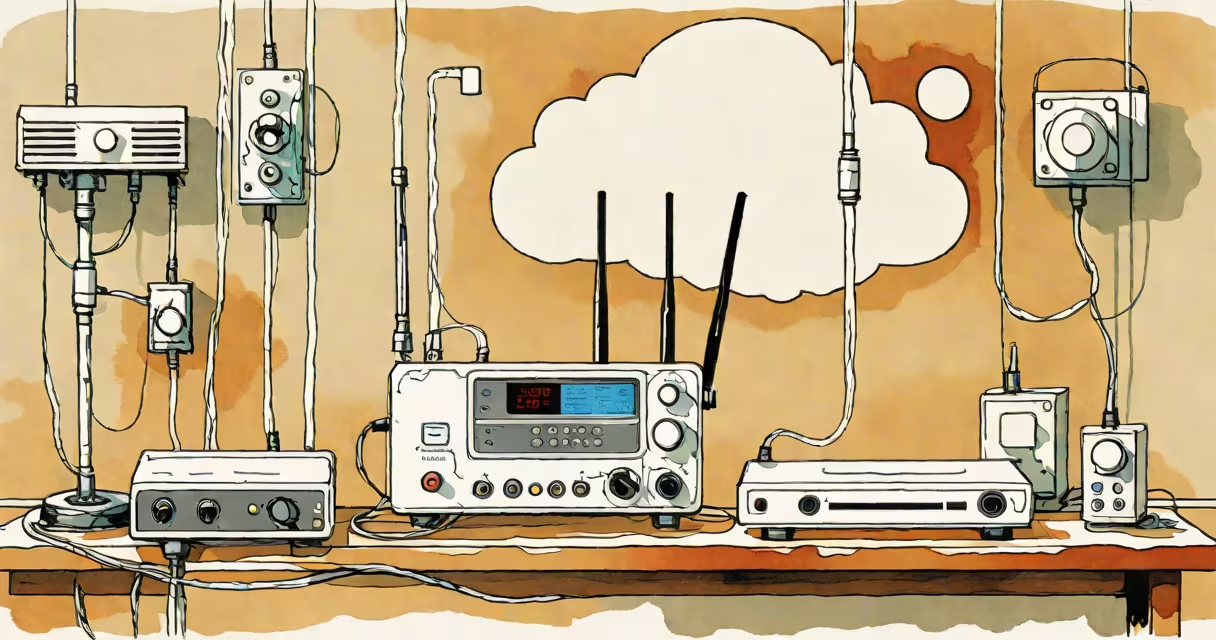
A local wifi network is a private wireless system that connects devices within a confined space-like a home, office, or apartment-using radio frequencies. It enables devices to share internet access, exchange files, and communicate without physical cables.
These networks operate on unlicensed frequency bands, primarily 2.4 GHz and 5 GHz, managed by the IEEE 802.11 standards. A central device-the router-broadcasts a unique name (SSID) and handles traffic between connected devices and the internet. The network functions independently of the wider internet; even without an internet connection, devices can still communicate locally.
For example, a smart thermostat, laptop, and smartphone can all connect to the same local wifi network. They can share a printer, stream media between devices, or allow remote access to a home surveillance camera-all without needing external internet access.
When a device joins a local wifi network, it sends a request to the router using a process called association. The router responds with a unique identifier, typically the SSID, and begins authentication. If the network uses password protection (WPA2 or WPA3), the device must provide the correct passphrase to gain access.
Once authenticated, the device receives an IP address through DHCP (Changing Host Configuration Protocol). This address allows the router to route data correctly. Devices then communicate using protocols like TCP/IP, enabling file sharing, streaming, and online gaming.
Internal traffic-data sent between devices on the same network-does not leave the router. For instance, when a phone downloads a photo from a computer on the same network, the transfer happens entirely within the local network, reducing bandwidth usage on the internet connection.
A local wifi network consists of several key parts:
There are two primary types of local wifi networks based on deployment:
| Type | Use Case | Example |
|---|---|---|
| Residential | Home use, single-family dwellings | Linksys EA7500 router managing devices in a suburban house |
| Enterprise | Offices, schools, large buildings | Multiple access points linked via a centralized controller in a university campus |
While residential networks are usually managed manually through a web interface, enterprise networks often use centralized management tools to monitor performance, enforce policies, and handle thousands of users.
Many people assume that a local wifi network is the same as the internet. That's incorrect. The internet is a global network of interconnected systems. A local wifi network operates independently-it can exist without internet access. You can have a fully functional local network for file sharing, printing, or running a home server even if your ISP is down.
Another misconception is that all local wifi networks are insecure. While older protocols like WEP were easily cracked, modern standards such as WPA3 offer strong encryption. According to the Wi-Fi Alliance, WPA3 reduces the risk of brute-force attacks by requiring stronger passwords and protecting individual connections.
Some users also confuse a local wifi network with Bluetooth or Zigbee. These are different technologies. Bluetooth operates over short ranges (typically under 10 meters) and is designed for low-power, low-data-rate applications like headphones or fitness trackers. Zigbee supports mesh networking for smart home devices but doesn't provide internet connectivity. Only wifi offers high-speed, long-range wireless access to the internet and other devices.
Set up a local wifi network at home with a new router:
192.168.1.1 to access the admin panel.After reboot, all devices previously connected will reconnect automatically. New devices must enter the updated password. This setup ensures both convenience and security.
I once set up a local wifi network for a small business with 12 employees. We used a dual-band router and split the network into two SSIDs-one for staff and another for guests. The guest network had no access to internal servers or printers. This reduced accidental data exposure and improved network stability during peak hours.
Always use WPA3 encryption if available. If not, WPA2 with a complex password is acceptable. Avoid leaving the network open or using weak passwords like "123456" or "password."
Change the default admin password for the router. Many routers ship with "admin/password" as credentials. Leaving them unchanged makes the network vulnerable to remote takeover.
Regularly update the router's firmware. Manufacturers release patches to fix known vulnerabilities. According to the U.S. Cybersecurity and Infrastructure Security Agency (CISA), unpatched routers are a common entry point for malware like Mirai, which has infected over 15 million devices globally since 2016.
Disable remote management unless absolutely needed. If enabled, attackers can access the router from anywhere on the internet.
Local wifi networks form the foundation of modern digital life. They enable smooth connectivity across homes, offices, and public spaces. Knowing how they work, how to secure them, and how to troubleshoot issues empowers users to maintain privacy, performance, and reliability.