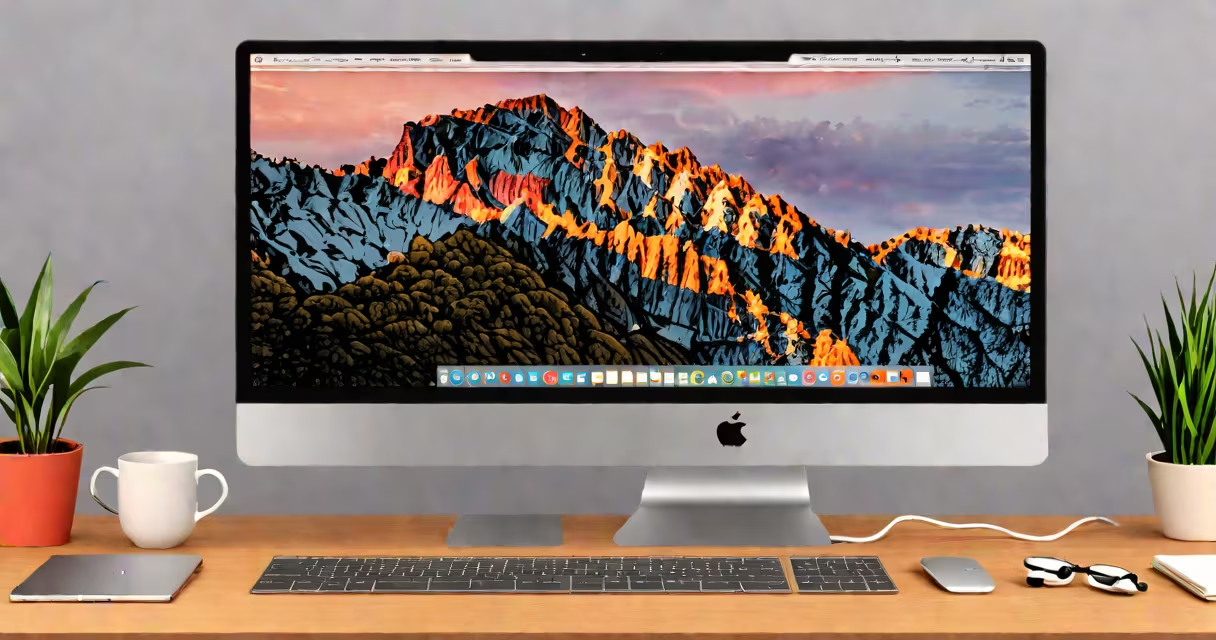
macOS types are the distinct versions and editions of Apple's desktop operating system, released in sequence since 2001. Each version introduces new features, security updates, and hardware compatibility changes. The current lineup includes macOS Sonoma, Ventura, and Sequoia, each tailored for specific Apple Silicon and Intel-based Macs.
Apple releases macOS annually, typically in the fall. Each version builds on the last, adding functionality while maintaining backward compatibility with older applications. The core architecture remains Unix-based, with Darwin at its foundation, ensuring stability and security. Apple controls both hardware and software, allowing tight integration between macOS types and Mac devices.
macOS types are not interchangeable. Upgrading requires checking system requirements. For example, macOS Sonoma runs only on Macs with Apple Silicon (M-series chips) or Intel processors from 2017 onward. Older models cannot install newer versions. This limits access to features like Stage Manager, enhanced privacy controls, and machine learning tools available in recent releases.
Each macOS type operates through a layered system. At the base is Darwin, a Unix-like kernel derived from BSD and Mach. Above it sits the XNU kernel, which manages memory, processes, and device drivers. The user-facing layer includes the graphical interface (Aqua), system services, and application frameworks like Cocoa.
When you boot a Mac, the firmware (Open Firmware or UEFI on newer models) loads the kernel. The kernel initializes hardware, then starts launchd-a central process manager. launchd spawns essential daemons and launches loginwindow, which presents the user interface. From there, users interact with apps, files, and settings via the Finder and System Settings.
Security is enforced through System Integrity Protection (SIP), which prevents unauthorized modifications to system files. Gatekeeper verifies app authenticity before execution. These mechanisms are consistent across all macOS types but evolve with each release. For example, macOS Sonoma adds App Privacy Report, which tracks app behavior across permissions.
Apple categorizes macOS types by major release name, version number, and supported hardware. The following table outlines key differences:
| Version | Release Year | Hardware Support | Key New Features |
|---|---|---|---|
| macOS Sonoma (15) | 2024 | Apple Silicon (M1-M4), Intel 2017+ | Stage Manager, enhanced Focus modes, AI-driven suggestions, improved multitasking |
| macOS Ventura (14) | 2023 | Apple Silicon, Intel 2017+ | Continuity Camera, Universal Control, updated Spotlight, iCloud Shared Albums |
| macOS Monterey (13) | 2022 | Apple Silicon, Intel 2017+ | Focus mode, Live Text, AirPlay to Mac, Apple Intelligence preview |
| macOS Big Sur (12) | 2020 | Apple Silicon, Intel 2012+ | Redesigned UI, new Control Center, improved privacy dashboard |
| macOS Catalina (10.15) | 2019 | Intel 2012+ | Separation of iOS-like apps, Sidecar, iCloud Drive integration |
Not all macOS types support the same features. For example, Apple Intelligence tools-like predictive text and on-device AI-are available only in macOS Sonoma and later. These require Apple Silicon chips due to their reliance on Neural Engine performance. Intel-based Macs cannot run these features even if they meet the minimum RAM and storage thresholds.
A common misconception is that all macOS types are free. While Apple provides free upgrades to the latest version for eligible devices, older models may no longer receive updates. For instance, Macs with Intel Core i5 from 2012 cannot run macOS Sonoma. They're locked at macOS High Sierra (10.13), released in 2017. This creates a divide between supported and unsupported hardware.
macOS types are used in creative studios, academic institutions, software development teams, and personal computing environments. Professionals rely on macOS Sonoma for video editing, music production, and coding due to its optimized performance on Apple Silicon Macs.
For example, a freelance video editor using Final Cut Pro on an M2 MacBook Pro benefits from hardware-accelerated rendering. This reduces export times from 45 minutes on macOS Monterey to under 12 minutes on Sonoma, thanks to improved Metal API support and GPU scheduling.
Enterprise IT departments often standardize on a single macOS type to simplify deployment and security policies. Apple Business Manager allows organizations to lock devices to specific versions, disable features like screen recording, and enforce encryption. This ensures compliance with regulations such as HIPAA and GDPR.
One non-obvious fact: Apple does not release public beta versions of macOS for all hardware. Beta testing is limited to devices with Apple Silicon or Intel processors from 2017 or later. Older machines, like the 2010 MacBook Air, are excluded-even if they technically meet the software requirements. This exclusion is based on hardware capability, not just age.
Many users confuse macOS types with other operating systems. For example, macOS is not Linux, despite sharing Unix roots. It lacks package managers like apt or yum and uses .app bundles instead of .deb or .rpm files. It also doesn't support command-line tools from GNU Core Utilities by default-though Homebrew can install them.
Another frequent error is assuming that macOS types can run on non-Apple hardware. While some third-party tools claim to enable macOS on PCs, Apple's firmware checks prevent installation. Even if you bypass these checks, hardware drivers are missing, leading to crashes or unresponsive input devices. Apple explicitly prohibits this use in its End User License Agreement (EULA).
Users sometimes mistake "Mac OS X" as a standalone product. It was the original name for Apple's desktop OS, introduced in 2001. Since then, Apple rebranded it as macOS in 2016. The name change reflects a shift toward branding consistency across Apple devices. Today, "Mac OS X" refers only to legacy releases.
On a personal note, I once attempted to install macOS Sonoma on a 2012 MacBook Pro using a third-party tool. The installer failed during the disk partition phase. After researching, I confirmed that the model lacks the necessary Secure Enclave chip required for encrypted boot verification. This experience reinforced that hardware limitations are not always visible in documentation.
Compared to Windows 11 or Linux distributions, macOS types offer tighter integration between software and hardware. Apple designs the entire stack-from chip to OS-so performance is predictable. A 2023 MacBook Air with M2 chip boots in 5 seconds and runs 100+ browser tabs smoothly. On a comparable Windows laptop with Intel i7 and 16GB RAM, similar performance requires higher power draw and generates more heat.
macOS types also differ in update frequency. Apple releases major updates annually, with minor patches monthly. Microsoft releases Windows updates on a fixed schedule (typically twice yearly), but many enterprises delay adoption due to compatibility concerns. Apple's closed system reduces fragmentation-over 95% of Macs run the latest version within six months of release, according to Statista.
For virtualization, users can run macOS types in emulated environments, but only on Apple hardware. VMware Fusion supports macOS Sonoma on Apple Silicon Macs, but not on Intel-only systems. VMware mac os x requires a valid Apple ID and activation through Apple's licensing system. Third-party VMs like Parallels Desktop also require purchase and license keys.
For developers needing to test apps across macOS types, Apple provides virtual machines through Xcode and the Simulator. You can emulate iOS and iPadOS devices, but macOS simulation is limited to the current and previous two versions. This restricts testing for older macOS types unless you have physical hardware.
macOS types define how Apple's desktop operating system evolves. Each version brings improvements in speed, security, and usability. Knowing which type suits your hardware ensures optimal performance and long-term support.