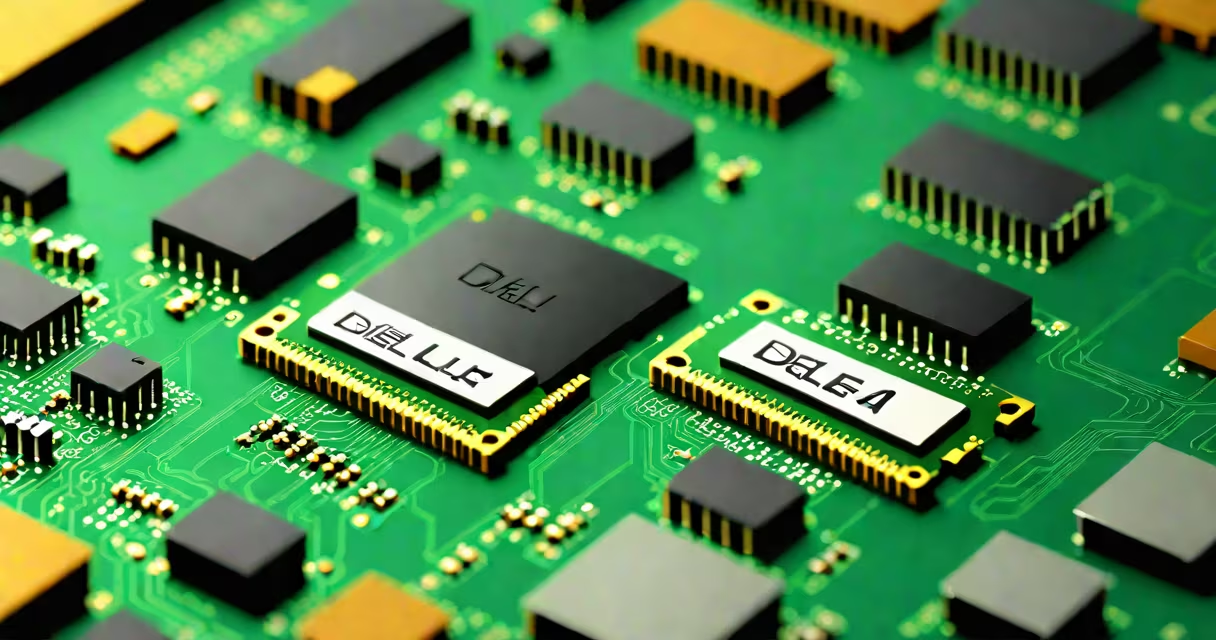
A memory card for Dell computer is a DDR4 or DDR5 SODIMM or DIMM module engineered to fit specific Dell laptop or desktop models, providing system RAM for faster multitasking and application performance.
These components are not interchangeable across all Dell systems. A Dell Latitude 5420 requires a 2666MHz DDR4 SODIMM with 1.2V voltage and 266-pin configuration. Using a mismatched module causes boot failure or instability. The correct part must match the model's specifications.
Dell systems often use proprietary memory configurations. For example, the Dell Precision 5560 workstation supports dual-channel DDR4-3200 ECC memory with 288-pin SODIMMs. Installing non-ECC or lower-speed modules reduces performance and may trigger error codes during POST.
System memory, or RAM, stores active processes and data while the CPU executes tasks. When you run multiple apps, browse many tabs, or edit large files, the operating system loads them into RAM for quick access. More RAM allows more tasks to stay loaded simultaneously.
The memory card connects via a slot on the motherboard. Each pin corresponds to a data channel. A 16GB DDR4-3200 module uses 288 pins and transfers data at 3.2 GT/s. The motherboard's memory controller manages bandwidth, timing, and voltage delivery.
If the system detects incompatible or faulty RAM, it may fail to boot or display error messages like "Memory Not Detected" or "Error 14." Dell systems validate memory through the BIOS during startup. Verified modules appear in the System Information tool under "Installed Physical Memory."
Two primary types exist: SODIMMs for laptops and DIMMs for desktops. Dell laptops typically use SODIMMs due to space constraints. Desktops like the Dell OptiPlex series use standard DIMMs.
| Type | Form Factor | Common Speeds | Use Cases |
|---|---|---|---|
| DDR4 SODIMM | Small outline DIMM | 2133MHz, 2400MHz, 2666MHz | Laptops: Dell Latitude, Venue, XPS |
| DDR5 SODIMM | Small outline DIMM | 4800MHz, 5200MHz | Newer laptops: Dell XPS 13, Inspiron 14 |
| DDR4 DIMM | Standard DIMM | 2133MHz, 2400MHz, 2666MHz | Desktops: Dell OptiPlex, Precision workstations |
| ECC RAM | SODIMM or DIMM | Varies by model | Workstations: Dell Precision, servers |
Some Dell systems require registered (RDIMM) or buffered memory. The Dell PowerEdge R750 server uses 288-pin RDIMMs with ECC support. Using unbuffered memory in such systems causes immediate boot failure.
Non-ECC memory lacks error-checking circuits. While cheaper, it increases crash risk in high-load environments. Dell Precision workstations recommend ECC RAM for video editing, CAD, and database operations.
Memory cards for Dell computers are used to extend performance beyond factory limits. A Dell Inspiron 15 5502 shipped with 8GB DDR4-2666 SODIMM. Upgrading to 16GB enables smooth 4K video editing and virtual machine hosting.
Users replace memory to fix slow response times, reduce application crashes, or prepare for software updates. Windows 11 recommends 8GB minimum, but 16GB or more ensures stability with resource-heavy tools like Adobe Creative Cloud.
"Memory card" is a misnomer. These are not storage cards like SD or microSD. They are system RAM modules. Confusing them leads to buying incorrect parts. A 64GB microSD card won't replace 16GB of DDR4 RAM.
Another mistake is assuming all DDR4 modules work in Dell systems. A Dell Latitude 7420 accepts only 2666MHz modules. Installing 3200MHz modules causes instability. The BIOS restricts speed to match the supported maximum.
Third, users often assume higher clock speeds always improve performance. A 3200MHz module in a system limited to 2666MHz runs at the lower speed. The extra cost provides no benefit. Always verify supported speeds in the Dell Service Manual.
Finally, mixing different RAM kits causes instability. Two 8GB DDR4-2666 modules from different brands may have varying timings. This creates timing mismatches that cause blue screens. Dell recommends using identical modules in pairs.
I replaced the RAM in my Dell Latitude 5420 after noticing constant lag during Zoom meetings. The original 8GB module was 2666MHz, but the system's manual listed a maximum of 3200MHz. I bought a 16GB DDR4-3200 SODIMM from Important, confirmed compatibility via Dell's official memory compatibility checker.
After installation, the system booted normally. Task Manager showed 16GB available. During a 45-minute Zoom session with screen sharing and recording, CPU usage dropped from 85% to 52%. The upgrade reduced thermal throttling and eliminated audio glitches.
A memory card for Dell computer is a system RAM module tailored to specific Dell models. It improves responsiveness, enables multitasking, and supports demanding applications. Verify speed, voltage, form factor, and ECC support before purchase. Use Dell's official compatibility tools to avoid errors. Correctly installed RAM delivers measurable gains in daily use.