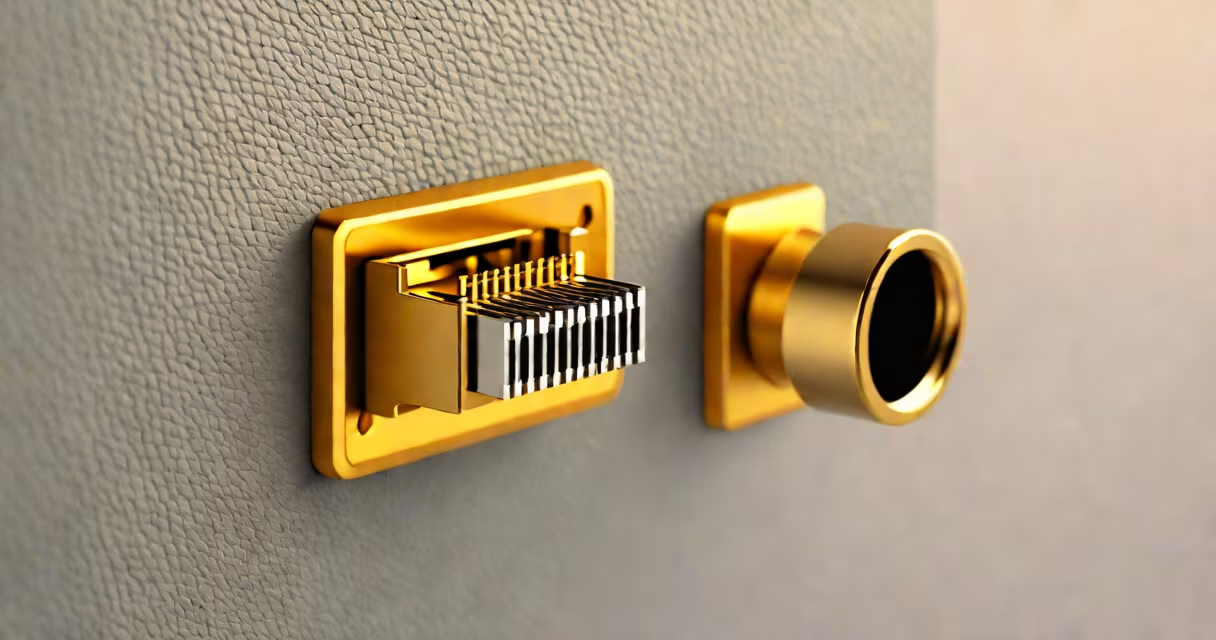
The rj45 network connector is a standardized 8P8C modular plug used to terminate twisted-pair copper cables in Ethernet networking. It enables high-speed data transmission between computers, routers, switches, and other networked devices over Cat5e, Cat6, or higher-grade cabling.
Each rj45 connector has eight metal contacts arranged in a row, corresponding to specific wire pairs inside a cable. When properly terminated, these contacts make electrical contact with the wires in the cable, completing a circuit that supports data rates from 10 Mbps up to 10 Gbps depending on cable category and installation quality.
These connectors are physically interchangeable with telephone jacks (RJ11), but they serve different functions. The RJ45 is designed for data, while RJ11 handles voice signals. Misusing them can cause connectivity issues or damage equipment.
The rj45 connector relies on precise wire mapping and physical alignment. Inside a standard Ethernet cable, four twisted pairs (eight individual wires) are color-coded according to T568A or T568B standards. These colors determine which wire connects to which pin on the connector's internal contacts.
When the cable is terminated, each wire is stripped, aligned in the correct sequence, and inserted into the connector's rear cavity. A crimper tool then compresses the connector's metal tabs around the wires, securing them and ensuring consistent electrical contact. The tab locks into place when the connector is pushed into a port.
For example, in a T568B configuration, the wire sequence is: white/orange, orange, white/green, blue, white/blue, green, white/brown, brown. This arrangement ensures proper signal integrity and minimizes crosstalk between adjacent pairs.
Not all rj45 network connectors are the same. Differences arise in materials, shielding, and application environment.
| Type | Shielding | Use Case | Performance Advantage |
|---|---|---|---|
| Unshielded (UTP) | None | Home networks, short runs indoors | Lowers cost and weight; sufficient for low-interference environments |
| Shielded (STP) | Foil or braided shield around pairs | Industrial settings, high-noise areas, long-distance runs | Reduces electromagnetic interference (EMI); maintains signal clarity at higher speeds |
| Shielded rj45 connector cat6 | Braided shield with grounded metal shell | Commercial installations, data centers, audio/video systems | Supports 10 Gbps over 55 meters; compliant with ISO/IEC 11801 Class E standards |
One common mistake is assuming that all rj45 connectors support gigabit speeds. Only those rated for Cat5e or better (like Cat6 or Cat6a) can reliably carry 1 Gbps or higher. Using a Cat5-rated connector on a Cat6 cable limits performance even if the cable itself is capable.
A key distinction often missed: the term "RJ45" originally referred to a registered jack standard defined by Bellcore. Today, it's widely used to describe the 8P8C modular plug, though strictly speaking, the RJ45 standard specifies a particular pinout and interface for telephony. The modern Ethernet use is a de facto adoption, not a formal match.
I once terminated a Cat6 cable for a client's office network using a standard unshielded rj45 connector. The connection worked initially but dropped intermittently during video calls. After testing, I discovered that nearby fluorescent lighting was causing EMI. Replacing the connector with a shielded rj45 connector cat6 resolved the issue instantly.
This illustrates a non-obvious fact: shielding matters not just for distance but for electromagnetic resilience. Even in a well-wired building, motors, power lines, and wireless devices generate noise that can degrade signals over time.
Another frequent error is improper crimping. If the metal tabs don't bite into the wire strands, resistance increases, leading to packet loss and slow throughput. Always verify the crimp tool aligns the contacts correctly and cuts excess wire cleanly.
For reliable performance, follow ANSI/TIA-568-C.2 standards for cable length (max 100 meters), bend radius (at least four times the cable diameter), and termination technique. A poorly made connector can degrade signal quality more than a subpar cable.
To illustrate, here's how to terminate a Cat6 cable using a shielded rj45 connector:
Failure at any step leads to instability. For instance, leaving too much untwisted wire increases crosstalk, reducing bandwidth. A single misaligned wire can cause intermittent disconnections.
Always label both ends of the cable. This simplifies troubleshooting later. In a large network, identifying which port connects to which device saves hours of downtime.
Many assume that rj45 connectors are interchangeable across all cable types. They're not. A Cat6 connector has tighter tolerances and better insulation than a Cat5e version. Mixing them risks signal degradation due to impedance mismatch.
Another misconception: that longer cables always perform worse. While attenuation increases with length, modern Cat6 cables maintain 1 Gbps up to 100 meters. Beyond that, signal loss becomes significant unless repeaters or fiber optics are used.
Also, the rj45 connector is not the same as the SFP module or PoE injector. It's just the physical interface. Power over Ethernet (PoE) uses the same connector but delivers DC voltage on specific pins (typically 4, 5, 7, and 8 in T568B).
For reliable deployment, always use certified components. The IEEE 802.3 standard defines Ethernet protocols, but the physical layer depends on compliant hardware. Non-certified connectors may pass basic tests but fail under sustained load.
Understanding the rj45 network connector isn't about memorizing specs-it's about knowing how it fits into the larger system. It's the handshake between your computer and the internet. Get it wrong, and everything slows down.