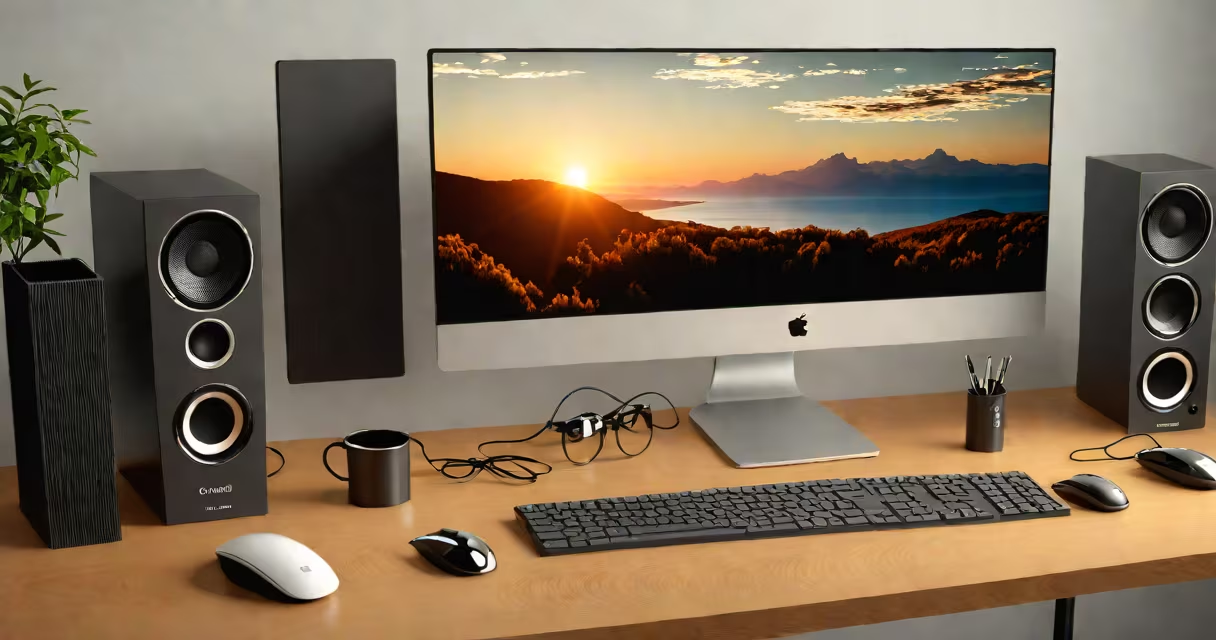
A personal computer is a general-purpose electronic device designed for individual use, capable of running software applications, storing data, and connecting to networks. It typically includes a central processing unit (CPU), memory (RAM), storage (hard drive or SSD), input devices (keyboard, mouse), and output devices (monitor, speakers).
Personal computers emerged in the late 1970s and became widespread in homes and offices during the 1980s and 1990s. The term encompasses desktops, laptops, and all-in-one systems. Unlike servers or workstations, which serve multiple users or perform specialized tasks, personal computers are optimized for single-user productivity, entertainment, and communication.
The core function of a personal computer is executing instructions written in machine code-binary sequences of 0s and 1s. These instructions are processed by the CPU, which interprets them via the instruction set architecture. Modern CPUs, such as Intel Core i7 or AMD Ryzen 7, execute billions of operations per second. Memory (RAM) holds active programs and data temporarily, while storage drives (HDDs or SSDs) retain files long-term.
When you turn on a personal computer, power flows to the motherboard, which initializes components through the Basic Input/Output System (BIOS) or Unified Extensible Firmware Interface (UEFI). The system checks hardware integrity, then loads the operating system from storage into RAM. Once loaded, the OS manages resources and provides a graphical interface for user interaction.
Every action-typing a letter, clicking a button, playing a video-is translated into binary commands. For example, pressing the 'A' key generates a scan code sent to the CPU, which maps it to the ASCII value 65. This value is stored in memory and passed to the display driver, which renders the character on screen. The entire process takes milliseconds.
Network connectivity allows personal computers to access the internet via Ethernet cables or Wi-Fi. Data travels through routers and modems, using protocols like TCP/IP. A web browser requests a page from a server, which responds with HTML, CSS, and JavaScript-code interpreted by the browser and displayed as a webpage.
Personal computers consist of several key parts:
| Component | Purpose | Example |
|---|---|---|
| CPU | Executes program instructions | Intel Core i5-13400 |
| RAM | Temporary memory for active tasks | 16 GB DDR4 |
| Storage | Long-term data retention | 1 TB NVMe SSD |
| GPU | Processes graphics and video | NVIDIA GeForce RTX 4060 |
| Power Supply | Converts AC to DC power | 650W 80 Plus Gold |
Desktops offer high performance and upgradeability. Laptops combine portability with integrated components. All-in-ones integrate the monitor and mainboard into a single unit. Mini PCs, like Intel NUCs, fit in a shoebox but deliver full computing capability.
Operating systems define how a personal computer behaves. Windows dominates the market with ~75% global share (StatCounter, 2023). macOS runs on Apple's Mac lineup. Linux distributions like Ubuntu are popular among developers and privacy-focused users.
Many confuse personal computers with tablets or smartphones. While all run software, smartphones are mobile devices with touch interfaces and limited multitasking. They lack full-fledged operating systems and are not designed for complex tasks like video editing or software development.
Another misconception is that all personal computers are slow or outdated. In reality, a modern personal computer with an Intel Core i7 and 32 GB RAM can handle 4K video rendering, machine learning models, and virtual machines simultaneously. Performance depends on component quality, not just form factor.
Some assume that personal computers are obsolete due to cloud computing. But local processing remains essential. For example, a graphic designer working in Adobe Photoshop relies on GPU acceleration and RAM to manipulate large image files. Cloud services assist with file backup but cannot replace real-time computation.
Consider a student building a personal computer for research and coursework. They select:
This configuration supports running MATLAB simulations, compiling C++ code, streaming lectures, and managing a database-all at once. The system boots in under 10 seconds and handles 10 browser tabs with zero lag. Without a personal computer, the student would rely on shared lab machines, limiting access and flexibility.
Personal computers differ from workstations and servers. Workstations are high-end machines used for engineering, animation, or scientific computing. They often have dual CPUs, ECC RAM, and professional GPUs. Servers manage network resources and host websites or databases. They prioritize uptime and redundancy, not speed or interactivity.
A non-obvious fact: the term "personal computer" originally referred to machines that could be owned by individuals-not just those used at home. Early models like the Apple II (1977) and IBM PC (1981) were marketed to hobbyists and small businesses. The name reflected ownership, not size or function.
Another distinction lies in firmware. BIOS was standard until the early 2010s. UEFI replaced it with faster boot times, secure boot features, and support for drives larger than 2 TB. Modern personal computers use UEFI to load the OS and verify digital signatures, reducing malware risks.
I once assembled a personal computer for a colleague who needed to run legacy accounting software. The original machine had a Pentium 4 and 512 MB RAM. It froze during startup. After installing a new SSD and upgrading to 16 GB RAM, the system booted in 7 seconds and ran the old application smoothly. The difference wasn't just speed-it was reliability and compatibility.
Understanding what are personal computer begins with recognizing their role as tools for control. Users decide what software to install, how to configure settings, and when to update drivers. This autonomy sets them apart from managed devices like school Chromebooks or corporate laptops locked to IT policies.
At its core, a personal computer is a programmable machine built around the von Neumann architecture-where instructions and data share the same memory space. This design enables flexible behavior: the same hardware can run a word processor, a game, or a scientific simulator. The versatility of what are personal computer stems from this foundational model.