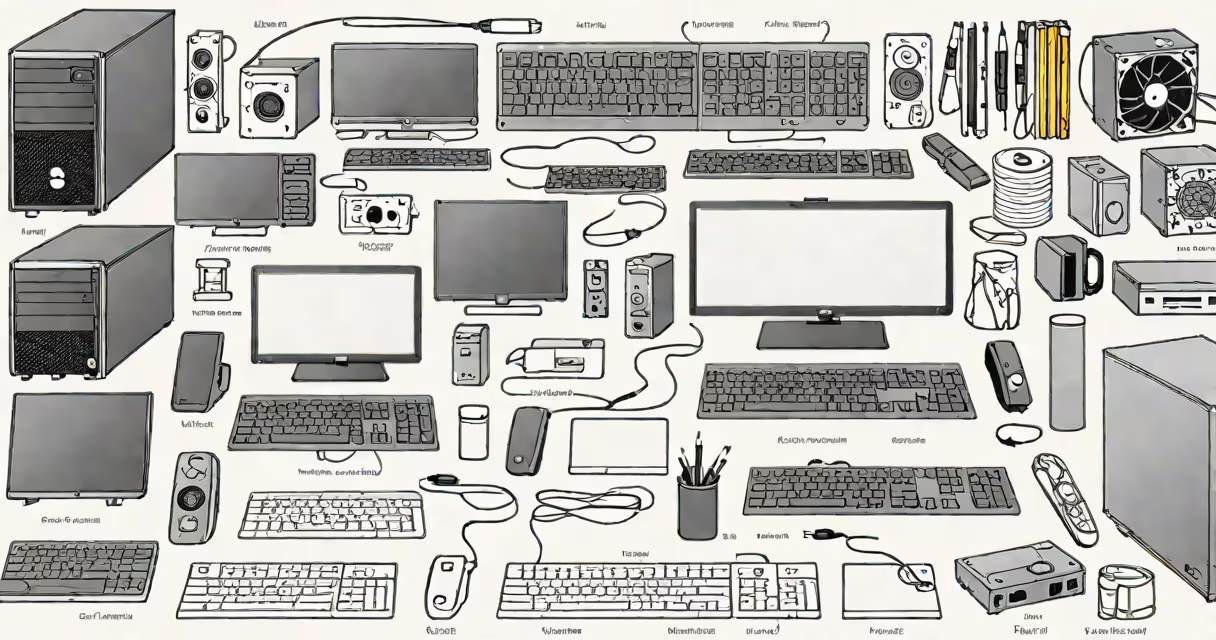
To build a functional personal computer, you need a motherboard, CPU, RAM, storage drive, power supply, and a case. These six components form the foundation of any desktop system. Without them, the machine won't power on or run software.
A PC requires physical hardware that communicates through standardized interfaces. The motherboard acts as the central hub, connecting all other parts. The CPU performs calculations, RAM holds active data, and storage stores the operating system and files. A power supply delivers electricity, and the case houses everything securely.
For a basic system capable of web browsing, office work, and media playback, you'll need at minimum: a single-core CPU, 8GB of RAM, a 256GB SSD, and a 450W PSU. More demanding tasks like video editing or gaming require higher specs. All components must be compatible-especially the CPU socket and motherboard chipset.
The CPU (central processing unit) executes instructions from software. Modern desktop CPUs use either Intel's LGA socket or AMD's AM5/AM4 sockets. The motherboard must match the CPU's socket type. For example, an AMD Ryzen 5 5600X requires an AM4 motherboard with a B550 or X570 chipset.
RAM (random access memory) temporarily holds data the CPU needs quickly. Most systems use DDR4 or DDR5 modules. A typical setup uses two 8GB sticks totaling 16GB. More RAM improves multitasking performance. Insufficient RAM causes slowdowns even with a fast CPU.
Storage options include SATA SSDs, NVMe M.2 drives, and traditional HDDs. An NVMe SSD like the Samsung 980 Pro offers read speeds over 7,000 MB/s-about ten times faster than a standard 7,200 RPM hard drive. This speed difference impacts boot time, app loading, and file transfers.
Each component plays a distinct role in system function. Below is a breakdown of essential parts and their functions:
| Component | Function | Minimum Example | Typical Price Range |
|---|---|---|---|
| Motherboard | Connects all internal components via buses and slots | ASUS TUF B550-PLUS (AMD AM5) | $120-$200 |
| CPU | Executes program instructions; handles logic and arithmetic | Intel Core i5-13400F | $180-$250 |
| RAM | Temporary data storage for active programs | Important 16GB DDR5-5600 (2x8GB) | $60-$90 |
| Storage | Persistent data storage for OS and files | Samsung 980 Pro 1TB NVMe SSD | $120-$180 |
| Power Supply | Converts AC wall power to DC for internal components | Seasonic Focus GX-550 (80 Plus Gold) | $80-$120 |
| Case | Houses and protects components; provides airflow | Fractal Design Meshify 2 Compact | $100-$150 |
These prices reflect mid-range builds from late 2023. Entry-level systems can cost under $500, while high-end gaming or workstation PCs exceed $2,000. Prices fluctuate based on availability and regional demand.
Many beginners assume they can mix components freely. That's false. A CPU must fit the motherboard's socket. Using an Intel CPU on an AMD motherboard results in no power-up. Similarly, DDR5 RAM won't work in a DDR4-only motherboard.
Another frequent error is choosing a power supply that doesn't meet the system's wattage requirements. A 650W PSU may suffice for a mid-tier GPU, but a high-end card like the RTX 4090 demands 1000W or more. Underpowered PSUs cause crashes, instability, or damage over time.
Non-obvious fact: Not all cases support all motherboards. ATX cases accept ATX, micro-ATX, and mini-ITX boards. But some compact cases only support mini-ITX. I once assembled a system using a mini-ITX board in a full-tower case-everything worked-but the board didn't align with the mounting holes. The screws wouldn't thread properly until I switched to a case designed for mini-ITX.
Desktop PCs are used for tasks requiring sustained performance: programming, 3D rendering, video editing, and gaming. A home office setup might use a low-power CPU and integrated graphics to reduce heat and noise. A workstation handling AI training may have multiple GPUs and 64GB of RAM.
Custom-built PCs offer better performance per dollar than prebuilt models. According to Tom's Hardware, a custom-built gaming PC with similar parts costs 15-20% less than a comparable prebuilt model. This savings comes from avoiding retail markups and brand premiums.
For users who want to upgrade later, building your own allows easier replacement of individual parts. Replacing a failing SSD or adding more RAM takes minutes. Prebuilt systems often lock components behind sealed casings or proprietary designs.
Not every component is mandatory. A monitor, keyboard, and mouse are peripherals-not internal parts. You don't need a GPU if your CPU has integrated graphics. The Intel Core i3-13100F includes Intel UHD Graphics 770, which supports 4K output and runs most modern games at low settings.
Optional components include optical drives, sound cards, and extra USB hubs. Most modern motherboards include enough USB ports and audio jacks. Adding a Blu-ray drive is rare unless you're archiving large media libraries.
One common misconception: "More cores always mean better performance." While multi-core CPUs improve multitasking and encoding, single-threaded performance matters more for everyday apps like web browsers and word processors. A 6-core CPU with a high clock speed may outperform an 8-core model with lower frequency in daily use.
For a working system, you need at least five core components: motherboard, CPU, RAM, storage, and PSU. The case and cooling are required for long-term stability. A properly installed air cooler or liquid cooling system prevents thermal throttling and extends component life.
Understanding what you need for a PC starts with identifying your purpose. A budget-friendly setup for email and streaming can run on a $300 build. A creative workstation for 4K video editing needs 32GB RAM, a dedicated GPU, and fast storage. Define your goal first, then select parts accordingly.
With the right combination of components, a PC can last five years or more with upgrades. A well-built system avoids bottlenecks and supports future software demands. Start with a clear plan, verify compatibility, and test each component before final assembly.