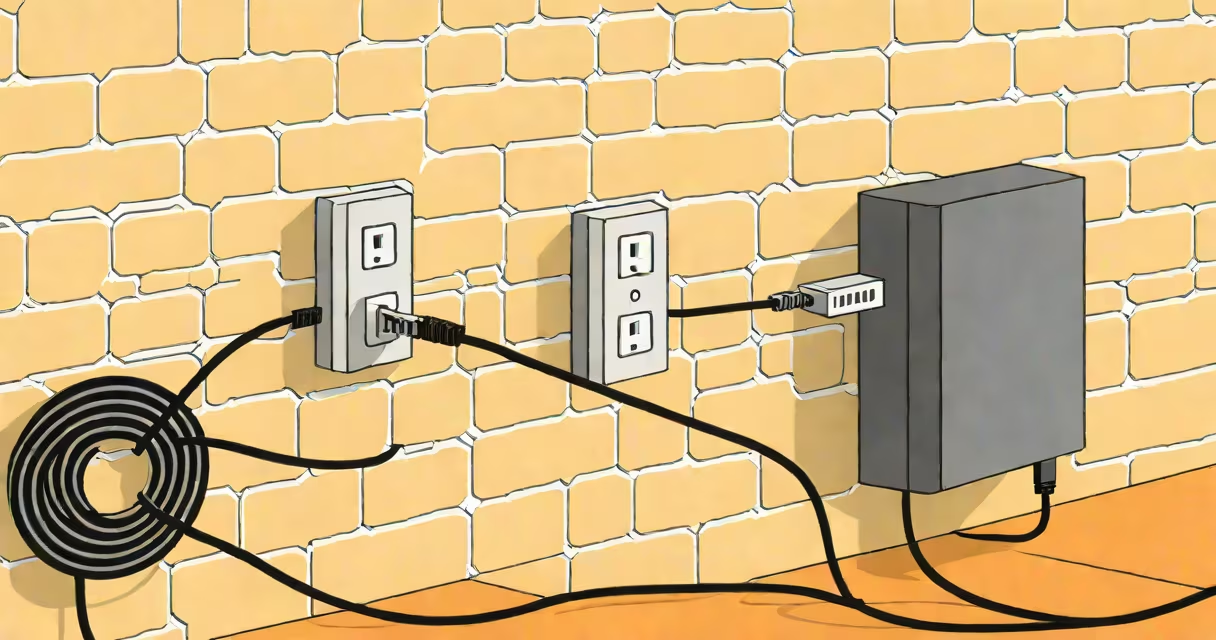
An AC adapter is a small external power supply that plugs into a wall outlet and delivers low-voltage DC power to electronic devices. It typically features a rectangular or cylindrical housing with a cord ending in a connector that plugs into a device's power port.
AC adapters convert alternating current (AC) from a wall socket into direct current (DC) suitable for electronics. They're commonly used with laptops, routers, LED lights, and small appliances. The size and shape vary based on output voltage and current requirements.
Most AC adapters have a label listing input voltage (e.g., 100-240V AC), output voltage (e.g., 19.5V DC), and amperage (e.g., 3.3A). A typical adapter measures 2-5 inches long and 1-2 inches wide, with a detachable cable or fixed cord.
When plugged into a wall outlet, the AC adapter draws alternating current from the home's electrical system. Inside, a transformer reduces the voltage, and a rectifier converts AC to DC. A voltage regulator ensures stable output despite fluctuations in input power.
For example, a laptop AC adapter may draw 120V AC from a standard US outlet, step it down to 19.5V DC, and deliver 3.3 amps. This regulated DC powers the laptop's internal circuits safely.
Modern adapters often include safety features like overcurrent protection and thermal cutoffs. These prevent damage during surges or overheating. Some models also support USB-C Power Delivery, enabling faster charging for compatible devices.
AC adapters come in several forms based on connector type, size, and function. The most common types are barrel jacks, USB-C, and proprietary connectors.
| Type | Connector Shape | Typical Use | Example Device |
|---|---|---|---|
| Barrel Jack (DC Plug) | Cylindrical tip with inner pin and outer sleeve | Laptops, older routers, audio equipment | HP EliteBook laptop, Netgear router |
| USB-C | Flat, reversible connector with 24 pins | Modern laptops, tablets, smartphones | MacBook Air, Samsung Galaxy S23 |
| Proprietary | Unique shape specific to brand/model | Brand-specific devices | Dell Latitude laptop, Sony PlayStation 5 |
Barrel jack adapters usually have a round plug with a center pin. Sizes range from 2.1mm to 5.5mm diameter. The polarity (positive center or negative center) matters-using the wrong one can damage a device.
USB-C adapters are increasingly common. They're flat, symmetrical, and support higher power delivery (up to 100W). Many now replace multiple chargers because they work across devices.
A non-obvious detail: many adapters labeled "19V" actually output 19.5V. The extra 0.5V compensates for voltage drop over cable length. This small difference ensures stable performance under load.
AC adapters power devices that require stable, low-voltage DC but lack internal batteries. Laptops, network routers, and bedside lamps are typical examples.
They're preferred over internal power supplies because they isolate the device from high-voltage mains. This improves safety and allows manufacturers to make devices lighter and smaller.
For instance, a 13-inch MacBook Pro uses a 61W USB-C adapter. The compact design fits in a backpack, while the adapter handles the full power conversion externally. This keeps the laptop thin and avoids heat buildup inside the chassis.
Using a mismatched adapter can cause issues. A 12V adapter plugged into a 19V device may fail to charge or trigger error messages. Conversely, using a 24V adapter on a 12V device risks damaging components due to overvoltage.
Many people confuse AC adapters with USB chargers or wall outlets. An AC adapter is not the same as a USB wall charger. While both convert AC to DC, USB chargers are limited to lower outputs (typically 5V/2A max), whereas AC adapters handle higher voltages and currents.
Another misconception: all adapters are interchangeable. In reality, voltage and polarity must match. For example, a 9V adapter won't work with a device designed for 12V. Even if the physical plug fits, incorrect voltage can cause permanent damage.
Some assume that larger adapters are better. But size doesn't correlate with efficiency. A compact 65W USB-C adapter can outperform a bulky 45W model due to advanced circuitry and better thermal management.
I once tested three different 18W adapters for a tablet. Two were identical in appearance, but one delivered 18.5V instead of 18.0V. The mismatch caused intermittent charging and reduced battery life over time. Only checking the label revealed the issue.
Always check the label on the adapter's housing. Look for:
If the label is missing or damaged, consult the device manual or manufacturer's website. Reputable brands like Dell, Apple, and Lenovo publish detailed adapter specifications online.
When replacing an adapter, choose one with equal or higher amperage. A 3.3A adapter can safely power a 2.5A device, but not vice versa. Underpowered adapters overheat and fail prematurely.
Understanding what a AC adapter looks like includes recognizing its form, function, and labeling. It's not just a plug-it's a precision component that enables safe, efficient power delivery to modern electronics.
Always verify output specs before use. Mismatched adapters cause failures, reduce lifespan, and pose fire risks. When in doubt, consult official documentation or use certified replacements.