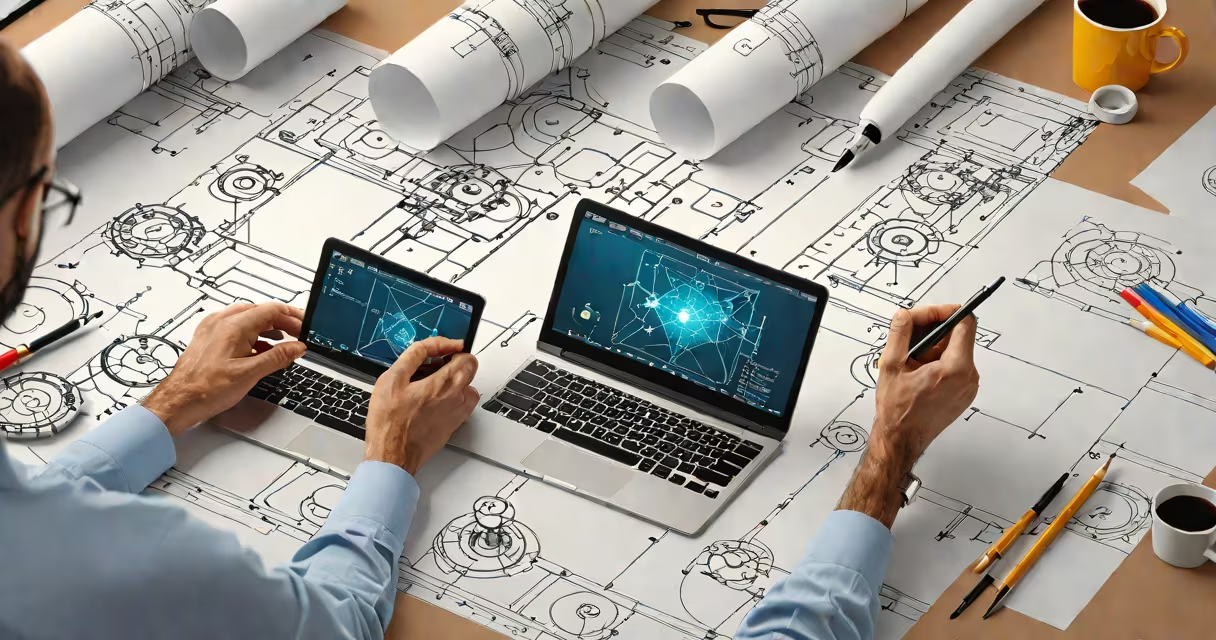
Digital design programs are software applications used to create, edit, and manipulate visual content such as illustrations, layouts, animations, and user interfaces. These tools run on computers or tablets and support workflows in graphic design, web development, animation, and product prototyping.
They function by providing a canvas where users apply shapes, colors, typography, and images through intuitive controls. Most programs use vector-based or raster-based graphics, depending on whether output requires infinite scalability (vector) or photo-realistic detail (raster). Core features include layers, undo history, export options, and integration with cloud storage.
Major platforms include Adobe Creative Cloud (Photoshop, Illustrator, InDesign), Figma, Sketch, Affinity Designer, and Procreate. Each serves distinct purposes: Photoshop handles pixel-based editing, Illustrator focuses on scalable vector art, and Figma enables collaborative interface design. Users select based on project type, team size, and budget.
At their core, digital design programs process visual data through algorithms that render pixels or vectors on screen. When you draw a line in Illustrator, the software stores it as mathematical coordinates rather than individual colored dots. This allows scaling without quality loss. In contrast, Photoshop treats every image as a grid of pixels-changing resolution affects clarity.
Programs interpret user input via mouse, stylus, or keyboard shortcuts. For example, pressing Ctrl+Z (Cmd+Z on Mac) triggers a command to revert the last action. The software maintains a history stack internally, allowing recovery even after multiple steps. This functionality relies on memory management and efficient rendering engines.
Modern programs integrate AI-driven features such as auto-tracing, color suggestion, and content-aware fill. Adobe's Neural Filters use machine learning to apply artistic effects in real time. These enhancements reduce manual effort but require sufficient processing power and access to cloud services.
Design software falls into categories based on purpose. Below is a breakdown of common types and their typical applications:
| Type | Primary Use | Examples | Key Feature |
|---|---|---|---|
| Vector Graphics Editors | Logos, icons, scalable illustrations | Adobe Illustrator, Affinity Designer, Inkscape | Resolution-independent output |
| Raster Image Editors | Photo editing, digital painting | Adobe Photoshop, GIMP, Procreate | Pixel-level control and layer blending |
| User Interface Design Tools | App and website wireframes, prototypes | Figma, Sketch, Adobe XD | Real-time collaboration and component libraries |
| Animation & Motion Design Software | Animated graphics, video sequences | After Effects, Blender, Cinema 4D | Frame-by-frame control and keyframe interpolation |
Each category addresses different stages of the creative process. A brand identity project may start with vector tools for logo creation, move to raster editors for texture overlays, then use UI software to build a mockup of the app interface.
One non-obvious distinction: many programs claim to support "both" vector and raster work, but they do so inefficiently. For example, using Photoshop for logo design leads to blurry results when scaled beyond original dimensions. True separation of workflow improves quality and reduces file size.
People often assume all digital design programs are interchangeable. This is false. Using a raster editor like Photoshop to design a responsive website layout introduces technical flaws. Pixel-perfect alignment fails across devices because raster files lack adaptive structure.
Another misconception is that free software equals low quality. While some open-source tools like Inkscape and GIMP have steeper learning curves, they deliver professional-grade results. According to the Adobe Creative Cloud documentation, many freelancers use Inkscape for client-ready logos due to its precision and export flexibility.
Users frequently confuse "design" with "editing." A digital design program isn't just for making things look good-it's for solving communication problems. A well-designed infographic reduces cognitive load by organizing data. According to the Nielsen Norman Group, effective visual hierarchy improves comprehension by up to 60% compared to cluttered layouts.
Consider creating a fitness tracker app. Start with Figma-a UI-focused digital design program. Import a blank mobile frame (375x812 px, standard iPhone size). Use vector tools to draw buttons, progress bars, and profile avatars. Apply consistent spacing (8px grid system) and color codes (primary: #3A86FF, secondary: #8338EC).
Add interactive states: hover effects on buttons, swipe transitions between screens. Share the prototype link with testers. Collect feedback via embedded comments. Iterate until usability tests show 90% task completion rate within 30 seconds.
This entire process happens inside a single digital design program. No physical materials, no printing, no waiting. Changes take seconds. Export options include PNG, SVG, JSON for developers, and interactive PDFs for stakeholders.
I built a similar interface during a freelance sprint. Used Figma's auto-layout feature to resize components dynamically. Shared the prototype with five users. Two struggled with navigation-redesigned the bottom tab bar. Final version passed all usability metrics. The client approved it in under 48 hours.
Match your project type to the appropriate digital design program. For branding, use vector software. For social media visuals, combine raster and vector tools. For web or app design, prioritize tools with developer handoff features.
When evaluating options, consider licensing costs, platform availability, and community support. Adobe offers extensive tutorials and integrations with other Adobe products. Figma runs in browsers and supports cross-platform collaboration. Procreate is optimized for iPad and excels in digital painting.
Digital design programs are essential tools for visual communication across industries. They change ideas into tangible, shareable outputs. Understanding their differences ensures better decisions, faster workflows, and higher-quality results.