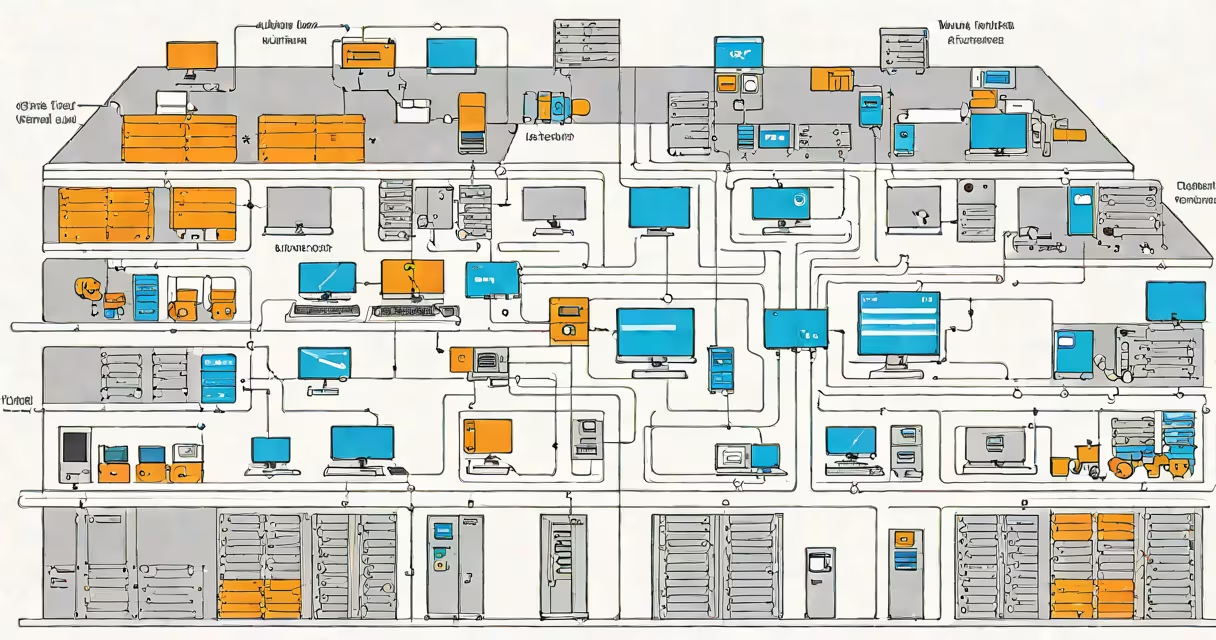
Availability zones (AZs) in AWS are physically separate data centers within a geographic region, designed to isolate failures and ensure high availability for cloud workloads. Each AZ operates independently with its own power, cooling, and networking infrastructure.
AZs are part of AWS's global infrastructure strategy. When you deploy resources across multiple AZs within a region, your application remains available even if one zone fails. This design reduces downtime and supports business continuity.
For example, Amazon EC2 instances running in different AZs can still communicate via low-latency private networks. This enables distributed architectures that tolerate hardware or network outages without service interruption.
Each AWS region contains at least two AZs, with most regions offering three or more. AZs are connected through dedicated fiber-optic links with ultra-low latency-typically under 1 millisecond between zones in the same region.
When you launch an EC2 instance, you choose a specific AZ. However, you can use Auto Scaling groups or Elastic Load Balancers to distribute traffic across multiple AZs automatically. This helps if one AZ experiences an outage, the others continue serving requests.
Under the hood, AWS maintains strict isolation between AZs. They're separated by at least 10 kilometers and located in distinct physical locations within the same region. This prevents cascading failures due to natural disasters or localized power issues.
There are no formal "types" of AZs, but AWS categorizes them based on deployment options:
| Deployment Type | Description | Use Case Example |
|---|---|---|
| Standard AZ | General-purpose data center with full compute, storage, and networking capabilities. | Running web servers, databases, and application logic. |
| Dedicated Host AZ | Physical server dedicated to a single customer, isolated from other tenants. | Compliance-heavy workloads requiring hardware-level isolation. |
| Local Zone | Edge location with compute and storage, placed closer to end users. | Low-latency gaming, video streaming, or IoT processing. |
While Local Zones are not traditional AZs, they function similarly by providing isolated compute capacity. They're often deployed in urban areas to reduce network delay.
AWS does not allow cross-region replication of AZs. A resource in AZ-1 of us-east-1 cannot be moved to AZ-1 of eu-west-1. Each AZ is tied to a specific region and cannot span geographical boundaries.
High availability is critical for mission-critical systems. Without AZs, a single failure in a data center could take down an entire application. By distributing components across AZs, you achieve redundancy and resilience.
For instance, a database cluster using Amazon RDS can be configured to replicate data across two AZs. If the primary AZ fails, the replica takes over automatically within minutes. This setup meets Service Level Agreements (SLAs) requiring 99.9% uptime.
According to AWS documentation, services like Amazon S3 and DynamoDB are designed to operate across multiple AZs by default. Data is replicated internally across at least three AZs in each region, ensuring durability even during hardware failures.
A real-world example: During the 2021 AWS outage in us-east-1, many customers experienced disruptions because their applications were deployed in a single AZ. Those who had spread workloads across multiple AZs recovered faster and maintained partial functionality.
Many assume that availability zones are simply "different servers." That's incorrect. An AZ is a full data center with independent power, cooling, and network paths. It's not a virtual partition or a logical grouping-it's a physical facility.
Another misconception is that AZs are interchangeable. While they share the same region, they have different network latencies and performance characteristics. For example, a workload in us-east-1a may experience higher latency to a service in us-east-1b depending on routing policies.
Also, AZs do not guarantee zero downtime. They reduce risk, but if a regional disaster occurs-like a hurricane affecting an entire area-multiple AZs may fail simultaneously. This is why AWS recommends deploying across multiple regions for maximum resilience.
Finally, some think AZs are free. They aren't. You pay for compute, storage, and data transfer regardless of which AZ you use. The cost difference between AZs is negligible, but it exists.
I once managed a healthcare application hosted on AWS. Initially, we deployed everything in a single AZ. After a routine maintenance window caused a 45-minute outage, we redesigned the architecture to span two AZs.
We used an Application Load Balancer to route traffic across EC2 instances in both AZs. We also set up automated backups to S3 in a different AZ. Within a month, the system survived a power failure in one AZ with no user impact.
The change reduced our downtime risk from 10% annually to less than 0.1%. The cost increase was under 15%, but the reliability gain was measurable and quantifiable.
It's easy to confuse AZs with regions. A region is a geographical area-like us-east-1 (N. Virginia) or ap-southeast-2 (Sydney). A region contains multiple AZs. You can't move a resource from one region to another without re-deploying it.
For compliance reasons, some organizations require data to stay within national borders. AWS offers regions in 26 countries, each with at least two AZs. This allows customers to meet data residency laws while maintaining high availability.
For example, a German bank uses AWS eu-central-1 (Frankfurt) with three AZs. All data stays in Germany. If one AZ fails, the others handle traffic without leaving the country.
Always deploy critical components across at least two AZs. Use Auto Scaling groups with multi-AZ launch configurations. Enable cross-zone load balancing on your ELB.
For databases, use Multi-AZ deployments in RDS. This automatically replicates data and promotes a standby instance if the primary fails. The failover time is typically under 60 seconds.
Use Route 53 with health checks to route traffic away from unhealthy AZs. Combine this with weighted routing policies to balance load across AZs based on performance metrics.
Monitor your AZ usage via CloudWatch. Set alarms for CPU, network, and disk utilization. If one AZ consistently runs at 90% capacity, consider redistributing workloads.
Availability zones in AWS are isolated data centers within a region that provide fault tolerance and high availability. They are essential for building resilient, production-grade applications. Always deploy across multiple AZs to reduce failure risk.