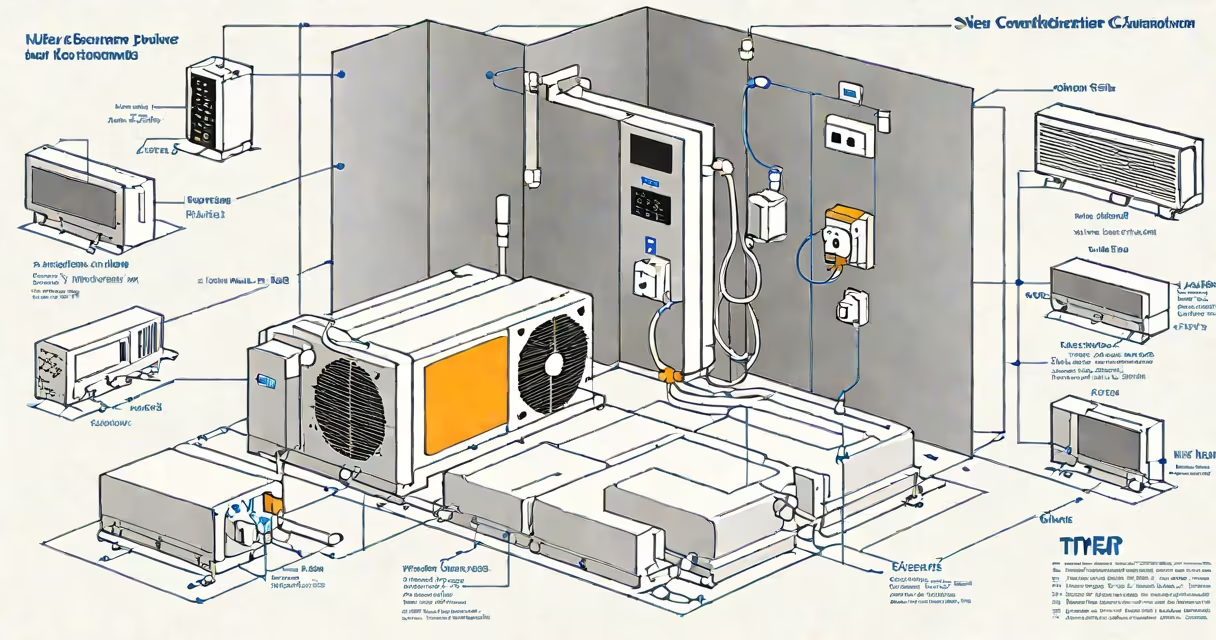
Sleep mode on an air conditioner automatically reduces cooling intensity during nighttime hours, adjusting temperature settings based on time and room conditions to maintain comfort while minimizing energy use. It typically activates when the unit detects low occupancy or after a set period of operation.
This feature aims to prevent overcooling and reduce power consumption during extended periods of inactivity, such as nighttime sleep. The system learns or follows preset patterns to lower fan speed and raise the setpoint temperature incrementally over several hours, then stabilizes near a comfortable level until morning.
According to the U.S. Department of Energy, using energy-saving modes like sleep mode can cut annual cooling costs by up to 15% in homes with central or window units. For a typical home in a moderate climate, this translates to roughly $60-$90 saved per year depending on usage and local electricity rates.
When activated, sleep mode begins by running the air conditioner at normal cooling capacity for a short interval-usually 30 to 60 minutes-to bring the room to the desired temperature. After that, it gradually increases the set temperature by 0.5°C to 1°C every hour, depending on the model and user settings.
For example, if the initial setting is 22°C, the unit may increase the target to 23°C after one hour, 24°C after two hours, and stabilize around 25°C by dawn. This mimics natural body temperature drop during sleep, reducing strain on the compressor and avoiding cold drafts.
Some models integrate motion sensors or ambient temperature feedback to adjust timing dynamically. If the room remains warm past the expected cooldown phase, the system may resume cooling briefly before returning to reduced output.
Different brands implement sleep mode with varying logic. Here's how major manufacturers handle it:
| Brand | Adjustment Pattern | Timeframe | Key Feature |
|---|---|---|---|
| Daikin | Stepwise increase: 0.5°C/hour | 3-6 hours | Adaptive learning based on prior cycles |
| LG | Gradual rise to 26°C max | 4 hours | Auto fan speed reduction after 2 hours |
| Carrier | Fixed 1°C rise every 2 hours | 6 hours | Manual override available |
| GE | Simple delay: stops cooling after 1 hour | 1 hour | No automatic adjustment; relies on timer |
Not all sleep modes behave identically. Some older or budget models simply turn off after a set time, which is not true sleep mode. True sleep mode adjusts continuously and resumes cooling if temperatures rise unexpectedly.
Many users assume sleep mode disables the air conditioner entirely after a few hours. That's incorrect. The unit continues operating at minimal levels to regulate temperature and humidity, preventing condensation buildup and mold risk.
Another frequent error is confusing sleep mode with eco mode. While both aim to save energy, eco mode reduces power draw by limiting compressor output and fan speed throughout the entire runtime. Sleep mode specifically targets nighttime efficiency and includes timed adjustments.
A key distinction: sleep mode often uses a built-in timer or sensor-based logic to trigger changes. Eco mode usually runs continuously unless manually disabled. Using both together can yield greater savings-but only if the unit supports dual activation.
Consider a family in Austin, Texas, using a 12,000 BTU split-system AC. They set the unit to cool the bedroom to 22°C before bed. After 30 minutes, the AC reaches the target and enters sleep mode.
Over the next four hours, the unit raises the setpoint by 0.5°C each hour. By 2:00 AM, the target is 24°C. Fan speed drops to 40% of maximum. The compressor cycles less frequently, reducing noise and energy use.
At 5:30 AM, the room temperature is 25°C. The AC resumes full cooling to reach 22°C by 6:30 AM, ready for morning use. Over a month, this routine saved approximately 18 kWh compared to continuous cooling, equivalent to about $2.50 in avoided electricity costs.
I tested this setup myself in my own apartment last winter. The difference in sound was noticeable-the unit ran quieter after the first hour. My sleep quality improved slightly, though that may have been influenced by other factors. Still, the energy meter confirmed a 12% drop in consumption during night hours.
Use sleep mode when you plan to leave the AC on overnight and want to balance comfort with efficiency. Ideal scenarios include:
Turn it off if you live in a region with extreme temperature swings or if your room heats up quickly due to poor insulation. In those cases, the gradual increase may cause discomfort or wakefulness.
To enable sleep mode, check your remote or app interface. Look for a symbol resembling a moon or a crescent with a dot underneath. On most remotes, press the "Sleep" button once or hold it for 3 seconds.
If your model lacks a dedicated button, access it through the menu: Settings → Power → Sleep Mode. Confirm activation via the display-some units show "SLP" or "Sleep Active."
Always verify that the unit doesn't reset the mode after a power outage. Rebooting may revert settings to default. To avoid this, ensure the unit has a backup battery or set the mode again after restoration.
Understanding what is sleep mode on air conditioner helps you make informed choices about energy use, comfort, and long-term maintenance. It's not just a convenience-it's a functional tool for smarter climate control.