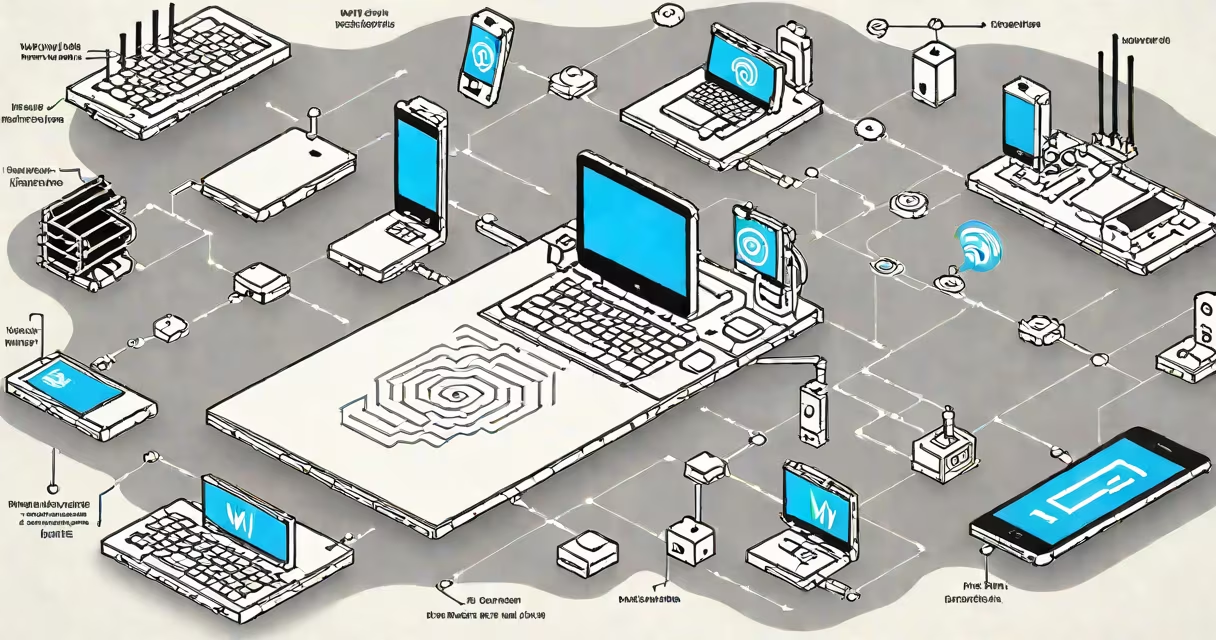
A Wi-Fi hotspot is a portable device or smartphone function that generates a wireless network using cellular data, allowing multiple devices to connect to the internet without needing a wired connection. It turns your phone's data plan into a shared internet source, acting like a temporary router.
Hotspots work by receiving a cellular signal through a SIM card, then converting that signal into a Wi-Fi radio broadcast. Any device within range-laptops, tablets, smartwatches-can join the network by entering the password. The hotspot manages traffic between connected devices and the internet, handling bandwidth allocation and security protocols.
Unlike home routers that rely on broadband lines, hotspots operate independently and don't require a physical internet provider. They're ideal for travel, remote work, or emergency connectivity. Major carriers like AT&T, Verizon, and T-Mobile offer hotspot plans with varying data limits and speeds.
When you enable a hotspot on your phone, the device activates a Wi-Fi access point. This access point broadcasts a unique SSID (network name) and uses WPA2 or WPA3 encryption to secure connections. Devices that connect must enter a password, which prevents unauthorized users from accessing the network.
The phone's modem communicates with the nearest cell tower using LTE or 5G. Data travels from the tower to the carrier's core network, then to the public internet. All incoming and outgoing traffic passes through the phone's processor and memory, which manage routing, firewall settings, and connection monitoring.
For example, if you're at a park and your phone is set to hotspot mode, your laptop can connect to the network named "JohnsPhone_5G." Once connected, the laptop sends requests to websites, which return data through the phone's cellular link. The phone handles DNS lookups, IP assignment via DHCP, and NAT translation to share a single public IP address among all connected devices.
There are three main types of Wi-Fi hotspots:
| Type | Source | Use Case | Example |
|---|---|---|---|
| Mobile Phone Hotspot | Smartphone's cellular data | On-the-go access, short trips | iPhone Personal Hotspot, Android tethering |
| Dedicated Mobile Hotspot | Portable modem with SIM slot | Travel, outdoor events, remote work | Netgear Nighthawk M6, Verizon Jetpack |
| Public Wi-Fi Hotspot | Fixed location (airport, café) | Free access in shared spaces | Starbucks Wi-Fi, airport terminals |
While public hotspots are often free, they carry higher security risks due to unencrypted networks and potential man-in-the-middle attacks. Dedicated hotspots typically offer better performance and battery life than smartphones, especially under heavy load.
Many people confuse a Wi-Fi hotspot with a standard Wi-Fi router. A router connects to a wired internet line and distributes it wirelessly. A hotspot uses cellular data instead of a wired connection. You can't use a hotspot without a data plan, while a router needs a broadband subscription.
Another misunderstanding is that all hotspots provide equal speed. In reality, performance depends on the cellular network, signal strength, and data cap. For example, a 5G hotspot in a dense urban area may deliver 500 Mbps download speeds, while the same device in a rural zone might drop to 10 Mbps due to poor coverage.
A lesser-known fact: some carriers throttle hotspot data after a certain threshold-even on unlimited plans. AT&T, for instance, reduces speeds to 3G levels after 50 GB of hotspot usage per month, according to their data policy documentation. This affects video streaming and large downloads.
I used a Netgear M6 mobile hotspot during a week-long hiking trip in Colorado. My phone had no signal, but the M6 connected to a 4G tower 15 miles away. I streamed GPS maps, sent photos, and checked weather forecasts-all on a 100 MB data plan. The device lasted 18 hours on a single charge and supported four devices simultaneously.
Without the hotspot, I'd have relied on offline apps or satellite messaging, both slower and less reliable. The hotspot gave me consistent access to real-time information, critical for navigation and safety.
Always check your carrier's hotspot allowance. Some plans limit concurrent connections (usually 5-10 devices) or restrict hotspot use to specific data tiers. Exceeding these limits can result in throttling or extra charges.
Security matters. Avoid connecting to unknown hotspots. Use HTTPS sites and consider a virtual private network (VPN) when accessing sensitive accounts. Even trusted hotspots can be compromised if the password is weak or shared widely.
For faster, more stable connections, consider upgrading to a 5G-capable hotspot. According to FCC reports, 5G hotspots average 30% faster speeds than 4G models in urban areas, with lower latency for video calls and online gaming.
Understanding how a Wi-Fi hotspot functions helps you choose the right tool for your needs. just need backup internet, knowing the difference between a hotspot and a router ensures better decisions.