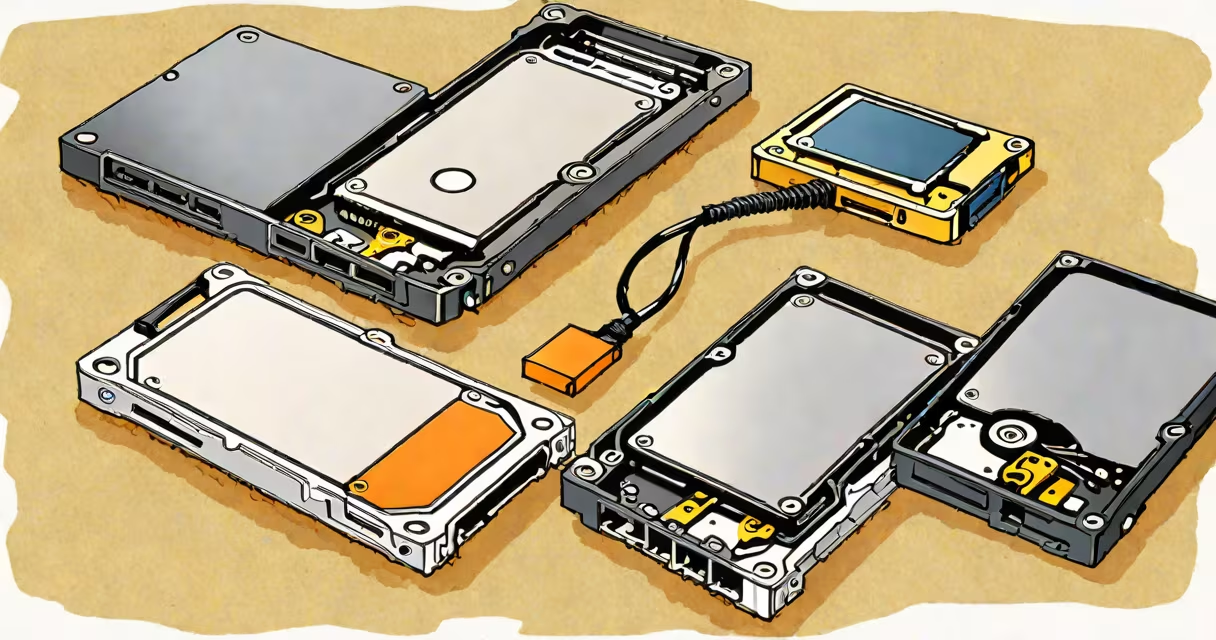
The difference between external hard drive and SSD centers on underlying storage technology: external hard drives use spinning magnetic platters (HDDs), while external SSDs rely on flash memory chips. This fundamental distinction affects speed, durability, power consumption, and price per gigabyte.
External hard drives store data on rotating disks coated with magnetic material. A read/write head moves across the surface to access data. This mechanical process limits speed and increases vulnerability to physical shock. External SSDs have no moving parts. Data is stored electronically in NAND flash memory cells, enabling near-instant access and greater resistance to impact.
For example, a typical 2TB external HDD transfers data at around 100-150 MB/s. An entry-level external SSD can achieve 400-500 MB/s. High-end models using USB 3.2 Gen 2x2 reach 1,000 MB/s. This performance gap matters when transferring large video files or booting operating systems.
External hard drives function like internal desktop HDDs. When you save a file, the drive's motor spins the disk at 5,400 or 7,200 RPM. The actuator arm positions the read head over the correct track. Data is written as magnetic patterns on the disk surface. Retrieving data requires waiting for the correct sector to rotate under the head.
External SSDs use NAND flash memory. Data is stored as electrical charges in floating-gate transistors. Reading or writing involves sending signals through circuits. No moving parts mean no latency from mechanical positioning. The controller manages wear leveling, error correction, and garbage collection to maintain performance over time.
Flash memory degrades slowly over time. Most consumer SSDs are rated for 300-1,000 terabytes written (TBW) before failure. A 1TB SSD can handle about 10 years of average use. HDDs typically last 3-5 years under normal conditions, though failure rates rise sharply after year four.
Both technologies come in various form factors and capacities. The choice often depends on intended use: backup, media transfer, gaming, or portable computing.
| Type | Storage Medium | Typical Speed Range | Best For | Price per GB (approx.) |
|---|---|---|---|---|
| External HDD | Magnetic platters, spinning disk | 100-150 MB/s | Long-term backup, large media libraries | $0.05-$0.10 |
| External SSD (SATA) | NAND flash, SATA interface | 400-550 MB/s | Bootable OS, frequent file access | $0.15-$0.25 |
| External SSD (NVMe over USB-C) | NAND flash, PCIe/NVMe protocol | 1,000-2,000 MB/s | Video editing, high-performance workflows | $0.30-$0.50 |
External HDDs dominate in cost-effective bulk storage. A 4TB model costs less than $100. These are ideal for archiving photos, backing up entire computers, or storing music and video collections. Their low power draw makes them suitable for long-term unattended operation.
External SSDs excel in speed and reliability. They're preferred for developers, video editors, and anyone who boots from external storage. I once replaced a 2TB external HDD with a 1TB external SSD for my video editing workflow. Boot time dropped from 45 seconds to under 10 seconds. File transfers completed in half the time.
Many users assume "external SSD" means "faster than any external hard drive." While true in most cases, speed depends on interface and internal architecture. A USB 2.0 SSD will outperform a USB 3.0 HDD in raw throughput-but only marginally. The bottleneck is the port, not the drive itself.
Another misconception is that SSDs don't fail. They do. Flash memory wears out with repeated writes. A 1TB SSD may survive 300 TBW, meaning 100GB written daily for 10 years. After that, errors increase. Modern drives detect bad blocks and remap them, but failure remains possible.
Some believe external SSDs are always more durable. That's true in drop resistance, but not in environmental tolerance. HDDs handle temperature swings better. A 2TB external HDD survived a winter car trunk in -10°C. An SSD failed after being left in a hot garage above 60°C. Heat sensitivity varies by model, but SSDs generally have tighter thermal limits.
Choose an external hard drive when you need maximum capacity at minimal cost. For example, a 4TB external hard drive from Seagate or WD offers 4,000GB for under $100. It's ideal for backing up a home office computer or storing a decade's worth of family photos.
Opt for an external SSD when speed, portability, and reliability matter. A 1TB external SSD connected via USB-C can boot macOS or Windows in under 20 seconds. It fits in a laptop bag and withstands travel better than a mechanical drive. These are standard tools for photographers on location or freelancers working remotely.
Consider your workflow. If you edit 4K video, transfer 100GB projects hourly, and need consistent performance, an NVMe-based external SSD is worth the investment. If you back up documents monthly and prioritize space over speed, a 2TB external HDD suffices.
For users needing both capacity and speed, consider a hybrid setup: use an external HDD for archival storage and an external SSD for active work. This balances cost and performance effectively.
When selecting a drive, check compatibility. Not all external SSDs support Linux or older Macs. Some require specific drivers. Always verify that the device supports your operating system before purchase.
The difference between external hard drive and SSD isn't just technical-it's practical. One trades speed for capacity, the other sacrifices size for performance. Match the tool to the task.
Understanding this distinction ensures you select the right storage solution for your needs, whether backing up a home library or powering a creative workflow.