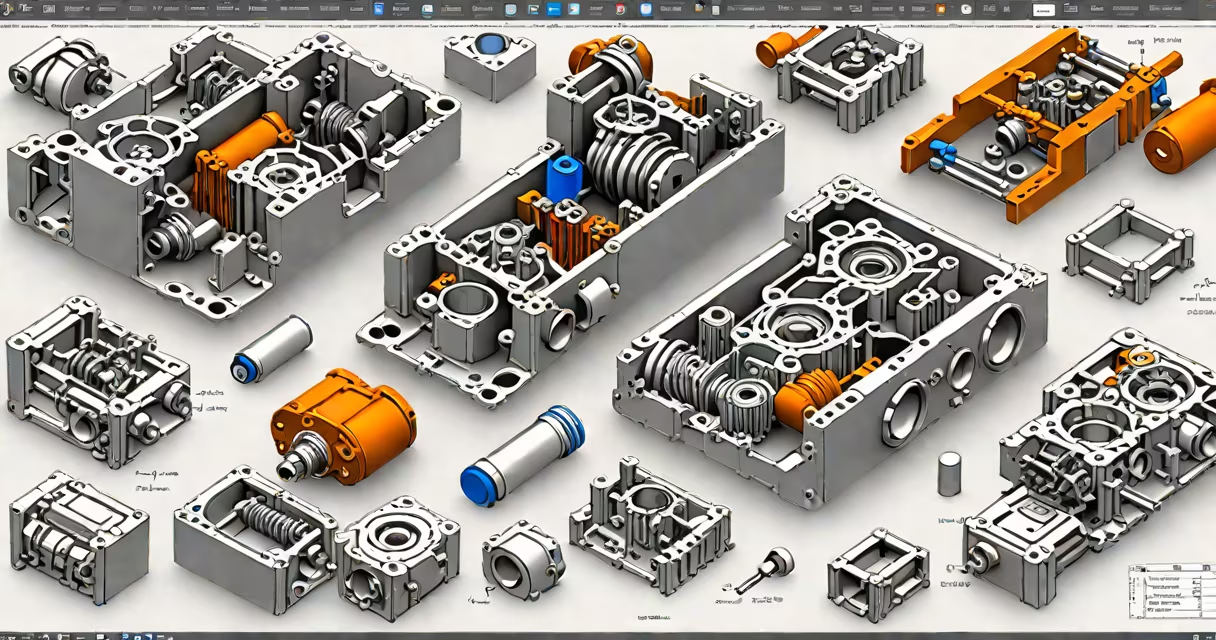
Fusion 360 files are cloud-stored digital projects that contain 3D models, assemblies, drawings, simulations, and toolpaths created in Autodesk's cloud-based CAD software. These files preserve design history, enabling edits to dimensions, features, and constraints while maintaining relationships between parts.
Each fusion 360 file is tied to a user's account and stored on Autodesk's servers. This allows access from any device with internet connectivity. The file format is proprietary, meaning it cannot be opened natively by other CAD programs without conversion or import support.
Fusion 360 files differ from standard CAD formats like STEP or IGES because they retain full parametric history-the ability to go back and modify earlier design decisions. A change to a dimension automatically updates all dependent features, such as holes, fillets, or mating constraints.
The software uses a single database per project, storing geometry, metadata, and design history in a unified structure. When you create a sketch, extrude a face, or apply a fillet, Fusion 360 records the action as a step in a timeline. Revisiting any step re-evaluates the entire model based on current parameters.
This system enables collaborative workflows. Multiple users can view or comment on a file simultaneously. Changes made by one person appear in real time for others, provided they have access permissions. All versions are tracked, and previous states can be restored if needed.
Files are automatically synced across devices. Editing a model on a laptop updates the version seen on a tablet or desktop. This eliminates the risk of working on outdated local copies-a common issue in traditional desktop CAD systems.
Fusion 360 organizes content into project folders. Within each project, you'll find several file types:
| Type | Content | Use Case |
|---|---|---|
.f3d |
Full project file with all design history, components, and timelines | Primary design work, editing, collaboration |
.step or .stp |
Neutral 3D geometry export without parametric data | Sharing with external partners using different CAD software |
.pdf |
2D drawings, annotations, and renderings exported from the model | Manufacturing documentation, client presentations |
.stl |
3D mesh format for 3D printing | Preparing models for additive manufacturing |
While .f3d is the native format, exporting to other formats is essential for interoperability. For example, a manufacturer may require a STEP file to run CNC machining operations. Exporting removes parametric history but preserves the final geometry.
Fusion 360 does not allow direct editing of imported STEP or STL files. You must convert them into editable sketches or bodies using the "Create from Import" feature. This ensures clean modeling practices and avoids corrupted geometry.
These files are central to product development in engineering, manufacturing, architecture, and education. Engineers use them to simulate stress, thermal behavior, and motion. Designers create prototypes and iterate quickly through changes.
In education, fusion 360 files are used in STEM curricula. Students build models, test physics simulations, and prepare files for 3D printing. The software's free version supports learning and personal projects, making it accessible to students worldwide.
A real-world example: a high school robotics team designed a robot arm using fusion 360 files. They modeled each joint, simulated movement under load, and exported a STEP file for laser cutting. The full project was shared with teammates across different schools via cloud access. When a part failed during testing, they adjusted the thickness in the original file-changes propagated instantly to all exported versions.
Many assume fusion 360 files are just large 3D models. But they are more than geometry-they are changing databases of design intent. A file containing a gear train isn't just a set of cylinders and teeth-it includes constraints, equations, and feature dependencies.
Another misconception: that fusion 360 files can be opened offline. While you can view and edit locally when connected, changes sync only when online. If you disconnect during editing, your work remains in progress until reconnection. This differs from desktop CAD apps that save entirely to local drives.
Some users think they can share fusion 360 files freely. But sharing requires explicit permission. A file owner must grant access to others. Public links are disabled by default for security. Unauthorized access attempts trigger alerts in the Autodesk dashboard.
One non-obvious fact: fusion 360 files are version-controlled by default. Every time you save, a new version is created. You can revert to any prior state-even after weeks. This is critical for compliance in regulated industries like aerospace or medical devices.
I once rebuilt a broken bicycle derailleur using fusion 360 files. The original design had no documentation. I reverse-engineered the part from photos and measurements, then recreated it in Fusion 360. After validating fit and function in simulation, I exported a STEP file for a local maker space to machine the part. The final product worked perfectly. The original fusion 360 file remained unchanged-used only as a reference. This shows how useful the format is for iterative design and troubleshooting.
Fusion 360 files are not interchangeable with traditional CAD formats. Unlike AutoCAD DWG files-which are primarily 2D and layer-based-fusion 360 files emphasize 3D parametric modeling. They also differ from SolidWorks PRT files in that they rely on cloud infrastructure rather than local storage.
For comparison:
| Feature | Fusion 360 (.f3d) | SolidWorks (.sldprt) | AutoCAD (.dwg) |
|---|---|---|---|
| Storage | Cloud (Autodesk servers) | Local or network drive | Local or network drive |
| Parametric History | Yes - full edit history preserved | Yes - feature tree available | No - limited to geometric entities |
| Collaboration | Real-time co-editing | File sharing only | File sharing only |
| Export Flexibility | STEP, STL, PDF, DXF, IGES | STEP, IGES, STL, PDF | DWG, DXF, PDF, DWF |
Despite these differences, Fusion 360 supports importing many formats. You can open a SolidWorks file directly into the workspace. However, the parametric history may not survive intact-some features may become static geometry.
When sharing a fusion 360 file, always verify access settings. You can control who can view, comment, or edit. Use the "Share" button to generate a link with password protection if needed.
Fusion 360 files are not just digital blueprints-they are living design environments. They enable rapid iteration, cross-team collaboration, and smooth handoff to manufacturing. Understanding how they work is essential for anyone involved in modern product development.