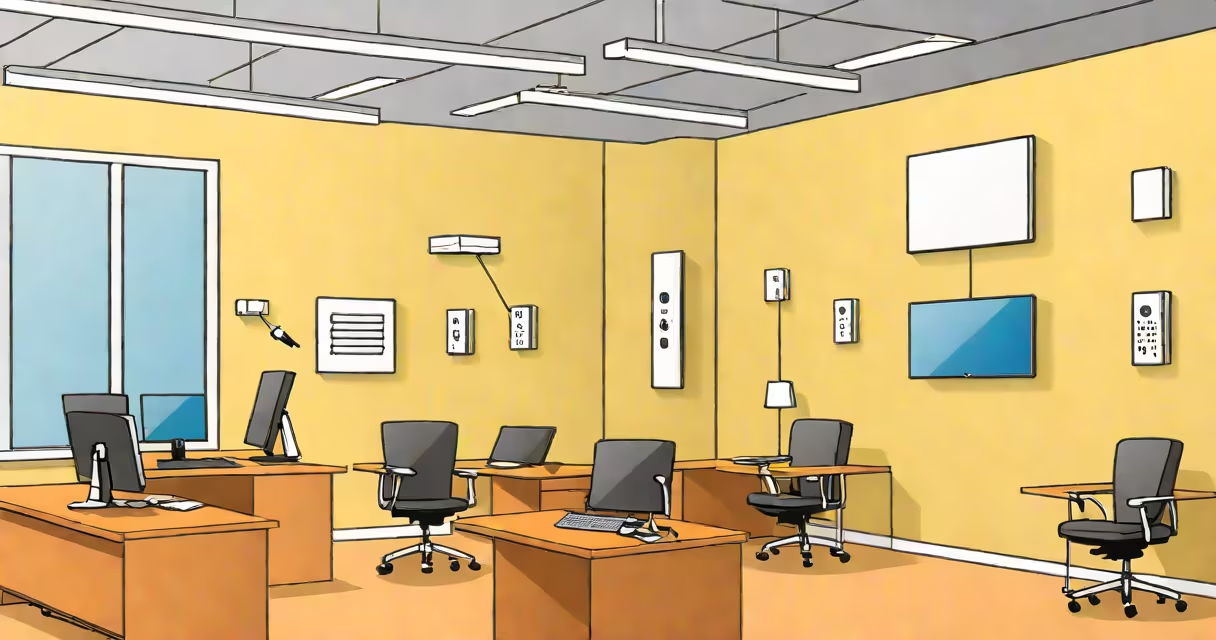
A wireless access point device is a hardware component that enables wireless devices like laptops, smartphones, and tablets to connect to a wired local area network (LAN) using Wi-Fi. It acts as a bridge between wired infrastructure and wireless clients, extending network coverage and managing traffic between them.
Unlike a home router-which combines routing, switching, and Wi-Fi capabilities-a wireless access point device focuses solely on wireless connectivity. It receives data from the network via Ethernet and broadcasts it over radio frequencies (typically 2.4 GHz or 5 GHz bands) to nearby devices. This separation allows for greater scalability, performance, and centralized management in environments with many users.
For example, a small business with 50 employees may deploy multiple wireless access point devices across different floors. Each unit connects to the company's central switch and broadcasts a unified Wi-Fi network. This setup prevents congestion and ensures consistent signal strength throughout the building, unlike relying on a single consumer-grade router.
When a smartphone connects to a wireless access point device, the device authenticates the client using security protocols such as WPA3 or WPA2. Once verified, it forwards the device's data packets through the Ethernet cable to the core network. The access point handles tasks like channel selection, interference avoidance, and load balancing among connected devices.
Modern access points support 802.11ac and 802.11ax (Wi-Fi 6) standards, which improve throughput and reduce latency. They operate in either standalone mode (self-managed) or centrally managed mode (controlled by a network controller). In managed setups, administrators configure settings like bandwidth limits, guest access zones, and device prioritization from a single dashboard.
For instance, a university campus might use a centralized controller to manage hundreds of access points. When a student moves from one classroom to another, their device automatically reconnects to the strongest available access point without dropping the connection-a process called roaming.
Wireless access point devices come in several forms based on deployment, power delivery, and physical design:
| Type | Power Source | Use Case | Example Scenario |
|---|---|---|---|
| Standalone | AC power adapter | Small offices, home networks | Single-unit setup for a coffee shop with 20 customers |
| Managed (controller-based) | PoE (Power over Ethernet) | Enterprises, schools, hospitals | University dormitory with 1,000 students |
| In-wall | PoE or AC | Commercial spaces, hotels | Hotel lobby with discreet, wall-integrated units |
| Outdoor | AC or solar-powered | Warehouses, parking lots, campuses | Security cameras monitoring a parking garage |
Many organizations now use PoE (Power over Ethernet) to simplify installation. A single Ethernet cable delivers both data and power, eliminating the need for separate electrical outlets. This method reduces cabling complexity and supports remote power cycling for troubleshooting.
People often mistake a wireless access point device for a Wi-Fi router. While both provide wireless connectivity, a router routes traffic between networks (like your home network and the internet), whereas an access point extends a single network to wireless clients. A router can function as an access point, but an access point cannot route traffic between networks.
Another misconception is that access points are only for businesses. In reality, high-density residential buildings, apartment complexes, and even large homes benefit from dedicated access points. For example, a homeowner with a 5,000-square-foot house might install three access points to eliminate dead zones and ensure stable video streaming in every room.
A key distinction missed by many: access points do not replace routers-they complement them. You still need a router to handle internet connection, IP assignment, firewall protection, and NAT (Network Address Translation). The access point adds wireless capability to that existing infrastructure.
In 2022, a tech startup in Austin upgraded its network after employees reported slow Wi-Fi during Zoom meetings. The company had one consumer-grade router in the server closet, serving 40 people across two floors. Signal dropped frequently in the conference room and near the kitchen.
The IT team replaced the router with a managed switch and deployed three enterprise-grade wireless access point devices-one on each floor. All units were powered via PoE and managed through a cloud controller. They configured separate SSIDs for staff and guests, set up bandwidth caps, and enabled automatic channel switching to avoid interference.
After deployment, average download speeds increased from 15 Mbps to 87 Mbps in the conference room. Network congestion dropped by 68%, according to internal monitoring tools. The solution was scalable-adding more access points later required only configuration changes, not new hardware.
According to the Institute of Electrical and Electronics Engineers (IEEE), the 802.11ax standard (Wi-Fi 6) increases efficiency by up to 400% compared to Wi-Fi 5 (802.11ac), especially under heavy load. This improvement comes from technologies like OFDMA (Orthogonal Frequency Division Multiple Access) and BSS coloring, which reduce interference in dense environments.
The Wi-Fi Alliance reports that Wi-Fi 6E devices operating in the 6 GHz band offer lower latency and higher throughput due to less congestion. However, not all access point devices support this frequency-only those labeled "Wi-Fi 6E" include it.
I installed a wireless access point device in my basement during a home renovation. The original router was in the attic, and the signal barely reached the lower level. After mounting a PoE-enabled access point near the main breaker panel and running a single Ethernet cable from the router, the basement achieved full 5 GHz coverage. Devices like smart TVs and gaming consoles no longer dropped connections during peak hours.
This setup cost under $200 and eliminated the need for a mesh system. The access point handled all wireless traffic, while the router managed internet routing and security. It was simpler, faster, and easier to maintain than a multi-node mesh network.
A wireless access point device is a specialized network tool that extends wired LANs to Wi-Fi clients. It enhances reliability, capacity, and control in homes, offices, and public venues. Unlike a router, it doesn't route traffic between networks-it only manages wireless connections. Deploying multiple access points improves coverage and performance, especially in large or complex spaces.
Understanding the role of a wireless access point device helps avoid common mistakes in network planning. Whether upgrading a home network or deploying a corporate Wi-Fi system, choosing the right access point model and placement strategy makes a measurable difference in speed, stability, and user satisfaction.