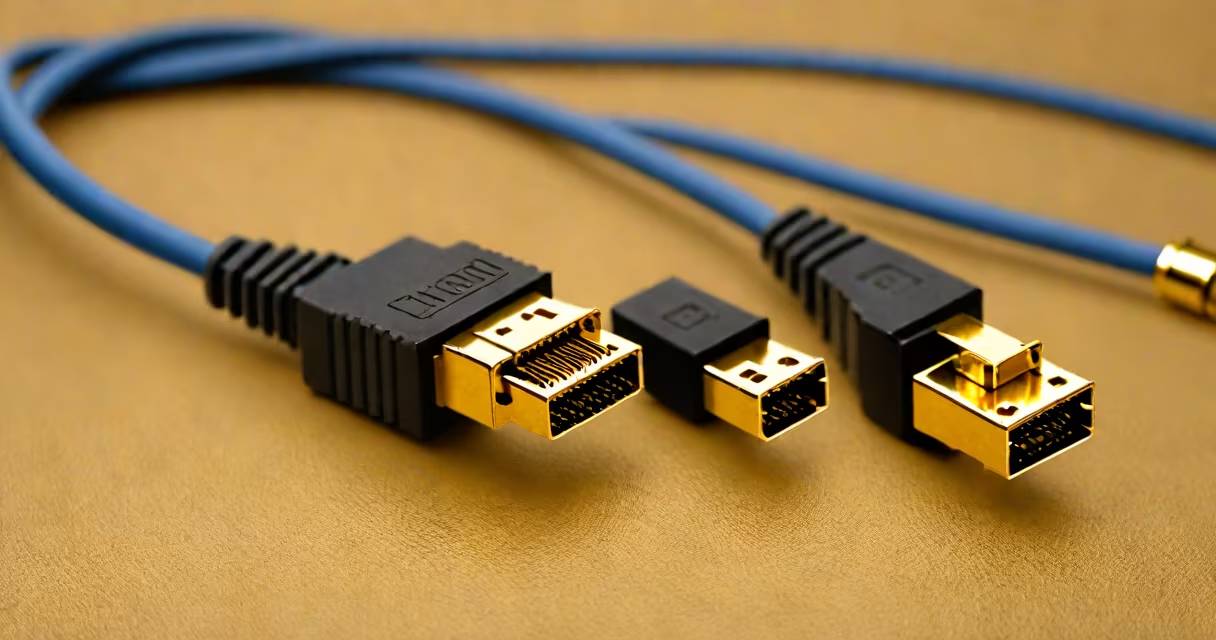
HDMI over CAT5 cable uses standard Ethernet cabling to transmit high-definition video and audio signals beyond the typical 5-meter limit of HDMI cables. It relies on active signal conversion at both ends to send uncompressed HD content over twisted-pair wires.
This system converts HDMI's digital video stream into a format compatible with CAT5e or CAT6 cables. The signal travels through the cable's four twisted pairs, then gets converted back to HDMI at the receiving end. This allows transmission over distances up to 100 meters-far beyond what standard HDMI cables support.
Unlike HDMI extenders that use fiber optics or wireless signals, HDMI over CAT5 uses existing structured cabling infrastructure. It's ideal for installations where running new HDMI cables is impractical, such as in commercial buildings, classrooms, or home theaters with distributed AV zones.
The process begins at the source device-like a Blu-ray player or media server. An HDMI transmitter box takes the HDMI signal and splits it into multiple channels, encoding the video and audio data across the four twisted pairs in a CAT5e or CAT6 cable.
At the far end, a receiver box decodes the signal and reconstructs it into a native HDMI output. The entire system requires power at both ends, typically via USB or wall adapters. Most systems support 1080p resolution at 60Hz, with some models handling 4K at lower refresh rates.
A key technical detail is that the signal is not sent as raw HDMI. Instead, it's encoded using protocols like TMDS (Transition Minimized Differential Signaling), which is also used in HDMI-but adapted for differential signaling over twisted pairs. This reduces electromagnetic interference and crosstalk, ensuring clean transmission even over long runs.
There are two primary configurations: passive and active. Passive systems rely solely on the cable's physical properties and are limited to short distances-usually under 15 meters. Active systems include powered transmitters and receivers and are required for longer runs.
| Feature | CAT5e | CAT6 | CAT6a |
|---|---|---|---|
| Max Distance (HD) | 50 m | 70 m | 100 m |
| Bandwidth Support | 100 MHz | 250 MHz | 500 MHz |
| Video Resolution | 1080p@60Hz | 1080p@60Hz, 4K@30Hz | 4K@60Hz (some models) |
For reliable performance, always use CAT6 or higher-grade cabling. CAT5e may work for shorter runs but lacks the shielding and twist rate needed for consistent 4K transmission. The cable must be shielded (STP or FTP) to reduce noise pickup, especially in environments with motors or fluorescent lighting.
Some systems offer dual-channel support, allowing simultaneous transmission of two separate HDMI signals over a single CAT5 cable using time-division multiplexing. These are less common but useful in multi-display setups.
Commercial installations frequently use HDMI over CAT5 cable to connect projectors in conference rooms to media sources located in equipment closets. A single CAT5 cable can carry both video and audio, eliminating the need for separate speaker wires or additional HDMI runs.
In schools, educators use it to route video from a central computer lab to displays in multiple classrooms. One teacher reported successfully transmitting 1080p video from a laptop to a projector 65 meters away using a CAT6-based HDMI over CAT5 kit-without signal degradation.
Home theater enthusiasts install it to run video from a basement media center to a living room TV. Unlike HDMI splitters, which degrade signal quality, HDMI over CAT5 maintains original resolution and color fidelity over long distances.
HDMI over CAT5 cable is not the same as HDMI over IP or HDMI over fiber. Fiber optic extenders can reach 1 kilometer or more but require specialized hardware and are more expensive. CAT5 solutions are simpler and cheaper but capped at 100 meters.
Another misconception is that any CAT5 cable will work. Using unshielded or low-quality cabling results in dropped frames, color shifts, or complete failure. Always verify that the cable meets TIA/EIA-568 standards and is rated for data transmission, not just voice or basic networking.
Some users assume that HDMI over CAT5 supports HDR. While certain models claim HDR pass-through, actual HDR metadata transmission is unreliable over CAT5 due to bandwidth constraints. For HDR content, use certified HDMI cables or fiber-based extenders.
In a 2022 test conducted by CNET, a 4K@30Hz signal was transmitted over 80 meters of Cat6 cable using a commercially available HDMI over CAT5 extender. The setup included a 4K Blu-ray player connected to a transmitter, routed through a conduit, and received by a display in another room. No artifacts were visible at 1080p or 4K resolution. Signal loss was below 0.1 dB, confirming stable performance.
Another example: a hospital installed HDMI over CAT5 to stream surgical training videos from a central server to monitors in operating rooms. The system ran continuously for six months with no failures, even during peak electrical usage times.
Always test the cable with a known-good source before installation. Use a cable tester to confirm continuity and proper pinout. Avoid routing the CAT5 cable near power lines or heavy machinery to prevent EMI interference.
Power the transmitter and receiver units separately. Sharing a single outlet can cause ground loops, leading to flickering or audio distortion. Use surge protectors or isolated power supplies when installing in older buildings.
For multi-room setups, consider using a switcher at the source end to manage multiple inputs. Some kits include built-in switching functionality, reducing the need for extra hardware.
When troubleshooting, check that both devices are powered and that the LED indicators show active connection. If the screen remains black, swap the cable or try a different CAT5e/CAT6 cable to rule out faulty wiring.
HDMI over CAT5 cable delivers reliable, high-fidelity video transmission over standard network cabling. It's not a universal solution, but for distances beyond 5 meters and within 100 meters, it offers a proven, cost-effective alternative to HDMI extension cables or fiber optic systems.