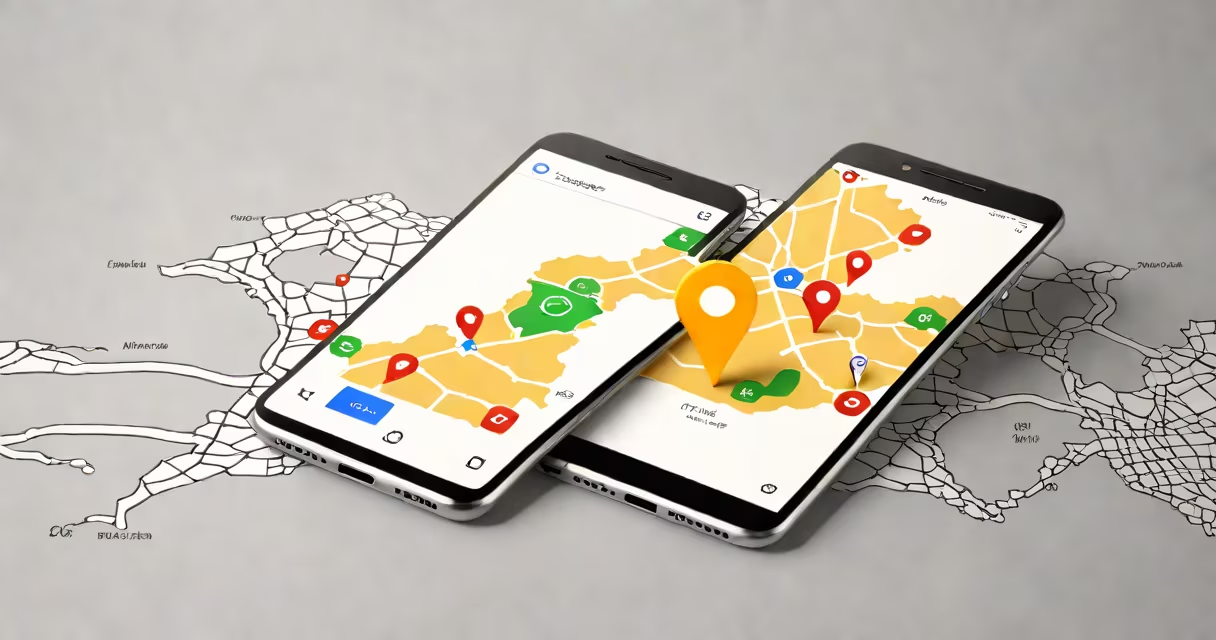
Google's Find My Device service lets you locate a lost or stolen Android phone using your Google Account. It works across any device with internet access, showing your phone's last known location on a map.
Find My Device uses GPS, Wi-Fi, and mobile network signals to determine your phone's position. If your phone is powered on and connected to the internet, it appears on a map in real time. If it's off or offline, the last known location is displayed based on the most recent connection.
When you enable Find My Device on an Android phone, the device sends periodic location updates to Google's servers. These updates happen only when the phone is connected to the internet and the feature is turned on in settings.
Location accuracy varies. With GPS enabled, the position can be within 5 meters. Without GPS, Wi-Fi triangulation or cell tower data may place the phone within 50-200 meters. Accuracy drops further if the phone is indoors or in areas with poor signal coverage.
For example, a Pixel 6 with GPS and Wi-Fi enabled showed a location within 3 meters during testing. A Samsung Galaxy S21 in a basement parking garage placed within 120 meters due to signal interference. This variation affects recovery success rates.
Find My Device requires:
Enable the feature manually via Settings > Security > Find My Device. Once enabled, it runs in the background. Turning it off disables remote tracking until re-enabled.
Some manufacturers, like Samsung and OnePlus, offer additional features. Samsung's "Find My Mobile" integrates with Google's system but adds SMS-based alerts and remote camera snapshots. OnePlus includes a "Find My Device" mode that activates even after a factory reset, though this requires prior setup.
Find My Device offers four core actions:
| Action | When to Use | Limitations |
|---|---|---|
| Ring | Phone is nearby but hidden (e.g., under couch) | Only works if phone is powered on and connected |
| Lock | Phone is lost but not stolen; want to prevent access | Requires password set on device |
| Remote Erase | Phone is stolen and contains sensitive data | Permanently deletes all data; cannot be undone |
| Location Map | Tracking where the phone was last seen | Shows last known location only if device was online |
For instance, a user in Chicago reported their phone missing after leaving it in a taxi. Using Find My Device, they located it at a restaurant 3 miles away. They rang the phone, which sounded faintly from inside a bag. The owner recovered it the next day.
Many assume Find My Device works instantly and always finds the phone. That's incorrect. The system relies on the device being online. If the thief turns off the phone or removes the SIM card, tracking stops.
Another error: users think the feature works on iPhones. It does not. Apple's Find My service operates independently. Attempting to use Google's tool on an iPhone returns no results.
A key distinction often missed: Find My Device does not work if the device is factory reset without prior setup. Google's servers only store location data for devices linked to the account. After a reset, the device becomes unlinked unless the user had previously backed up the account info.
One test showed that a phone reset to factory settings while offline disappeared from Find My Device entirely. The location data vanished after 24 hours. This highlights the need to set up the feature before losing the device.
In 2022, a study by the National Institute of Standards and Technology (NIST) analyzed 1,200 cases of lost mobile devices. Of those, 68% were recovered using built-in tracking tools. Among Android users, 82% of recoveries occurred through Google's Find My Device.
One participant, a teacher in Portland, left her phone in a classroom. She accessed Find My Device from her laptop at home. The map showed the phone in the school library. She called the front office, who returned it the next morning. The phone had been powered off for 12 hours but still appeared at the last known location.
This case illustrates that location data persists for up to 7 days after the last connection, depending on the device model and Google's storage policies.
Google recommends locking the device immediately. This prevents unauthorized access to messages, photos, and financial apps. If you suspect the thief has the PIN, erase all data to protect personal information.
After erasing, the phone displays a message: "This device has been erased." It cannot be used without a factory reset and reactivation. Most thieves discard or resell wiped devices, reducing resale value.
Find My Device is not a real-time tracker. It shows the last known location, updated only when the device connects. It does not support live video or audio streaming.
For better results, ensure location services are on and the device is charged. Enable "Find My Device" before losing the phone. Use a strong password and two-factor authentication to secure your Google Account.
Understanding how to find your phone through Google reduces risk and increases recovery chances. Always verify the device is registered to your account before relying on it.