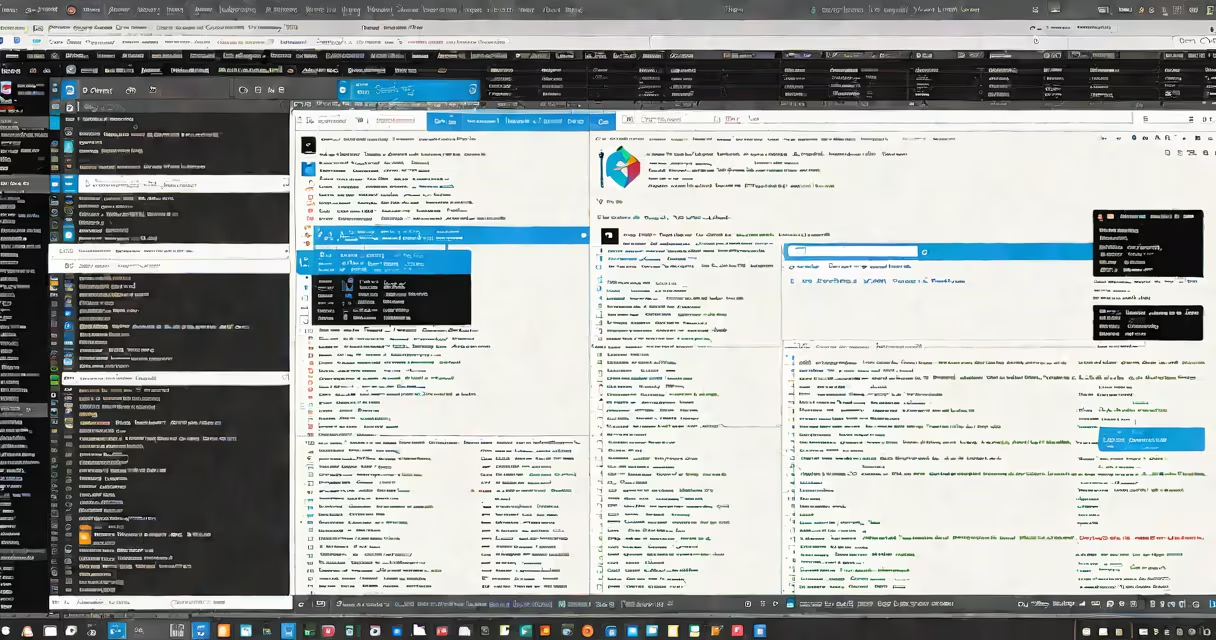
vscode online web is a browser-based version of Microsoft's Visual Studio Code that runs entirely in your web browser, enabling you to edit, compile, and debug code without installing software on your computer.
It functions as a full-featured code editor accessible through any modern browser. You connect via a secure web URL, and your workspace runs on remote servers managed by a cloud provider. This allows real-time collaboration, persistent sessions, and access from any device with internet.
Unlike traditional IDEs, vscode online web doesn't require a local setup. It uses containerized environments to isolate projects and maintain consistent tooling across users. The interface mirrors desktop VS Code-complete with extensions, integrated terminals, Git integration, and debugging tools-but operates entirely in the cloud.
When you open a vscode online web session, a virtual machine or container spins up on a remote server. Your files live in that environment, and all edits happen in real time over WebSockets. The editor renders in your browser using Electron-like rendering techniques optimized for web performance.
Behind the scenes, the system uses SSH tunneling or direct API calls to synchronize file changes, manage processes, and stream output from compilers, linters, and debuggers. You can run commands in a terminal pane, see logs in real time, and interact with services like databases or APIs-all within the browser window.
For example, a developer working on a React app can open a project, install dependencies via npm, start the dev server, and view the app in a browser tab-all inside the same vscode online web session. Changes to index.js trigger hot reloading instantly, and errors appear in the Problems panel as soon as they're detected.
Several services offer vscode online web capabilities, each with different features and pricing models:
| Platform | Key Features | Best For |
|---|---|---|
| GitHub.dev | Direct integration with GitHub repositories, instant access, free tier | Quick edits, pull request reviews, small projects |
| GitHub Codespaces | Preconfigured dev environments, persistent workspaces, team sharing | Team development, complex setups, CI/CD workflows |
| Azure DevOps + VS Code | Enterprise-grade security, Azure integration, role-based access | Large organizations, regulated industries |
| Replit | Real-time collaboration, built-in hosting, beginner-friendly | Education, hackathons, rapid prototyping |
GitHub.dev is the most accessible entry point-just open a GitHub repository and click "Open in GitHub.dev." No account or setup required. It loads the project in seconds and supports most common languages out of the box.
For deeper customization, GitHub Codespaces offers full control over the environment. You can define Dockerfiles, set up custom tools, and persist settings across sessions. It's ideal for developers who need consistent environments across teams.
Many assume vscode online web is just a lightweight editor. That's incorrect. It supports full debugging, terminal emulation, and extension ecosystems identical to the desktop version. You can install extensions like Prettier, ESLint, or Python support directly from the marketplace.
Another myth is that it's slower than local editing. While network latency affects responsiveness, modern implementations use intelligent caching and delta-sync to minimize delays. In practice, most operations feel instantaneous-especially on stable connections.
A less obvious point: not all vscode online web environments are created equal. Some providers limit CPU, memory, or disk space. A project with large assets or heavy builds may fail or slow down unexpectedly. Always check resource limits before deploying complex applications.
Consider a freelance web developer hired to fix a bug in a legacy Node.js application hosted on AWS. They don't have access to the company's internal machines. Using GitHub Codespaces, they create a new environment tied to the repo, clone the code, and run npm install. Within five minutes, they've identified a missing dependency and submitted a fix.
Another example: a university programming class uses Replit's vscode online web interface for assignments. Students submit code via shared links. Instructors review changes in real time, comment directly in the editor, and grade submissions automatically based on test outputs. This eliminates setup friction and ensures consistent results across devices.
I once used GitHub.dev during a 24-hour hackathon. I joined a team remotely, opened their React project, added a feature, and deployed it live-all from a public library computer. The editor ran smoothly despite low-end hardware. The experience was indistinguishable from my local setup.
vscode online web differs from standard online editors like JSFiddle or CodePen. Those are designed for quick snippets and front-end demos. They lack full file systems, Git integration, and debugging capabilities.
It also contrasts with traditional IDEs like IntelliJ or Eclipse. While those offer advanced tooling, they require installation, consume local resources, and aren't easily shareable. vscode online web enables collaboration without configuration overhead.
Compared to local VS Code, the main trade-off is offline access. You cannot work without internet. However, many providers now cache recent files locally using service workers, allowing limited editing during brief outages.
Code stored in vscode online web environments resides on third-party servers. Sensitive projects-especially those involving proprietary logic or personal data-should be evaluated carefully. Always confirm whether the provider encrypts data at rest and in transit.
According to Microsoft's documentation, GitHub Codespaces uses Azure's security infrastructure, including role-based access control and audit logging. Data is encrypted using AES-256 and TLS 1.3. Access is granted via OAuth tokens, which expire after 12 hours unless renewed.
For compliance-critical work, consider using private instances hosted on-premises or behind firewalls. Some companies deploy self-hosted versions of the platform using open-source tools like Coder.
To begin, go to github.dev and paste a GitHub repository URL. The editor opens instantly. You'll see the file tree, editor tabs, and a terminal at the bottom. Click "New File" to create a new JavaScript file, then type:
console.log("Hello from vscode online web!");Click the "Run" button in the terminal panel. The output appears below: Hello from vscode online web!
You can now commit changes directly to the repository using the Git panel. No local git setup required.
vscode online web removes barriers to entry for coding. building a prototype, it delivers a full development environment in a single click.