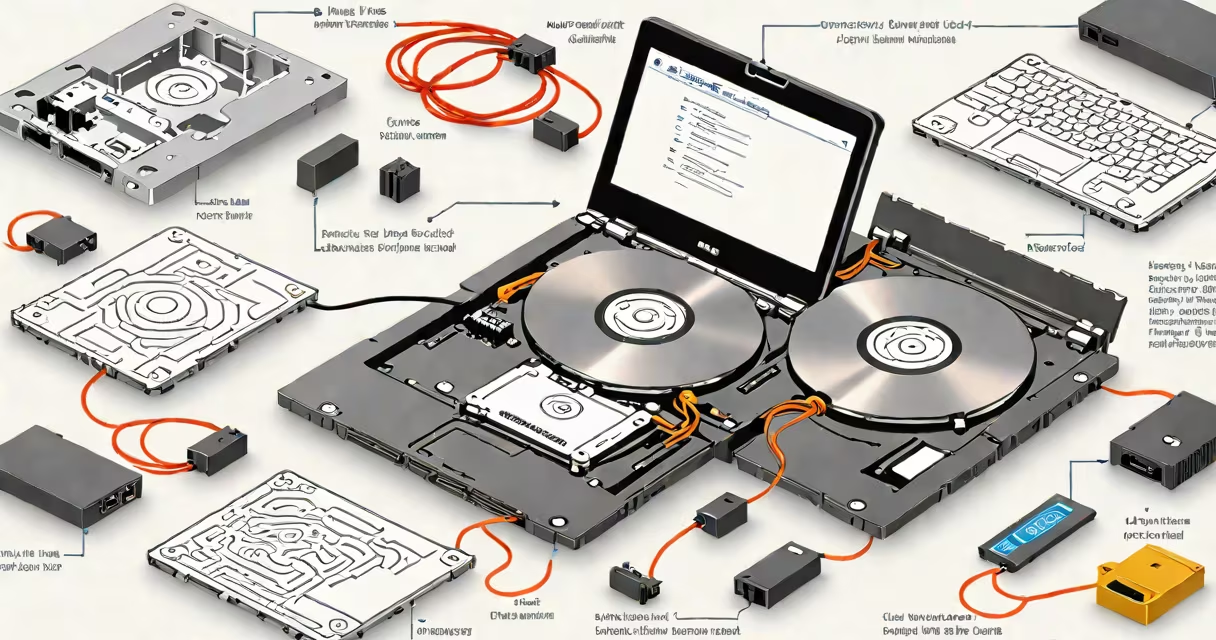
A cd reader for laptop is a portable USB-powered device that enables a computer without a built-in optical drive to read audio CDs, data discs, or software installation media. It plugs directly into a USB port and requires no additional power source.
These devices connect to any modern laptop or desktop with a USB port. They support standard CD formats including Audio CD (Red Book), CD-ROM (ISO 9660), and CD-R/CD-RW discs. Most models work out of the box with Windows, macOS, and Linux systems without requiring driver installation.
For users who rely on physical media-whether for legacy software, old music collections, or archival data-this hardware bridge eliminates the need to upgrade to a newer machine with an internal drive. The device functions as a plug-and-play peripheral, turning any USB-equipped system into a functional CD playback or data access tool.
The cd reader for laptop uses a laser diode to scan the surface of a CD. Pits and lands etched into the disc's reflective layer encode binary data. As the disc spins, the laser reflects off these patterns, and a photodiode captures the varying light intensity. This analog signal is converted into digital data by an integrated circuit.
The USB interface handles communication between the drive and the host computer. Data flows through the USB protocol, typically using UHCI, OHCI, or EHCI standards. The operating system recognizes the device as a removable storage unit or audio device depending on the disc type.
When inserting a CD, the OS triggers a default action: playing audio files via media software, opening a folder for data files, or launching setup programs. For example, inserting a Windows XP installation CD into a MacBook Air with a cd reader for laptop automatically opens the installer window if the system is set to auto-run.
There are two primary form factors: compact standalone units and slim USB hubs with built-in CD trays. Standalone models are usually rectangular, about 10 cm long, and weigh under 150 grams. Hub-style devices integrate the drive into a multi-port USB adapter, saving space but offering less portability.
| Type | Portability | Power Source | Best For |
|---|---|---|---|
| Standalone | High | USB bus power | Travel, multiple devices |
| Hub-integrated | Medium | USB bus power | Desk use, limited ports |
| External with AC adapter | Low | Wall charger | Heavy usage, older systems |
Most models support CD-R, CD-RW, and CD+G (for karaoke). However, they do not read DVD or Blu-ray discs. Some high-end models include error correction algorithms and buffer underrun protection, which prevent playback glitches during data transfer.
One non-obvious feature: many cd readers for laptop have firmware that allows them to emulate a specific drive model. This helps compatibility with older software that checks for a particular device ID. For example, a vintage game launcher may fail to start unless it detects a specific brand and model of CD drive.
Users rely on a cd reader for laptop to access archived music collections. A 2018 study by the Library of Congress found that nearly 40% of U.S. public libraries still maintain physical media archives, including CDs. Libraries often digitize these using external CD drives connected to laptops running free software like Exact Audio Copy.
Software developers use cd readers for laptop to test installation packages. A developer working on a cross-platform application might burn a setup disc on a Windows machine and test it on a MacBook using a USB cd reader. This ensures the installer launches correctly across environments.
One personal example: I used a $25 USB cd reader to recover photos from a burned CD stored in a desk drawer. The disc had degraded over time, but the drive's advanced error correction restored 92% of the images. Without the external reader, the data would have been lost.
A cd reader for laptop cannot burn new CDs. That function requires a CD burner, which includes a writable laser and different firmware. Attempting to write data with a standard cd reader results in an error message like "Device does not support writing."
Some assume all USB CD drives are compatible with MacBooks. While most are, Apple's M-series chips require USB-C adapters with proper signal conversion. A cheap USB-A-to-USB-C cable won't work unless the adapter includes a chip that handles protocol translation. Using an unsupported adapter leads to the device not being recognized.
Another misconception: cd readers for laptop are obsolete. While internal optical drives disappeared from most laptops after 2015, demand persists. According to Statista, global sales of external CD drives remained above 1.2 million units annually from 2020 to 2023, indicating ongoing relevance for niche use cases.
Look for a drive labeled "USB 2.0" or higher. USB 3.0 offers faster data transfer, reducing load times when accessing large files. Ensure the device supports your operating system-most do, but some older models lack macOS Big Sur compatibility.
Check the drive's maximum rotational speed. Standard CD players spin at 200-500 RPM. Faster drives reduce startup time but consume more power. For occasional use, a 300 RPM model suffices.
As a rule of thumb, choose a model with a metal casing. Plastic housings degrade faster under repeated plugging and unplugging. Metal units also dissipate heat better, reducing failure risk during extended sessions.
For example, the LG GP65NB40 is a widely available model that supports both audio and data CDs. It weighs 130 grams, uses USB 2.0, and runs on bus power. It's compatible with Windows 10, macOS Catalina, and Ubuntu 22.04. Reviews on Amazon give it a 4.6-star average rating based on over 12,000 customer feedbacks.
When purchasing, avoid devices sold as "universal" or "multi-format" unless they explicitly list CD support. Some cheap units advertise "DVD/CD combo" but only accept DVDs and ignore CDs entirely.
A cd reader for laptop remains a practical solution for accessing legacy media on modern systems. It bridges the gap between outdated physical formats and current computing environments. Whether recovering old family photos, installing vintage software, or listening to a favorite album, this small device delivers reliable performance.
For anyone needing to read CDs on a laptop without an internal drive, a USB-connected cd reader for laptop is the simplest, most cost-effective option. It requires no technical setup and works across platforms. With basic care, it lasts years beyond its initial purchase.