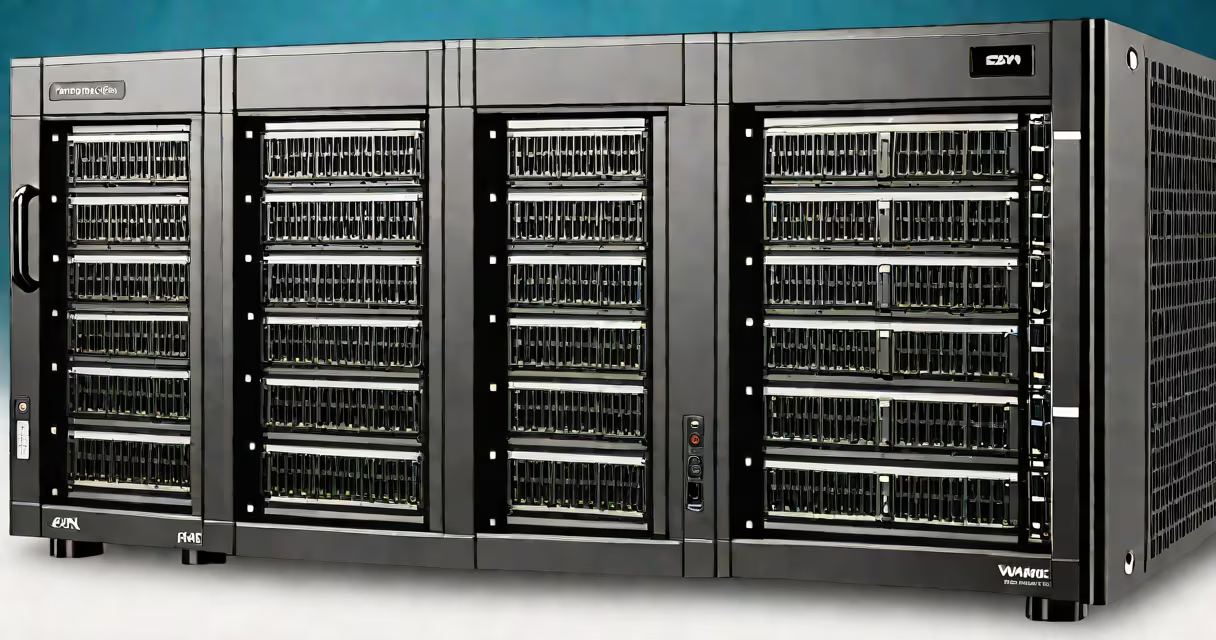
Esxi compatible hardware refers to physical server systems officially certified by VMware to run ESXi, the bare-metal hypervisor used for enterprise virtualization. These systems meet strict requirements for CPU, memory, storage, networking, and firmware to ensure stability, security, and full feature support.
VMware maintains a Hardware Compatibility List (HCL) that validates which server models, processors, network adapters, and storage controllers work reliably with ESXi. Only hardware listed on the HCL receives official support, driver updates, and access to advanced features like vMotion, Storage vMotion, and vSphere High Availability.
Using non-compatible hardware risks system crashes, missing drivers, poor performance, or complete failure to boot. For example, a Dell PowerEdge R750 with Intel Xeon Silver 4310 CPUs and Mellanox ConnectX-6 NICs is listed on the HCL and runs ESXi 8.0 without issues. A similar model with an unsupported NIC may fail during installation or lose network connectivity after reboot.
ESXi boots directly on the physical server without requiring a guest operating system. The hypervisor manages CPU, RAM, storage, and network resources among multiple virtual machines (VMs). Compatibility helps all components communicate correctly through standardized drivers and firmware.
When a server is certified, VMware tests it under real-world conditions using specific versions of ESXi. This testing verifies that power management, error logging, remote console access, and firmware updates function properly. For instance, Dell's iDRAC and HPE's iLO remote management tools integrate smoothly with ESXi when used on HCL-approved hardware.
Without certification, drivers may not load, causing VMs to fail to start or storage devices to appear as unformatted. A server with an unsupported RAID controller might show disks as "unknown" in the ESXi web client, preventing VM creation.
Hardware compatibility is categorized by component type. VMware publishes detailed HCL entries for each supported device. The following table outlines key categories and examples:
| Component Type | Examples of Compatible Devices | Why It Matters |
|---|---|---|
| CPU | Intel Xeon Gold 6330, AMD EPYC 7742 | Must support virtualization extensions (Intel VT-x, AMD-V). Unsupported CPUs fail to boot ESXi. |
| Network Adapter | Mellanox ConnectX-6, Intel X550-T2 | Enables SR-IOV, VLAN tagging, and high-throughput VM networking. |
| Storage Controller | LSI MegaRAID 9361-8i, Broadcom 5720 | Supports hot-plug drives, RAID levels, and persistent storage mapping. |
| Management Interface | Dell iDRAC9, HPE iLO 5 | Provides out-of-band access for remote console, power control, and firmware updates. |
Each entry in the HCL includes a version-specific status: "Supported," "Limited Support," or "Unsupported." For example, a server with an older Intel Xeon E5-2690 v3 processor may be listed as "Limited Support" in ESXi 7.0 due to lack of certain instruction set optimizations.
Enterprises deploy ESXi compatible hardware in data centers, cloud environments, and private cloud infrastructures to consolidate workloads, reduce energy costs, and improve resource utilization. A single server running ESXi can host dozens of VMs, replacing multiple physical servers.
For example, a hospital IT team deployed 12 HCL-certified Lenovo ThinkSystem SR650 servers with NVMe SSDs and dual 25GbE network cards to run a virtualized electronic health records (EHR) system. The setup enabled live migration of patient data VMs between hosts during maintenance, minimizing downtime.
Non-compliant hardware introduces risk. In one case, a company installed ESXi on a refurbished HP ProLiant DL380 G9 with a non-HCL SATA controller. After two weeks, the system crashed repeatedly due to a missing kernel module. Replacing the controller with an HCL-approved LSI SAS3008 resolved the issue.
Many assume that any x86-64 server with sufficient RAM and CPU can run ESXi. This is false. While ESXi can technically install on some non-HCL systems, it lacks driver support and fails under load. A server with an unsupported GPU may prevent the graphical console from loading, even if the VMs run.
Another myth is that newer CPUs automatically qualify. Intel's 12th Gen Core processors (Alder Lake) do not support Intel VT-d, required for PCI passthrough. Without it, VMs cannot directly access dedicated GPUs or NICs. This limitation applies even if the CPU is recent and useful.
A critical distinction: HCL compliance does not guarantee optimal performance. A server may be listed as "Supported" but still suffer from thermal throttling or insufficient PCIe bandwidth. For example, a Supermicro motherboard with four M.2 NVMe slots may support ESXi, but only two lanes per slot result in reduced storage throughput compared to a higher-end board with full PCIe 4.0 support.
I once tested a custom-built server with an AMD Ryzen 5900X and a B550 chipset. It booted ESXi 8.0, but failed to recognize a second NVMe drive due to a missing kernel module. The system was not on the HCL. After switching to a server with an AMD EPYC 7742 and a Supermicro X12DPG-T motherboard, both drives appeared correctly in the storage browser.
Always consult the official VMware Hardware Compatibility List at vmware.com/resources/compatibility/search.php before purchasing or deploying hardware. Enter the server model, manufacturer, and desired ESXi version to check compatibility status.
Use VMware's vCenter Converter to assess existing infrastructure. It flags hardware that lacks drivers or has known issues. For example, vCenter detected a missing driver for a QLogic QLE2700 Fibre Channel adapter on a Cisco UCS C220 M6, prompting a firmware update before deployment.
Deploy only HCL-approved hardware for production environments. Test new configurations in staging first. Maintain a documented inventory of approved models and firmware versions to avoid drift.
Esxi compatible hardware is not optional-it is foundational. Without it, virtualization becomes unstable, unsupported, and insecure. The HCL exists not to restrict choice, but to ensure reliability across thousands of deployments worldwide.