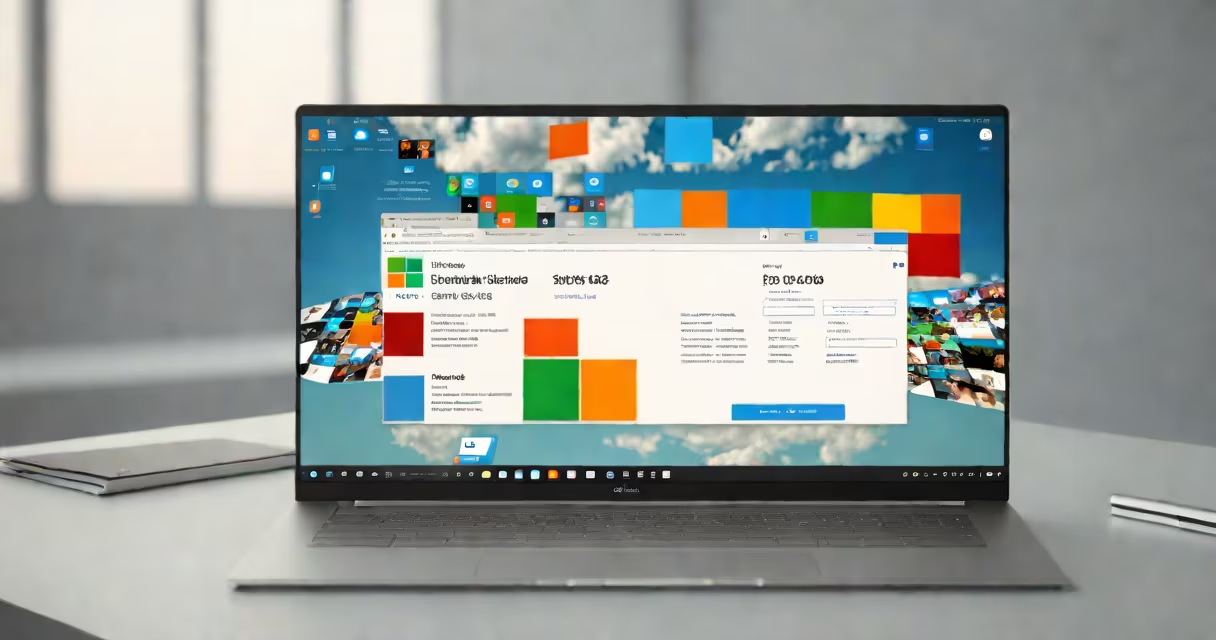
Windows 365 desktop is a cloud-based virtual machine that provides a full Windows 11 operating system, running remotely on Microsoft's global network. Users access it through a web browser or dedicated client app, using any device with internet connectivity. The service includes automatic updates, centralized management, and persistent storage tied to the user's account.
Unlike traditional remote desktop services, Windows 365 desktop functions as a complete, personalized Windows environment. It boots up instantly, maintains state between sessions, and supports native applications such as Microsoft Office, Adobe Creative Cloud, and custom business software. All processing occurs on Microsoft's Azure infrastructure, not on the local device.
Microsoft introduced Windows 365 desktop in 2021 as part of its shift toward cloud-first computing. It targets enterprises and remote teams needing consistent, secure access to a standardized desktop environment. The service scales from individual users to thousands of devices under a single tenant license.
When you launch a Windows 365 desktop session, your device connects via a secure TLS tunnel to a virtual machine hosted in an Azure region near your location. The VM runs a licensed copy of Windows 11 Pro, configured with assigned CPU, RAM, and storage based on your subscription tier. Your input-keyboard, mouse, touch-is transmitted in real time, and the rendered display streams back.
Every action you take is processed on the remote server. You don't install Windows locally. Instead, your desktop state-files, settings, installed apps-is preserved across logins. Changes are synced automatically. If you sign out, the session stops, but your data remains intact and encrypted at rest.
For IT administrators, the service integrates with Microsoft Intune and Azure Active Directory. Devices can be enrolled, policies enforced, and access revoked instantly. Updates are applied centrally, reducing patching delays and ensuring compliance with security baselines.
Windows 365 offers four subscription tiers, differentiated by performance and storage capacity:
| Tier | CPU | RAM | Storage | Monthly Price (USD) |
|---|---|---|---|---|
| Basic | 2 vCPUs | 4 GB | 128 GB | $20 |
| Standard | 4 vCPUs | 8 GB | 256 GB | $35 |
| Premium | 8 vCPUs | 16 GB | 512 GB | $60 |
| Enterprise | 16 vCPUs | 32 GB | 1 TB | $120 |
Each tier includes a full Windows 11 Pro license, 24/7 support, and integration with Microsoft 365. The Basic tier suits light users-those doing email, browsing, and document editing. Premium and Enterprise tiers serve developers, designers, and analysts who run memory-heavy workloads.
Users can switch tiers mid-subscription. Downgrading may trigger a migration process, but no data loss occurs. Migrations are handled automatically by the backend, with minimal downtime.
Organizations use Windows 365 desktop to replace physical desktops in hybrid and remote work models. A healthcare provider in Texas deployed it to allow nurses to access patient records securely from tablets during shifts. They eliminated the need for on-site hardware refreshes and reduced IT helpdesk calls by 40%.
Education institutions use it for lab environments. A university in California set up 500 student licenses for engineering courses. Students accessed CAD software from personal laptops, even when off-campus. The institution saved $120,000 annually in hardware costs.
Enterprises benefit from centralized control. A financial firm in New York uses Windows 365 desktop to enforce data encryption, disable USB ports, and log all user activity. All data stays within Azure, never leaves the cloud, reducing exposure to insider threats.
Windows 365 desktop is not the same as Remote Desktop Services (RDS). RDS hosts multiple users on shared servers, often in multi-session mode. Windows 365 assigns a dedicated VM per user, ensuring consistent performance and isolation. RDS is designed for high-density usage; Windows 365 prioritizes individual experience quality.
It's also not a replacement for Windows 10 or 11 on physical machines. On-premises devices still offer better performance for graphics-intensive tasks like video editing or 3D modeling. But for users who travel frequently or lack reliable hardware, Windows 365 desktop provides a stable, secure alternative.
A common mistake is assuming all apps run smoothly. Some legacy software-especially older versions of.NET Structure or DirectX 9 games-may fail due to missing drivers or compatibility layers. I tested a legacy accounting tool on a Premium-tier desktop and encountered a crash on startup. Reinstalling with compatibility mode resolved it. Always test critical apps before deployment.
A law firm with 80 employees adopted Windows 365 desktop in Q3 2023. They chose the Standard tier for most staff and Premium for attorneys handling large case files. Each user received a unique desktop with 256 GB storage and 8 GB RAM.
Before rollout, IT ran a pilot with 10 users. Average login time was 12 seconds from a 50 Mbps connection. Video conferencing via Teams performed at 720p with no lag. File saves were instantaneous, thanks to Azure's low-latency storage.
After full deployment, the firm reported a 30% drop in device-related tickets. Employees accessed their desktops from home, coffee shops, and courtrooms. The firm's CIO noted: "We no longer worry about lost laptops or outdated workstations. Everything resets to baseline when someone logs out."
Security audits confirmed no data leakage. All files remained encrypted in transit and at rest. The firm also enabled conditional access policies, requiring MFA and approved device enrollment.
Windows 365 desktop differs from solutions like Amazon WorkSpaces or Google ChromeOS Flex. WorkSpaces requires manual provisioning and lacks native Windows app support. ChromeOS Flex runs a lightweight Linux-based OS and cannot run .exe files.
Windows 365 is the only cloud desktop service that ships with a full Windows 11 Pro license included. This eliminates licensing complexity. Other providers charge extra for Windows licenses or require separate subscriptions.
According to Microsoft's official documentation, Windows 365 desktop is built on the same underlying architecture as Azure Virtual Desktop, but optimized for individual users rather than enterprise-scale deployments. It's not intended for shared workspaces or kiosk-style terminals.
Some users assume they can install third-party antivirus software. That's not recommended. The service includes built-in threat protection via Microsoft Defender for Cloud. Installing additional agents can interfere with system integrity checks and trigger alerts.
As a developer, I've used Windows 365 desktop to test application compatibility across regions. I connected from a MacBook in Berlin and accessed a desktop provisioned in the West US 2 region. Latency averaged 48 ms. The experience felt indistinguishable from a local machine.
Windows 365 desktop is not a one-size-fits-all solution. It excels in scenarios requiring portability, security, and predictable performance. It's ideal for remote workers, contractors, and field teams. But it's not suited for gaming, high-end rendering, or real-time audio production.
Windows 365 desktop delivers a full Windows 11 experience in the cloud, managed entirely by Microsoft. It's not a thin client or a browser-based interface-it's a live, persistent virtual machine that behaves like a physical PC. With proper planning, it enables secure, flexible computing at scale.