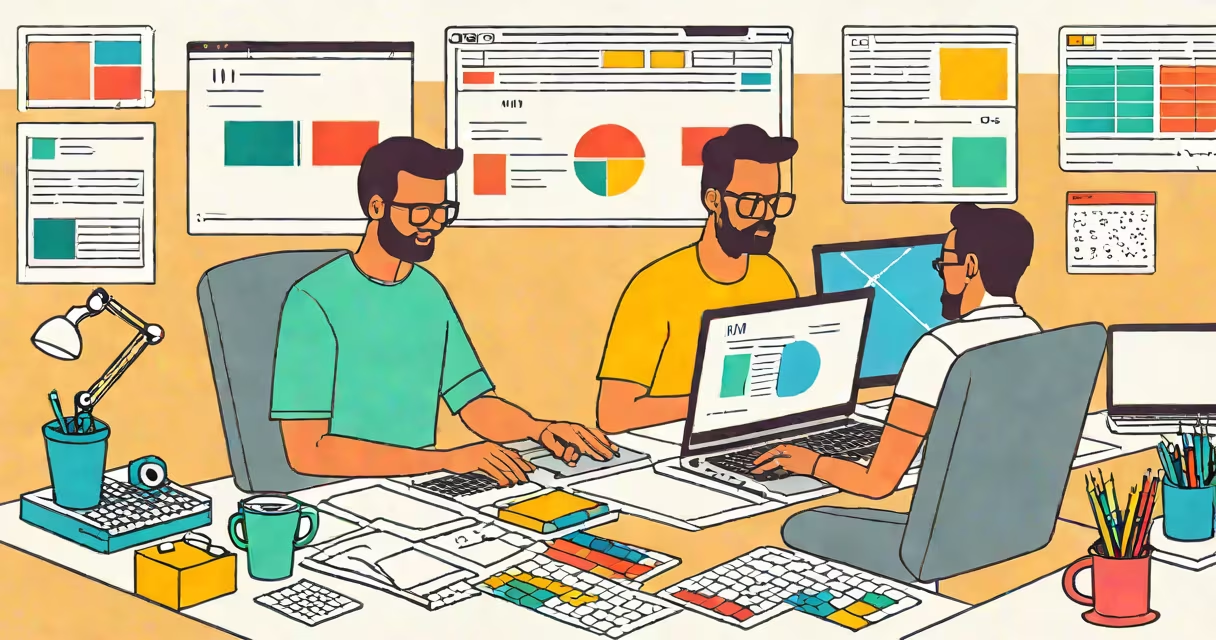
Web to design is the structured process of turning digital ideas into interactive, visual websites using planning, prototyping, and technical implementation. It begins with defining user needs and ends with a live site that functions across devices.
This phase involves sketching layouts, selecting color schemes and typography, creating clickable prototypes, and coding the final product. The goal is to deliver a site that's both easy to use and visually engaging.
Major platforms like Adobe XD, Figma, and Sketch support this workflow. Google's Material Design guidelines and Apple's Human Interface Guidelines provide standards for consistent interaction patterns.
The process starts with gathering requirements from stakeholders and users. A designer maps out user journeys-what someone clicks, sees, and does at each stage. This step ensures the site serves its purpose, whether selling products, sharing information, or collecting data.
Next, low-fidelity wireframes are created. These are basic blueprints showing structure without visuals. For example, a shopping site might have a header with a logo, search bar, and cart icon-all placed in expected positions based on usability research.
Once approved, high-fidelity mockups add colors, fonts, images, and animations. Tools like Figma allow teams to collaborate in real time. After feedback and revisions, a prototype simulates navigation. Users test it to find issues before coding begins.
Web to design includes several distinct stages, each with specific outputs:
| Stage | Output | Tools Used |
|---|---|---|
| Research & Planning | User personas, sitemap, feature list | Google Forms, Miro, Notion |
| Wireframing | Black-and-white layout sketches | Figma, Balsamiq, Pen & paper |
| Visual Design | Color palette, typography, image assets | Adobe Photoshop, Illustrator, Figma |
| Prototyping | Interactive demo with clickable elements | Figma, Adobe XD, ProtoPie |
| Development Handoff | Specs, assets, code snippets | Zeplin, Avocode, Figma Dev Mode |
Each stage builds on the last. Skipping wireframing often leads to redesigns later. A 2022 study by NN/g found that sites developed with early user testing had 40% fewer usability issues post-launch.
Designers may specialize in UX (user experience), focusing on flow and accessibility, or UI (user interface), handling visuals and micro-interactions. Some roles blend both-called UX/UI designers.
Many assume web to design is just about making a site look good. But aesthetics come after function. A beautiful layout fails if users can't complete tasks. The Web Content Accessibility Guidelines (WCAG) require contrast ratios of at least 4.5:1 for text-this isn't optional.
Another myth: "I'll fix the design later." That delay increases costs. According to a 2021 report by the Interaction Design Foundation, fixing a bug during design costs 10 times less than after launch. One client I worked with spent $12,000 rebuilding a checkout flow because they skipped prototyping.
Some confuse web to design with web development. The former focuses on appearance and behavior; the latter handles server logic, databases, and performance. A designer might create a form that submits data-but a developer writes the backend code to store it securely.
A nonprofit launching a donation page used web to design to improve conversion rates. They began with interviews of past donors. Key findings: people wanted clear impact statements ("$50 feeds a child for a week") and mobile-friendly forms.
They sketched three wireframe versions. Version A had a long scroll; Version B split content into cards; Version C used a vertical stepper. Testing showed Version C increased completed donations by 27%.
After refining visuals-using warm tones and large buttons-they built a prototype. Usability tests revealed confusion around the "recurring donation" checkbox. Redesigning it with a toggle and explanation improved completion by 18%.
Finally, developers used the handoff files from Figma to build the site. The result was a 35% higher donation rate compared to their old page.
Photography and web design intersect when choosing images that support messaging. A travel site using high-quality, authentic photos performs better in engagement metrics than one using stock imagery. Studies show users spend 2.3 seconds longer on pages with relevant photography.